Slide 6 of 7 from Free Features Shapes Layouts for PowerPoint
Free Layout & Charts PowerPoint Templates
Four Steps with Icons Layout
- Diagram
- Arrow Sequence
- Process Slide
- 16:9
- 100% Editable
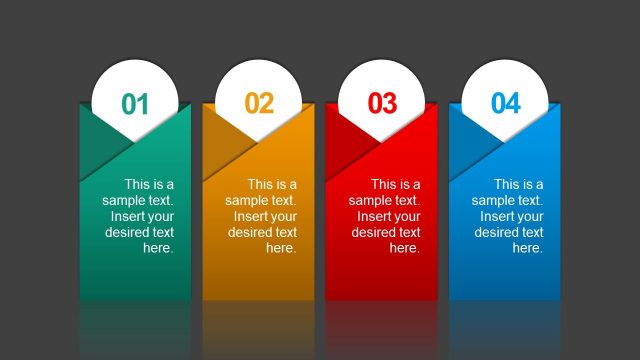
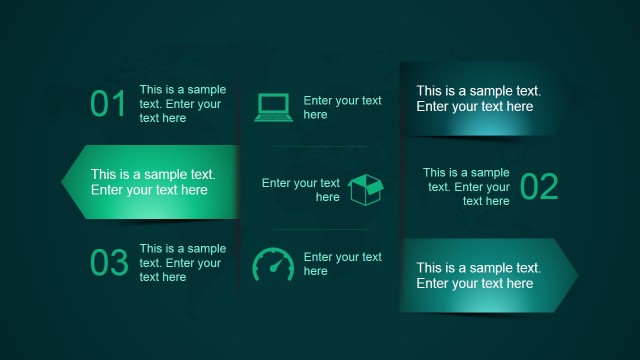
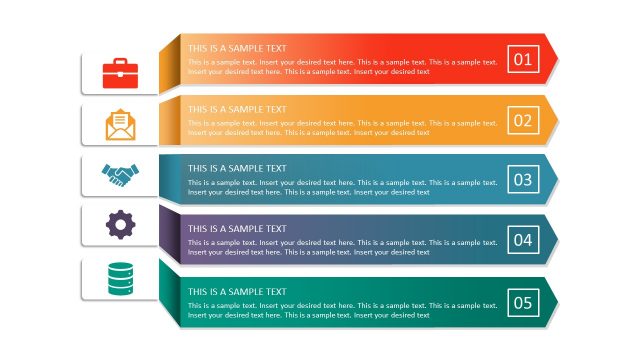
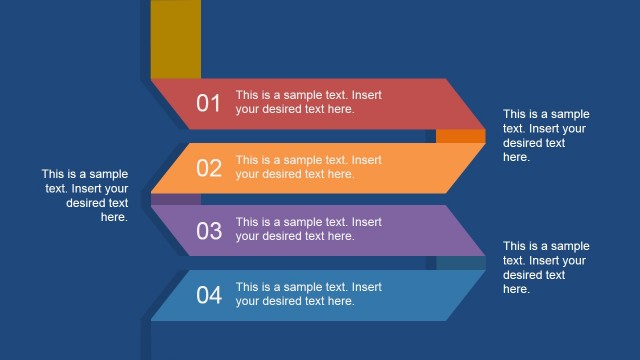
The Four Steps with Icons slide from the Free Features Shapes Layouts for PowerPoint template offers a clear process diagram ideal for illustrating project stages or training steps. This slide layout uses numbered icons and editable shapes to enhance understanding in business presentations, making it a practical choice for corporate slide decks and pitch deck templates.
What’s on This Slide
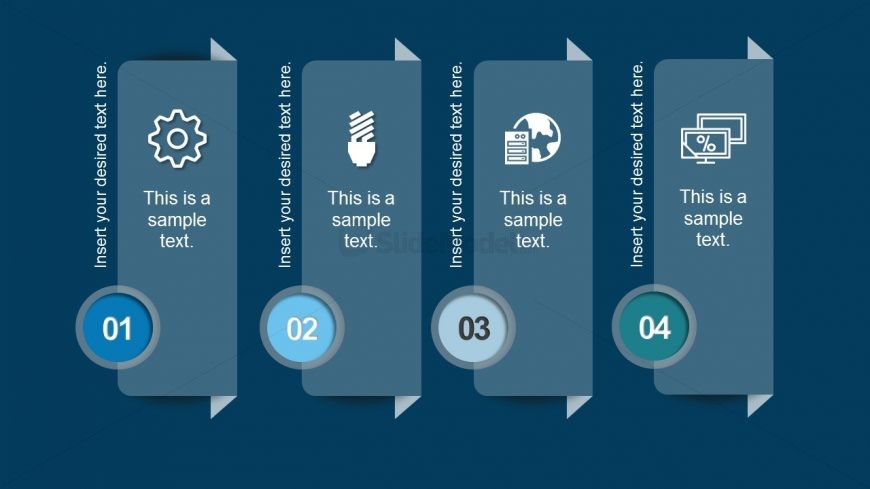
The layout features four vertical panels aligned horizontally. Each panel contains a circular node at the bottom, numbered from 01 to 04. Above each node is an icon representing a concept, such as a gear, light bulb, globe, and percentage symbol. The text placeholders are positioned centrally within each panel, with a consistent alignment. The background is a solid dark blue, enhancing the visibility of the icons and text. The panels have a slight gradient, transitioning from a lighter to a darker shade, creating depth.
How to Use It
This layout serves as a sequential process overview, ideal for illustrating steps in a procedure or stages in a project. It fits well in a presentation that outlines a methodology or workflow. Business scenarios include project management presentations, training sessions, or marketing strategies where clear step-by-step guidance is necessary. The structure allows for easy comprehension and retention of information, making it suitable for both internal and external communications.
Text Placeholders & Capacity
Keep your copy within these limits so it fits without resizing. Node body slots can hold about 30 characters each.
| Placeholder | Count | Max characters (approx.) |
|---|---|---|
| Item heading | 4 | 2 |
| Item body | 4 | 30 |
Slide Keywords
Download unlimited PowerPoint templates, charts and graphics for your presentations with our annual plan.
DOWNLOADReturn to Free Features Shapes Layouts for PowerPoint.