Slide 2 of 8 from Free Multi Option PowerPoint Slides
Bullet List PowerPoint Template
Process Steps PowerPoint Slide
- Diagram
- Arrow Sequence
- Process Slide
- 16:9
- 100% Editable
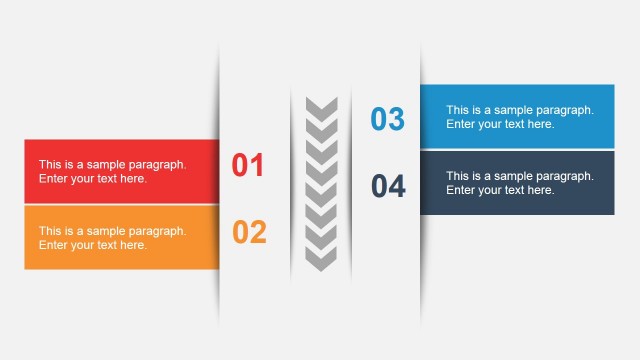
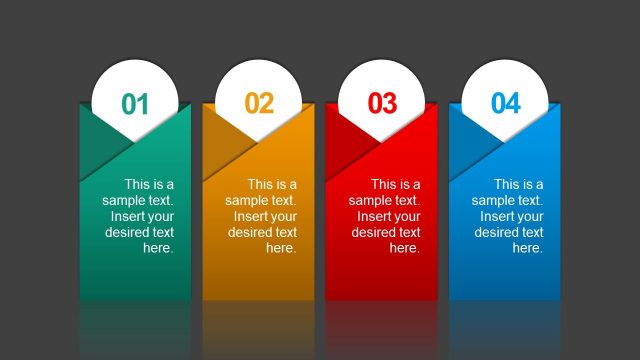
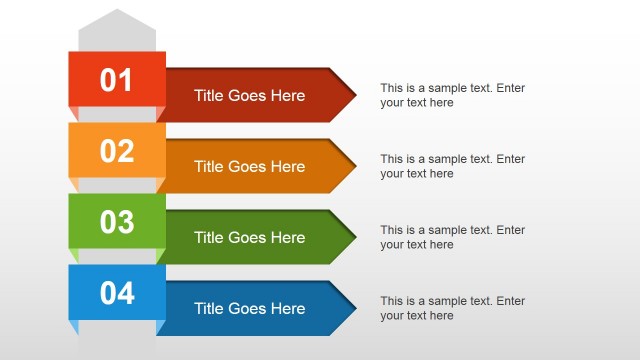
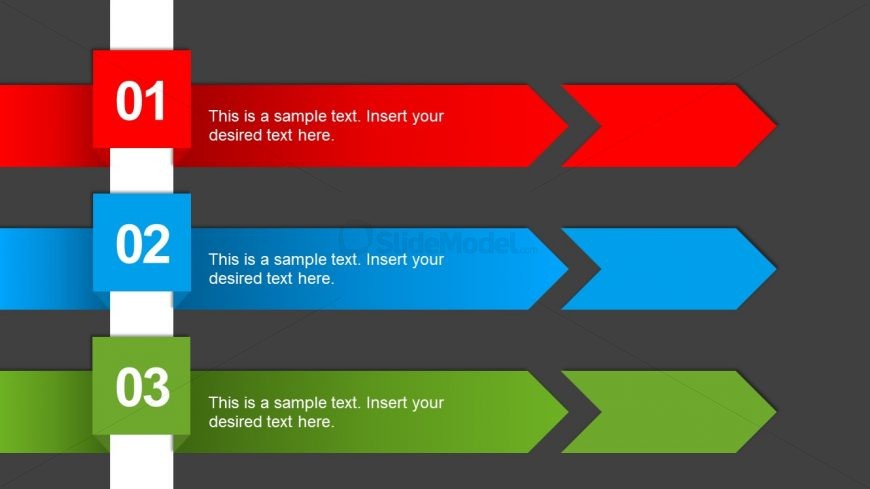
The Process Steps with Arrows slide from the Free Multi Option PowerPoint Slides template offers a clear and structured layout for illustrating sequential workflows. Designed with three horizontally aligned arrows in distinct colors, this slide template supports business presentations and training sessions by visually guiding audiences through project management or procedural steps. Its editable shapes and consistent design make it a practical choice for creating professional slide decks that require a straightforward depiction of process stages.
What’s on This Slide
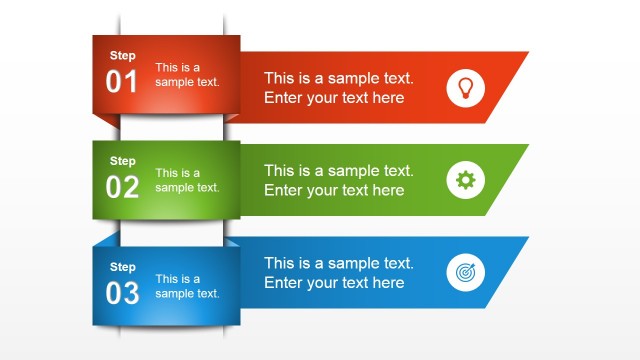
The layout features three horizontal arrows aligned vertically, each with a colored background. The top arrow is red, the middle is blue, and the bottom is green. Each arrow contains a number on the left and a text placeholder on the right. The arrows point to the right, indicating a flow or sequence. The background is dark gray, enhancing the contrast with the arrows. The text placeholders are centrally aligned within each arrow and are of equal size, maintaining a consistent visual hierarchy across the slide.
How to Use It
This layout serves as a sequential process diagram, ideal for illustrating steps in a procedure or workflow. It fits well in presentations that require a clear depiction of stages or phases, such as project management, product development, or training sessions. This structure can be particularly effective for business scenarios where clarity in process steps is essential, allowing audiences to follow along easily.
Text Placeholders & Capacity
Keep your copy within these limits so it fits without resizing. Node body slots can hold roughly 10 words each.
| Placeholder | Count | Max characters (approx.) |
|---|---|---|
| Item heading | 3 | 2 |
| Item body | 3 | 50 |
Slide Keywords
Download unlimited PowerPoint templates, charts and graphics for your presentations with our annual plan.
DOWNLOADReturn to Free Multi Option PowerPoint Slides.