Slide 1 of 8 from Free Modern Professional Slides for PowerPoint
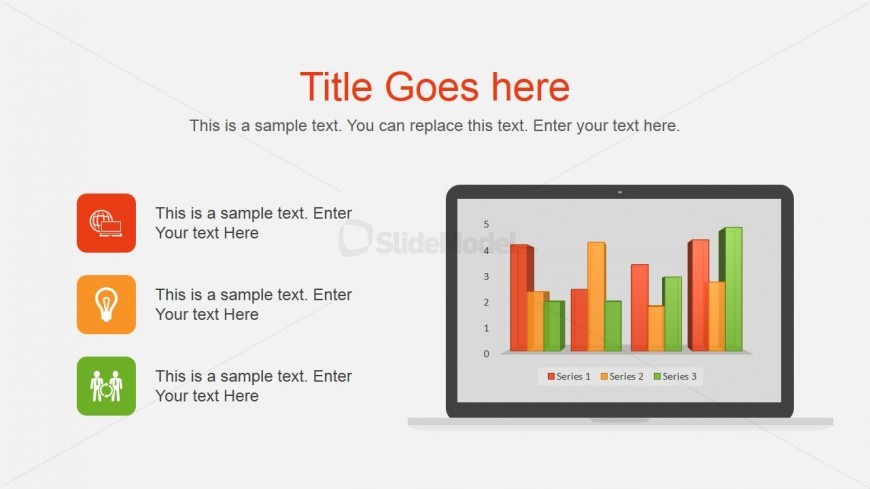
Computer Monitor Vector for PowerPoint
Bar Chart with Icons for Presentations
- Chart
- Bar Vertical
- Evaluation Slide
- 16:9
- 100% Editable
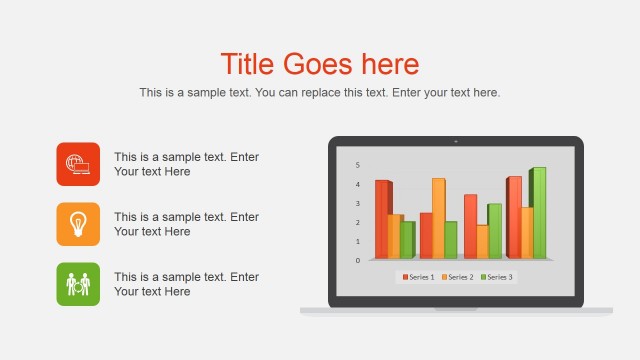
The Bar Chart with Icons slide from the Free Modern Professional Slides for PowerPoint template offers a clear and balanced layout for presenting sales performance or market analysis data. This slide layout integrates editable shapes and vector icons within a business presentation context, making it suitable for showcasing project outcomes or key metrics in a corporate presentation or pitch deck template.
What’s on This Slide
The layout features a prominent bar chart displayed on a laptop graphic, centered in the slide. Above the chart, there is a large title placeholder aligned to the center. Below the chart, three icon containers are arranged vertically on the left side, each containing a text placeholder. The icons are circular and colored in orange, green, and red, representing different categories. The background is light gray, providing contrast to the colorful elements. The overall composition is balanced, with clear visual hierarchy and spacing between elements.
How to Use It
This layout serves as a data visualization tool, ideal for presenting performance metrics or comparisons. It fits well at the beginning of a presentation to introduce key statistics or findings. In business contexts, it can be used to showcase sales data, project outcomes, or market analysis. The vertical icon sections allow for supplementary information or categories related to the data presented, enhancing audience understanding and engagement.
Text Placeholders & Capacity
Keep your copy within these limits so it fits without resizing. Body slots are tight, roughly 6-8 words each.
| Placeholder | Count | Max characters (approx.) |
|---|---|---|
| Slide title | 1 | 30 |
| Body paragraph | 3 | 40 |
| Chart title | 1 | 20 |
| Item heading | 3 | 15 |
Slide Keywords
Download unlimited PowerPoint templates, charts and graphics for your presentations with our annual plan.
DOWNLOAD