Slide 3 of 5 from Free Mastermind Concept Slides for PowerPoint
Mastermind Second Step Diagram for PowerPoint
Mastermind Concept Slide for PowerPoint
- Diagram
- Process Flow
- Process Slide
- 16:9
- 100% Editable
The Mastermind Concept with Steps slide from the Free Mastermind Concept Slides for PowerPoint template offers a clear process flow layout ideal for corporate presentations. This slide uses editable shapes and vector icons to visually represent project milestones or training modules, making it a practical choice for business presentations and pitch deck templates. Its structured design supports step-by-step explanations within professional slide decks.
What’s on This Slide
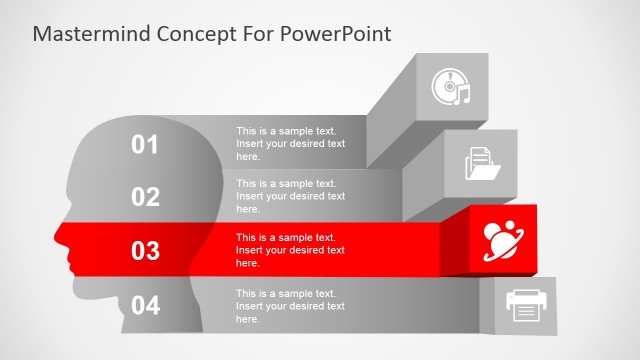
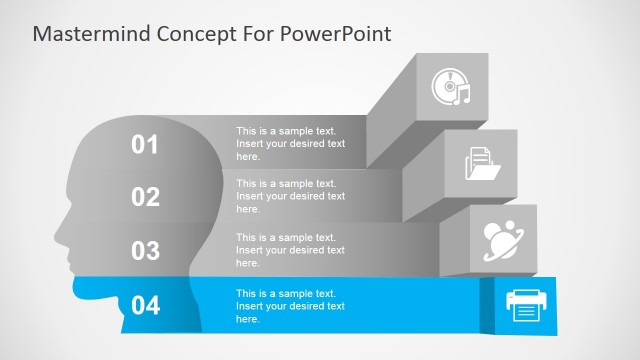
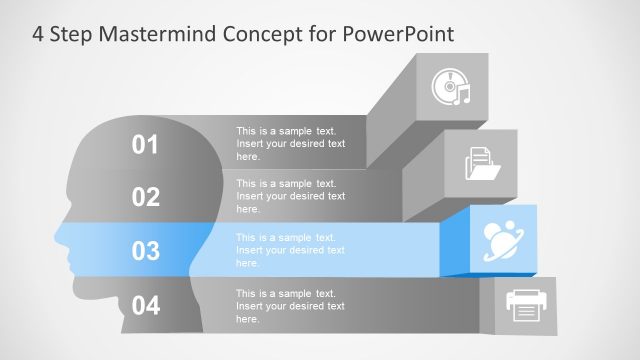
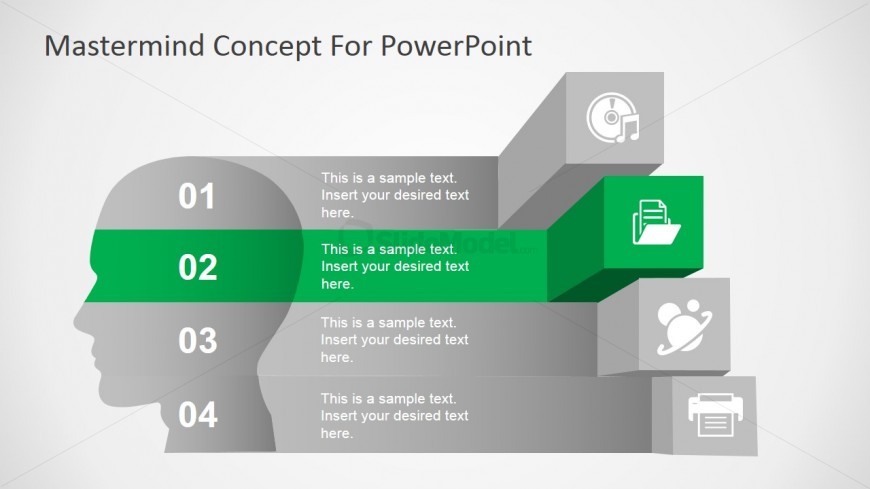
The layout features a central head silhouette with four horizontal segments stacked vertically. Each segment contains a number, with the second segment highlighted in green. Icons representing different concepts are placed in the upper right corner of each segment. Text placeholders are aligned centrally within each segment, allowing for descriptive text. The background is a light gradient, enhancing visual separation. The overall composition emphasizes the highlighted segment, creating a clear visual hierarchy and guiding the viewer's attention.
How to Use It
This layout serves as a step-by-step guide, ideal for presenting processes or phases in a project. It fits well in a presentation sequence after an introductory slide and before detailed content. Business scenarios include outlining project milestones, training modules, or strategic initiatives. Each segment can represent a distinct phase, making it suitable for educational or corporate training contexts.
Text Placeholders & Capacity
Keep your copy within these limits so it fits without resizing. Node body slots can hold about 10 words each, while node labels are tighter.
| Placeholder | Count | Max characters (approx.) |
|---|---|---|
| Item heading | 4 | 20 |
| Item body | 4 | 50 |
| Slide title | 1 | 40 |
Slide Keywords
Download unlimited PowerPoint templates, charts and graphics for your presentations with our annual plan.
DOWNLOAD