Slide 1 of 5 from Free Mastermind Concept Slides for PowerPoint
Mastermind Concept 4 Steps Diagram
Mastermind Concept Layout for Presentations
- Diagram
- Other
- Process Slide
- 16:9
- 100% Editable
The Mastermind Concept Layout from the Free Mastermind Concept Slides for PowerPoint template offers a clear, step-by-step process visualization ideal for business presentations and training modules. This slide features editable shapes and vector icons arranged in a vertically stacked format, supporting project outlines or sequential concepts. Its design supports effective communication in corporate presentations and pitch deck templates, making it a practical choice for introducing or summarizing key phases in a slide deck.
What’s on This Slide
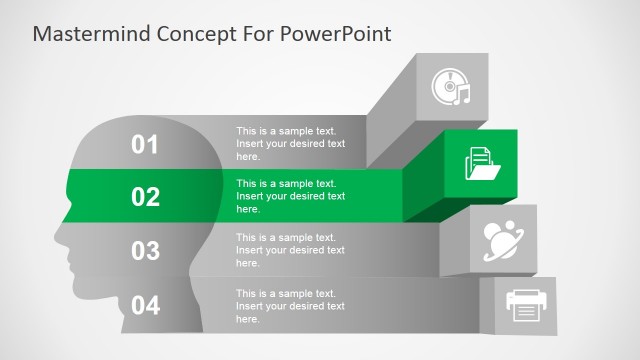
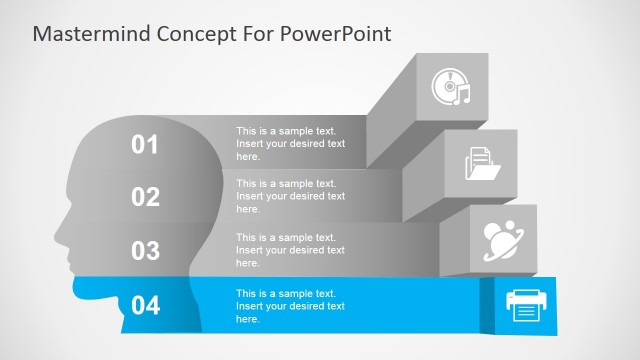
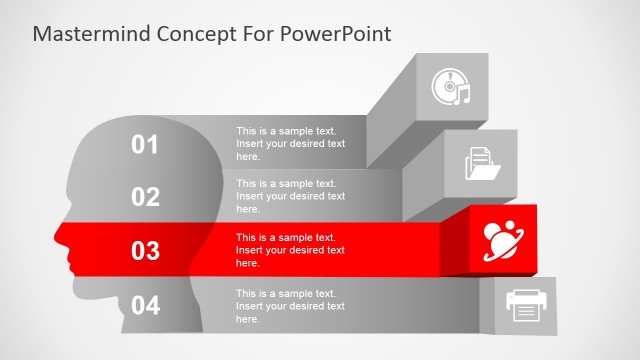
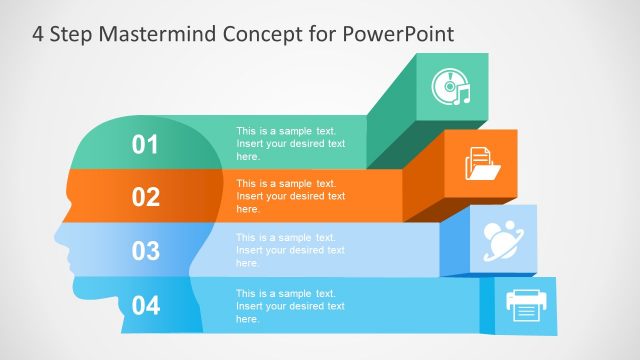
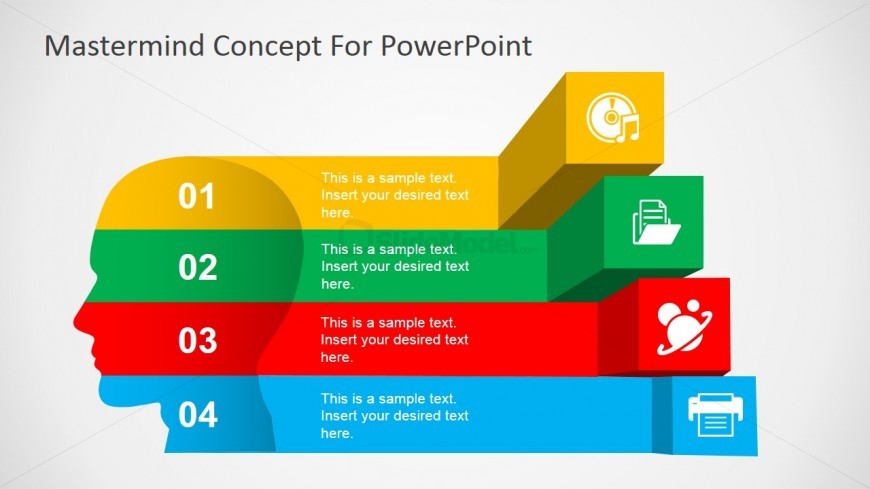
The layout features a series of four horizontal blocks stacked vertically, each colored differently: yellow, green, red, and blue. Each block contains a number at the top left, followed by a text placeholder aligned to the left. Icons representing different concepts are placed within the blocks, corresponding to the numbers. The blocks have rounded edges and are visually separated by slight shadows. The overall composition is centered, with a head silhouette graphic on the left side, creating a cohesive visual hierarchy. Background is light gray.
How to Use It
This layout serves as a step-by-step process illustration, ideal for presenting sequential concepts or phases. It fits well at the beginning of a presentation to outline key points or steps in a strategy. Real-world applications include project management, training sessions, or product development discussions, where clarity in progression is essential. It can be used to introduce topics or summarize processes effectively.
Text Placeholders & Capacity
Keep your copy within these limits so it fits without resizing. Node body slots can hold roughly 10 words each.
| Placeholder | Count | Max characters (approx.) |
|---|---|---|
| Item heading | 4 | 20 |
| Item body | 4 | 50 |
Slide Keywords
Download unlimited PowerPoint templates, charts and graphics for your presentations with our annual plan.
DOWNLOAD