Slide 3 of 7 from Free Lightbulb Six Segments PowerPoint Diagram
Free PowerPoint 6 Segment Template
Lightbulb Six Segment Diagram for Presentations
- Diagram
- Matrix Grid
- Concept Explanation Slide
- 16:9
- 100% Editable
The Lightbulb Six Segment Diagram from the Free Lightbulb Six Segments PowerPoint Diagram template offers a structured way to visualize multiple concepts within a business presentation. This slide layout uses editable shapes and vector icons arranged in a circular pattern to highlight key ideas, making it suitable for startup presentations, brainstorming sessions, or project strategy discussions. Its clear design supports effective communication in pitch decks and corporate slide decks.
What’s on This Slide
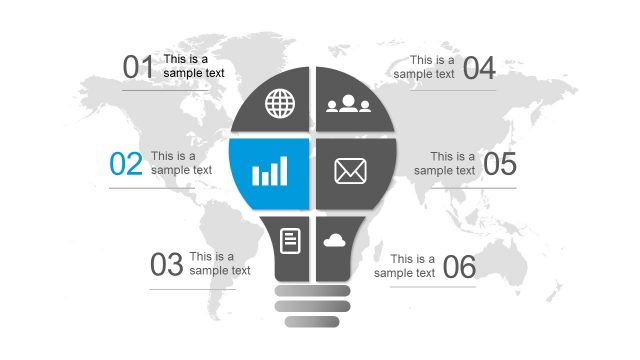
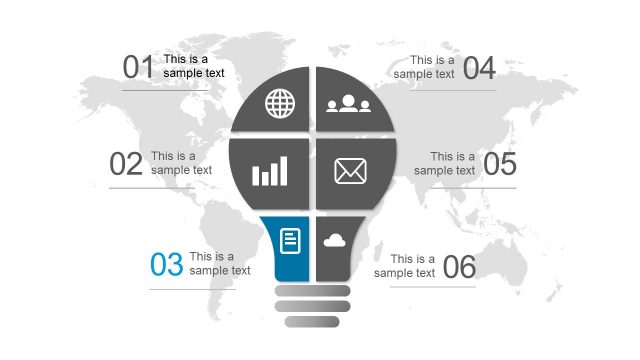
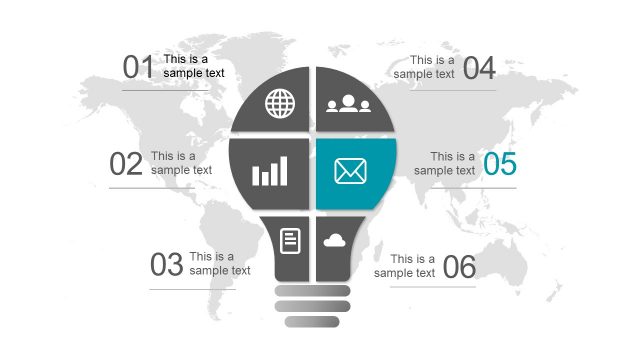
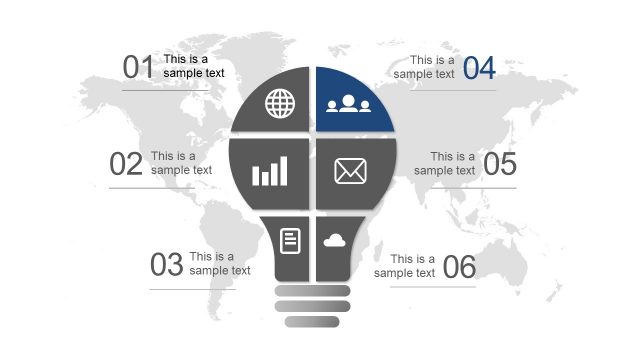
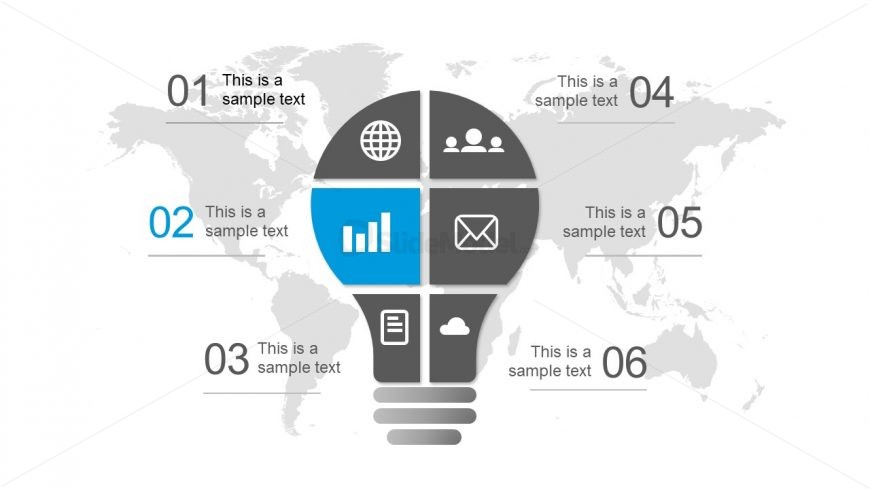
The layout features a central lightbulb shape divided into six segments. Each segment contains an icon and a text placeholder. The icons include a globe, people, a bar chart, an envelope, a document, and a cloud. The segments are arranged in a circular pattern, with four segments positioned at the top and bottom, and two on the sides. A world map serves as the background, providing context. Text placeholders are aligned within each segment, with a larger blue segment for emphasis. The overall composition is balanced and organized.
How to Use It
This layout serves as a six-segment diagram to present ideas or concepts visually. It fits well in a presentation sequence after introducing a problem or concept, providing a creative way to outline solutions or strategies. Suitable for startup pitches, brainstorming sessions, or innovative project discussions, it allows for clear communication of multiple aspects of a topic. The design can be adapted for various business contexts, emphasizing creativity and collaboration.
Text Placeholders & Capacity
Keep your copy within these limits so it fits without resizing. Node body slots can accommodate roughly 30 characters each.
| Placeholder | Count | Max characters (approx.) |
|---|---|---|
| Item heading | 6 | 20 |
| Item body | 6 | 30 |
Slide Keywords
Download unlimited PowerPoint templates, charts and graphics for your presentations with our annual plan.
DOWNLOAD