Slide 6 of 7 from Free Lightbulb Six Segments PowerPoint Diagram
Lightbulb Template 6 Segment PowerPoint
Lightbulb Six Segment Diagram for Presentations
- Diagram
- Matrix Quadrant
- Concept Explanation Slide
- 16:9
- 100% Editable
The Lightbulb Six Segment Diagram from the Free Lightbulb Six Segments PowerPoint Diagram template offers a structured layout ideal for startup presentations and brainstorming sessions. This editable slide features a central lightbulb divided into six segments with vector icons, facilitating clear concept explanation and visual organization. It suits business presentations and creative workshops by visually segmenting ideas, making it a practical choice within slide templates for effective communication.
What’s on This Slide
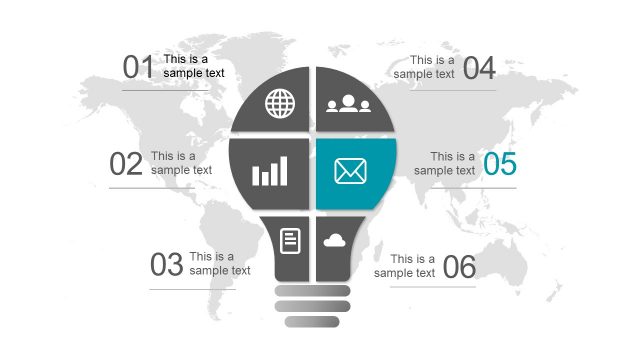
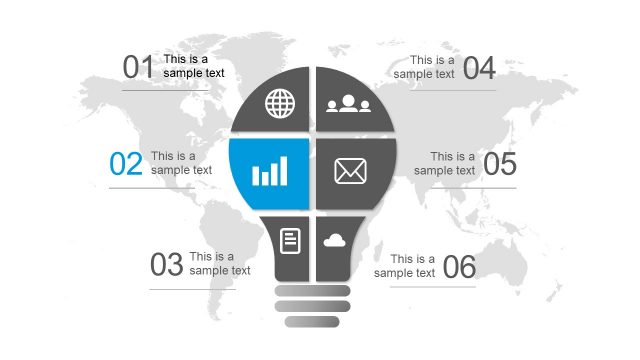
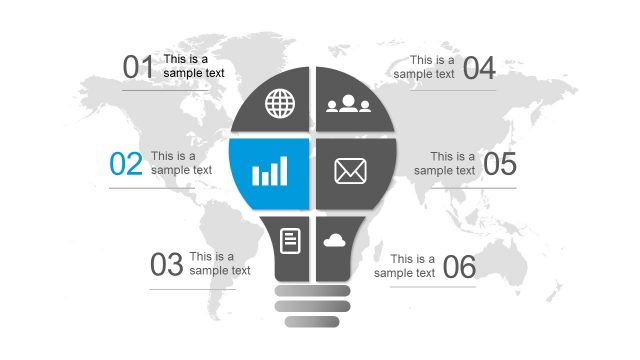
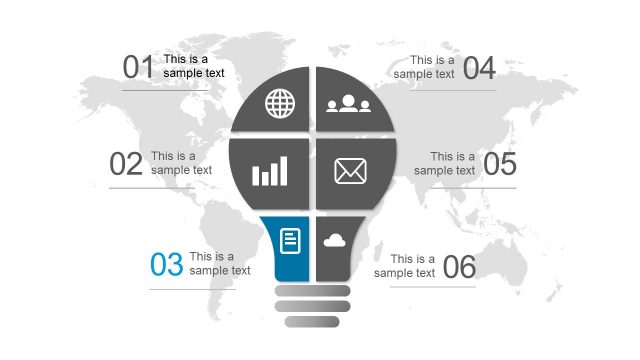
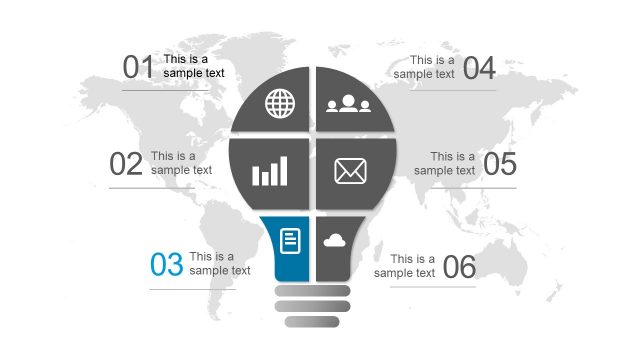
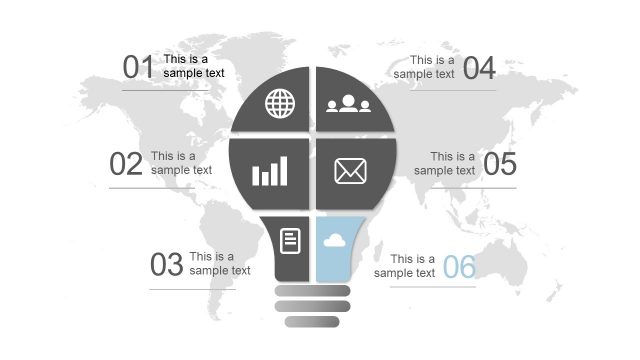
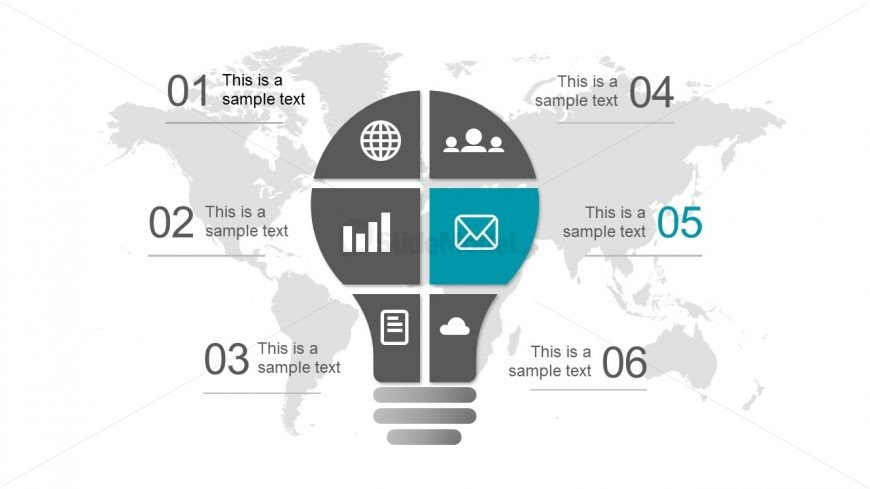
The slide features a central lightbulb shape divided into six segments. Each segment contains a circular icon and a text placeholder. The icons represent a globe, a graph, a document, a group of people, an envelope, and a cloud, positioned in a clockwise arrangement. The background displays a subtle world map, enhancing the global context. Text placeholders are aligned horizontally within each segment, with a consistent font size. The overall layout is symmetrical, emphasizing the central lightbulb and creating a clear visual hierarchy.
How to Use It
This layout serves as a six-segment diagram, ideal for presenting diverse ideas or concepts related to innovation. It fits well in a presentation sequence after introducing a problem or concept, allowing for a structured exploration of solutions. Suitable for startup pitches, brainstorming sessions, or creative workshops, this diagram effectively organizes information visually. It can also be used to highlight key areas of focus in a project or strategy discussion, making complex information more digestible.
Text Placeholders & Capacity
Keep your copy within these limits so it fits without resizing. Node labels can hold about 20 characters each, while body text can hold around 30 characters.
| Placeholder | Count | Max characters (approx.) |
|---|---|---|
| Item heading | 6 | 20 |
| Item body | 6 | 30 |
Slide Keywords
Download unlimited PowerPoint templates, charts and graphics for your presentations with our annual plan.
DOWNLOAD