Slide 5 of 7 from Free Lightbulb Six Segments PowerPoint Diagram
Group Presentation Slide Segment
Lightbulb Six Segment Diagram for Presentations
- Diagram
- Segmented Wheel
- Concept Explanation Slide
- 16:9
- 100% Editable
The Lightbulb Six Segment Diagram slide from the Free Lightbulb Six Segments PowerPoint Diagram template offers a clear visual format for explaining innovative ideas and strategic initiatives. This editable slide features a segmented wheel design with vector icons and text placeholders arranged around a central lightbulb, making it suitable for business presentations and pitch decks that require a structured concept explanation.
What’s on This Slide
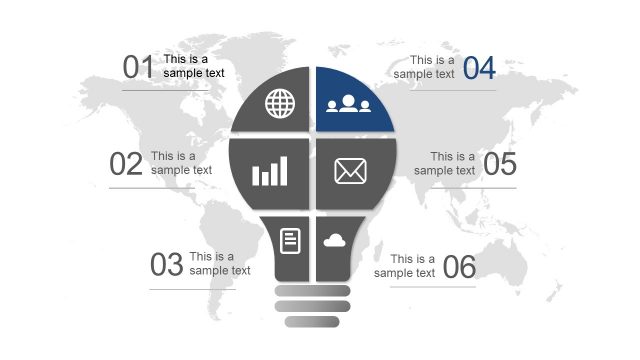
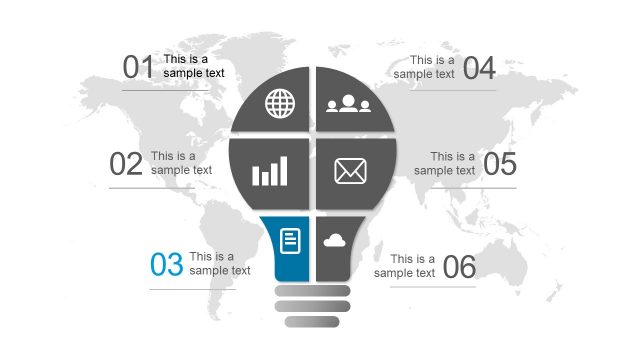
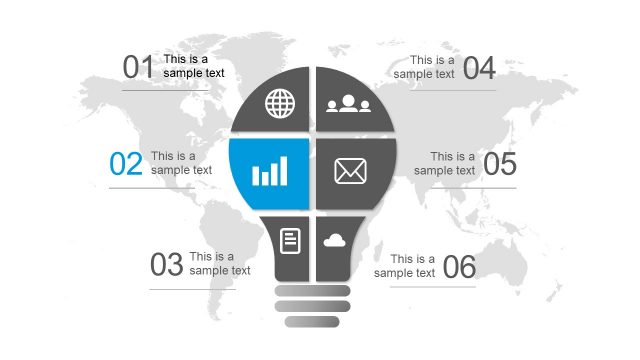
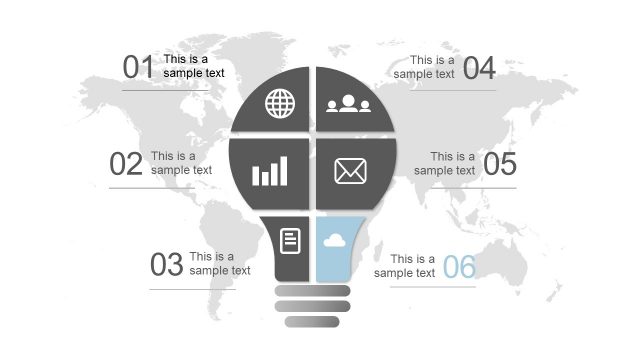
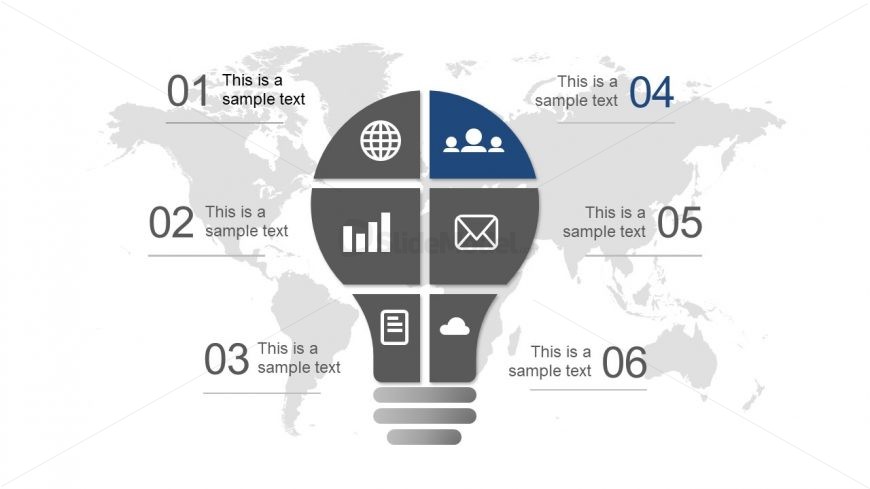
The slide features a central lightbulb shape divided into six segments. Each segment contains a unique icon and a text placeholder, arranged in a circular layout. The top two segments contain icons for a globe and people, while the bottom segments include a document and a cloud icon. Text placeholders are positioned adjacent to each segment, labeled with numbers one through six. A subtle world map serves as the background, enhancing the overall theme without overpowering the central elements. The color scheme includes shades of gray and blue for contrast.
How to Use It
This layout serves as a six-segment diagram, ideal for presenting multiple ideas or concepts visually. It fits within a presentation sequence that introduces a central theme or concept, followed by detailed exploration of each segment. Suitable for business contexts, it can illustrate innovative ideas, project components, or strategic initiatives. The design allows for easy modification to suit various topics, making it versatile for different presentations.
Text Placeholders & Capacity
Keep your copy within these limits so it fits without resizing. Each segment can hold a title and a brief description, roughly 20-30 words each.
| Placeholder | Count | Max characters (approx.) |
|---|---|---|
| Item heading | 6 | 20 |
| Item body | 6 | 30 |
Slide Keywords
Download unlimited PowerPoint templates, charts and graphics for your presentations with our annual plan.
DOWNLOAD