Slide 4 of 7 from Free Lightbulb Six Segments PowerPoint Diagram
Slide Report Section of Light Bulb Diagram
Lightbulb Six Segments PowerPoint Diagram
- Diagram
- Matrix Quadrant
- Concept Explanation Slide
- 16:9
- 100% Editable
The Lightbulb Six Segments Diagram from the Free Lightbulb Six Segments PowerPoint Diagram template offers a clear way to present innovative ideas and project plans using editable slides. This diagram integrates vector icons within a segmented lightbulb shape, making it suitable for business presentations and startup pitch decks that require structured concept explanations.
What’s on This Slide
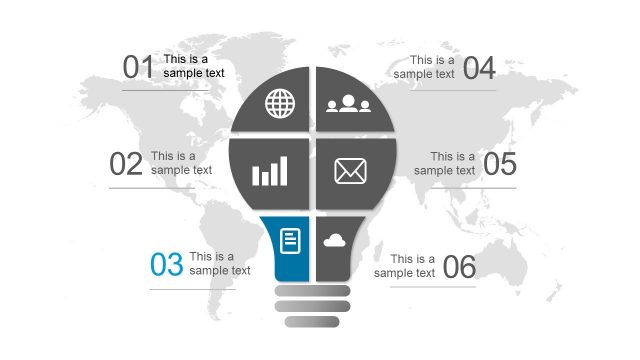
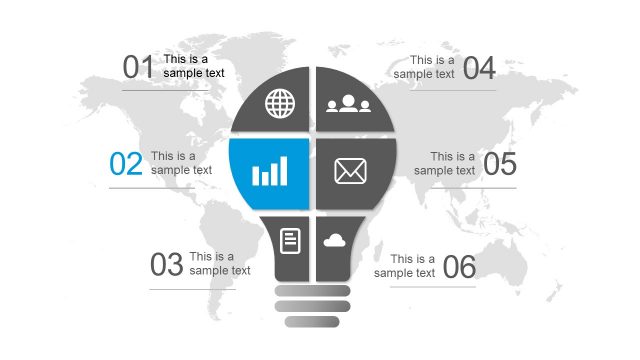
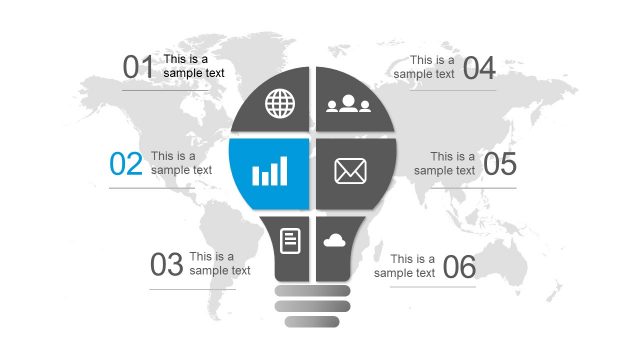
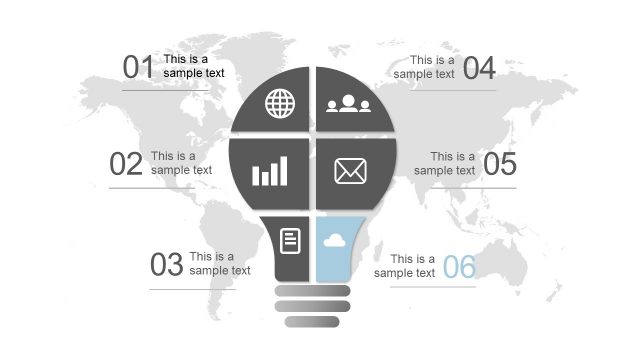
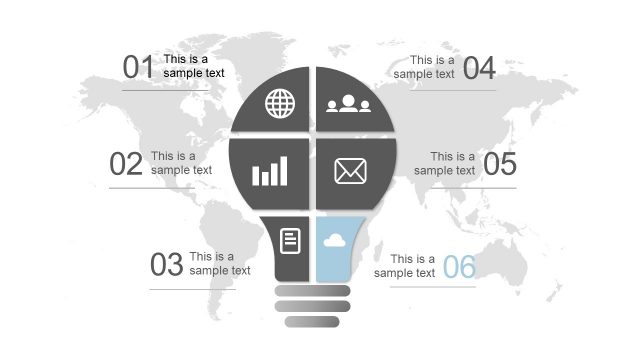
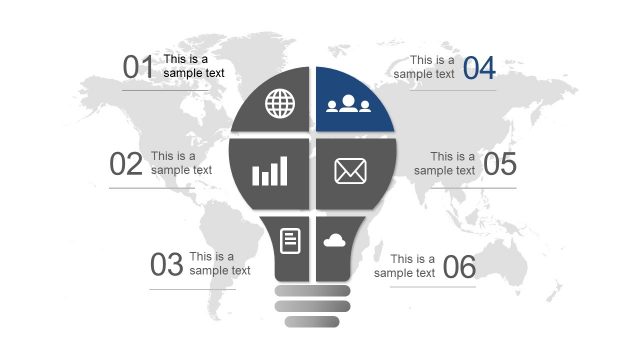
The slide features a lightbulb shape divided into six segments, each containing an icon and a text placeholder. The segments are arranged in a circular layout, with a world map in the background. The top three segments contain icons for a globe, people, and a bar chart, while the bottom three include an envelope, a document, and a cloud. Each segment has a corresponding number label. The text placeholders are centrally aligned within each segment, and the overall color scheme includes shades of gray and blue.
How to Use It
This layout serves as a six-segment diagram ideal for presenting ideas or concepts in a structured manner. It fits well in a presentation sequence after introducing a topic or problem, allowing for a breakdown of solutions or strategies. This structure is useful in business contexts such as brainstorming sessions, project planning, or showcasing innovative ideas, particularly for startups or creative projects.
Text Placeholders & Capacity
Keep your copy within these limits so it fits without resizing. Node body slots can accommodate roughly 30 characters each.
| Placeholder | Count | Max characters (approx.) |
|---|---|---|
| Item heading | 6 | 20 |
| Item body | 6 | 30 |
Slide Keywords
Download unlimited PowerPoint templates, charts and graphics for your presentations with our annual plan.
DOWNLOAD