Slide 8 of 8 from Free Human Resources Diagrams for PowerPoint
Arrows and PowerPoint Icons Template for PowerPoint
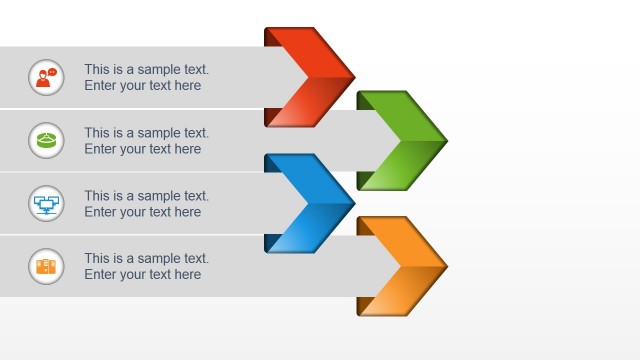
Process Flow Diagram with Icons for HR
- Diagram
- Arrow Sequence
- Process Slide
- 16:9
- 100% Editable
The Process Flow with Icons slide from the Free Human Resources Diagrams for PowerPoint template offers a clear visual layout for illustrating sequential workflows and project steps. This slide uses editable shapes and vector icons arranged vertically to enhance understanding of processes, making it suitable for business presentations and training outlines within HR contexts. Its design supports effective communication of complex procedures in a professional slide deck.
What’s on This Slide
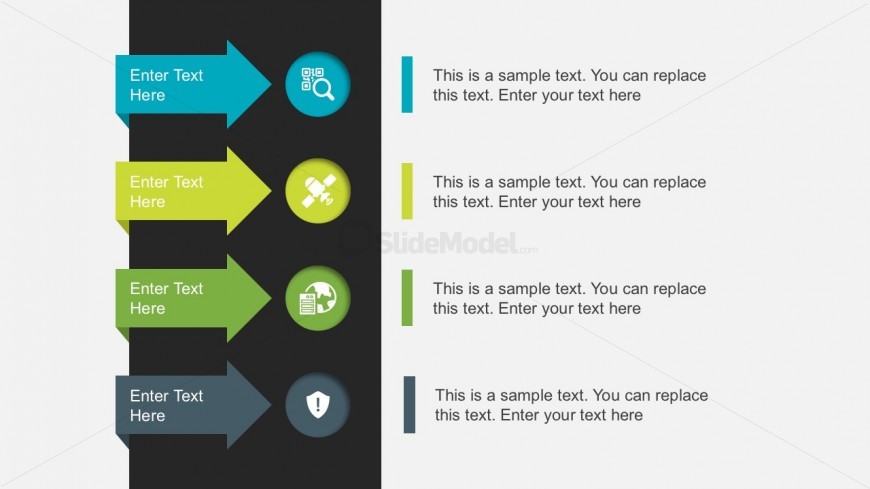
The layout features a vertical arrangement of four arrows pointing right, each containing an icon and a text placeholder. The arrows are colored in shades of blue and green, with the top arrow being blue, followed by green, and the bottom arrow returning to blue. Each arrow is accompanied by a circular icon positioned to the left, representing different themes. Text placeholders are aligned to the right of the arrows, allowing space for descriptive content. The background is split into dark and light sections, enhancing visual contrast and hierarchy.
How to Use It
This layout serves as a process flow diagram, ideal for illustrating sequential steps or stages in a project. It fits well towards the end of a presentation, summarizing key points or actions. This structure is useful in HR contexts, such as onboarding processes, employee evaluations, or training programs, where clear steps need to be communicated. It can also be adapted for various business scenarios requiring a visual representation of workflows or procedures.
Text Placeholders & Capacity
Keep your copy within these limits so it fits without resizing. Node labels can hold about 30 characters, while node bodies can accommodate around 100 characters each.
| Placeholder | Count | Max characters (approx.) |
|---|---|---|
| Item heading | 4 | 30 |
| Item body | 4 | 100 |
Slide Keywords
Download unlimited PowerPoint templates, charts and graphics for your presentations with our annual plan.
DOWNLOADReturn to Free Human Resources Diagrams for PowerPoint.