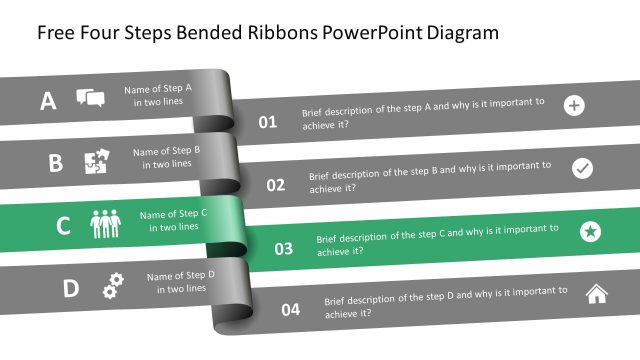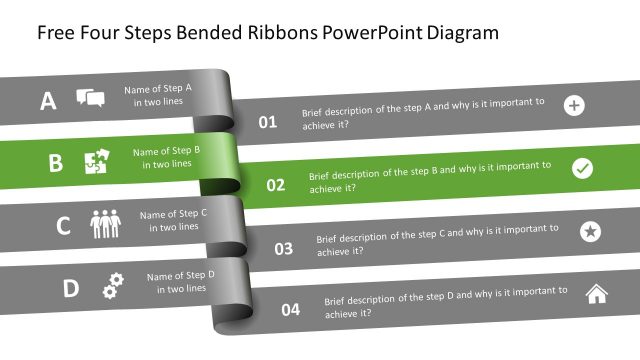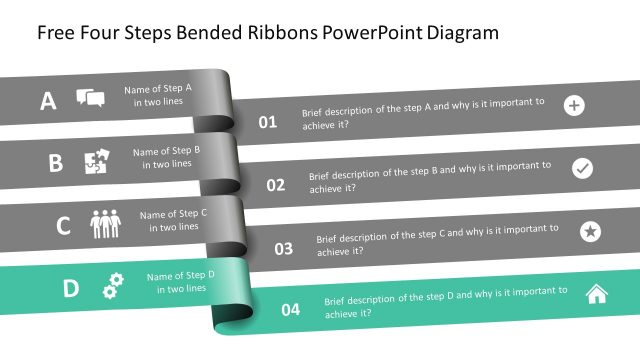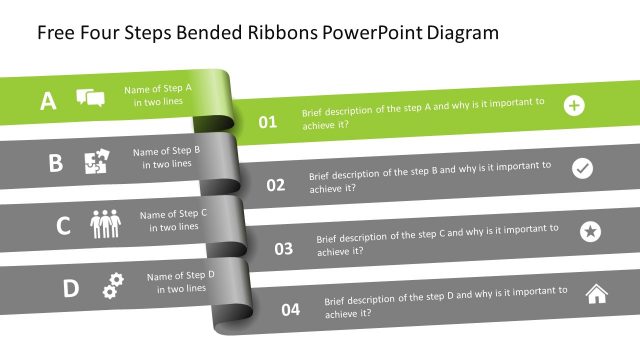
Slide 6 of 6 from Free Four Steps Bended Ribbons PowerPoint Diagram
PowerPoint Diagram Template Folded Ribbons Diagram
Four Steps Bended Ribbons Diagram
- Diagram
- Arrow Sequence
- Process Slide
- 16:9
- 100% Editable
The Four Steps Bended Ribbons Diagram, part of the Free Four Steps Bended Ribbons PowerPoint Diagram template, effectively illustrates sequential processes. This layout is ideal for creating engaging business presentations, training sessions, or project management updates. With editable slides featuring visually appealing ribbons and icons, it enhances workflow explanations and ensures clarity in communication.
What’s on This Slide
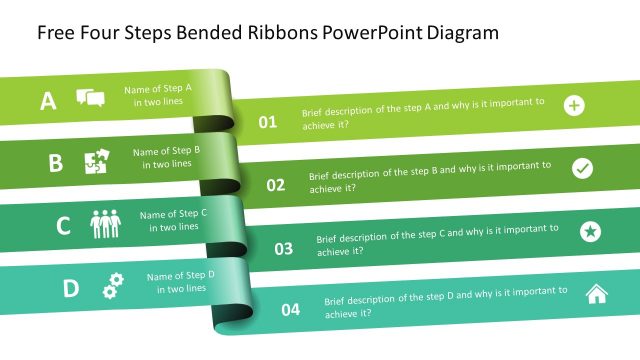
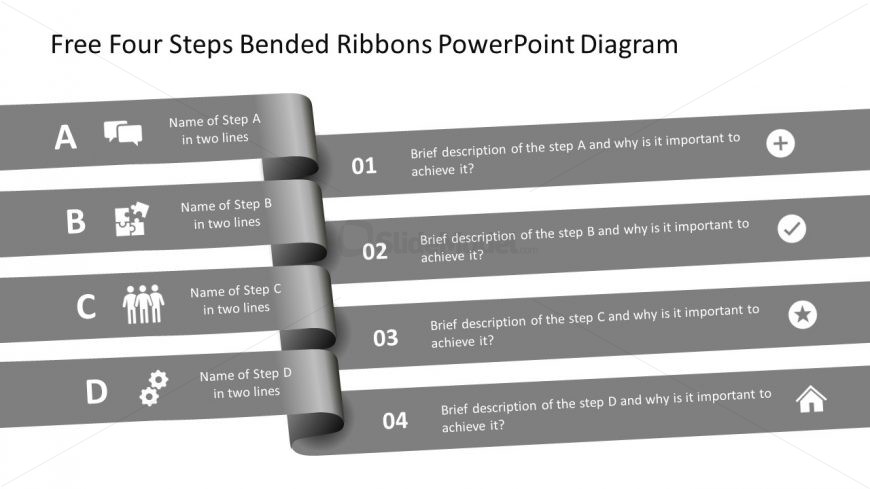
The layout features four horizontal ribbons arranged vertically. Each ribbon contains a label for a step, positioned on the left, with a corresponding description on the right. The first three ribbons include icons that represent each step, enhancing visual engagement. The ribbons are shaded in a gradient gray, providing a cohesive look. Text placeholders exist for the step names and descriptions, aligned left and right, respectively. The visual hierarchy emphasizes the step labels with larger font sizes, while the descriptions are smaller. The overall composition is clean and organized.
How to Use It
This layout serves as a sequential process diagram, ideal for illustrating steps in a workflow or project. It fits well in a presentation discussing methodologies or strategies, particularly in business contexts. This structure is useful for training sessions, project management updates, or process explanations. It allows for clear communication of each step's importance and actions required, making it suitable for both internal and external presentations.
Text Placeholders & Capacity
Keep your copy within these limits so it fits without resizing. Node body slots can accommodate roughly 15-20 words each.
| Placeholder | Count | Max characters (approx.) |
|---|---|---|
| Item heading | 4 | 25 |
| Item body | 4 | 100 |
Slide Keywords
Download unlimited PowerPoint templates, charts and graphics for your presentations with our annual plan.
DOWNLOADReturn to Free Four Steps Bended Ribbons PowerPoint Diagram.