Slide 5 of 6 from Free Four Steps Bended Ribbons PowerPoint Diagram
PowerPoint Design Free Template 4-Step Ribbons Diagram
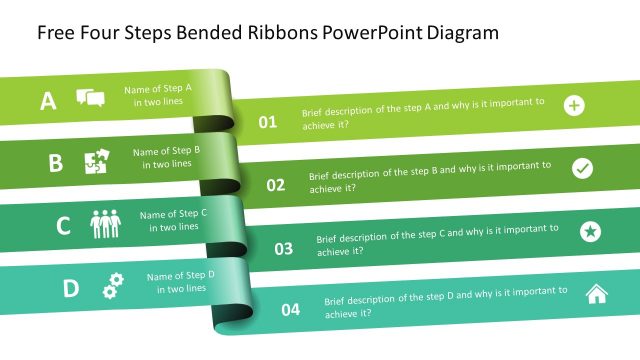
Four Steps Bended Ribbons Diagram
- Diagram
- Process Flow
- Process Slide
- 16:9
- 100% Editable
What’s on This Slide
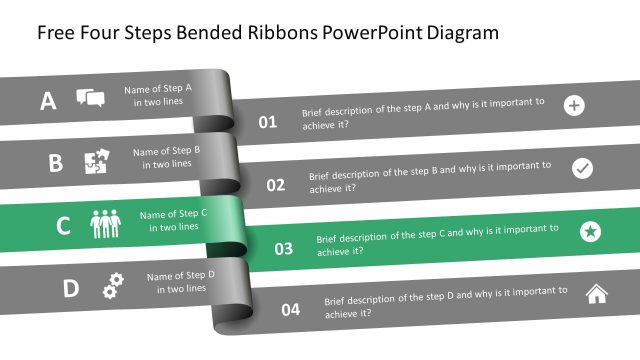
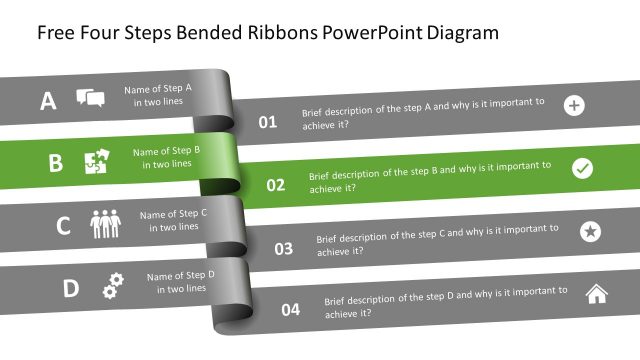
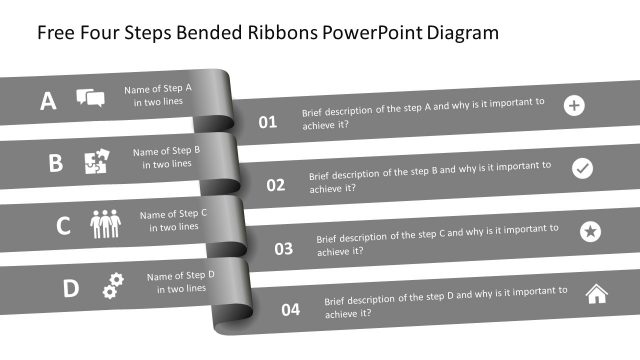
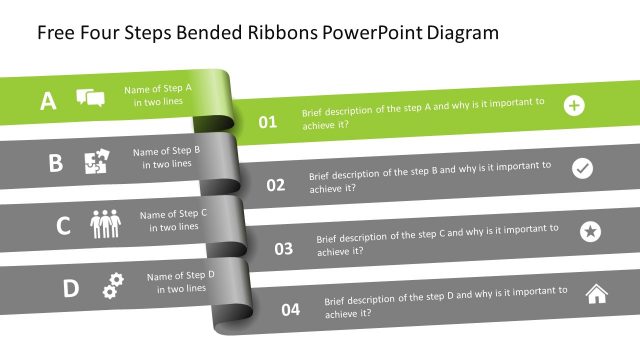
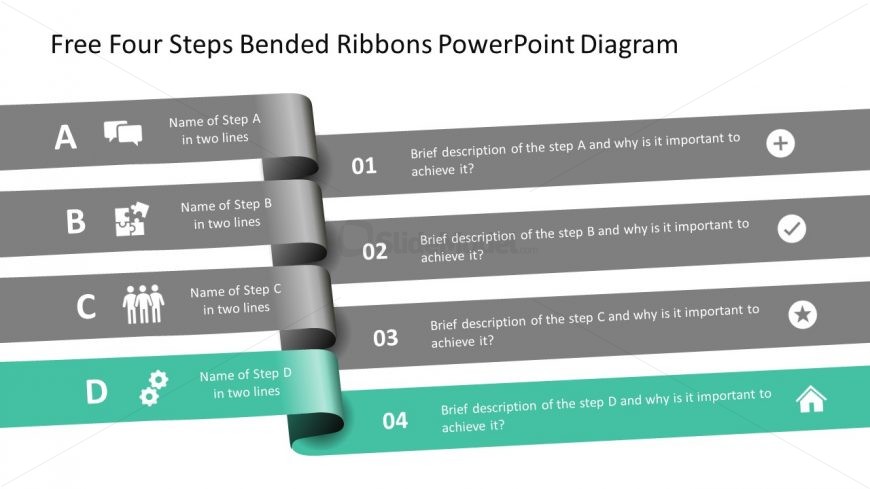
The layout features four horizontal ribbon-like shapes arranged vertically. Each ribbon contains a title placeholder on the left, labeled A to D, and a description placeholder on the right. The first three ribbons are gray, while the last ribbon is teal, creating a visual distinction. Each ribbon has an icon representing its step, placed next to the title. The numbers 01 to 04 are positioned to the right of each ribbon, indicating the sequence. The background is white, enhancing clarity and focus on the ribbons.
How to Use It
This layout serves as a sequential process diagram, ideal for illustrating steps in a methodology or project. It fits well in presentations discussing workflows, project phases, or strategic plans. Each ribbon can represent a different stage, allowing for clear communication of progression. This structure is effective in business scenarios where clarity and visual hierarchy are essential, such as training sessions, project updates, or strategic planning meetings.
Text Placeholders & Capacity
Keep your copy within these limits so it fits without resizing. Node body slots can accommodate roughly 15-20 words each.
| Placeholder | Count | Max characters (approx.) |
|---|---|---|
| Item heading | 4 | 30 |
| Item body | 4 | 100 |
| Callout | 4 | 20 |
| Chart title | 1 | 50 |
Slide Keywords
Download unlimited PowerPoint templates, charts and graphics for your presentations with our annual plan.
DOWNLOADReturn to Free Four Steps Bended Ribbons PowerPoint Diagram.