Slide 1 of 6 from Free Four Steps Bended Ribbons PowerPoint Diagram
Free Four Bended Ribbons PowerPoint Design
Four Steps Bended Ribbons Diagram Overview
- Diagram
- Process Flow
- Process Slide
- 16:9
- 100% Editable
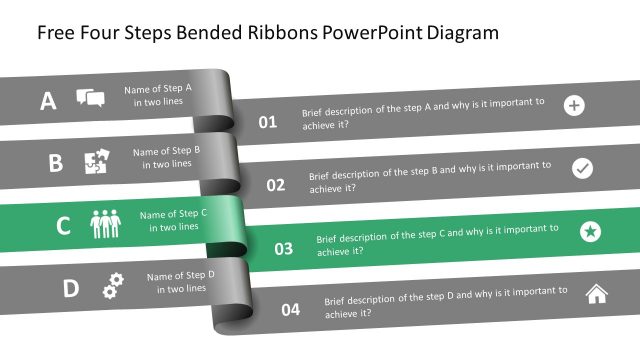
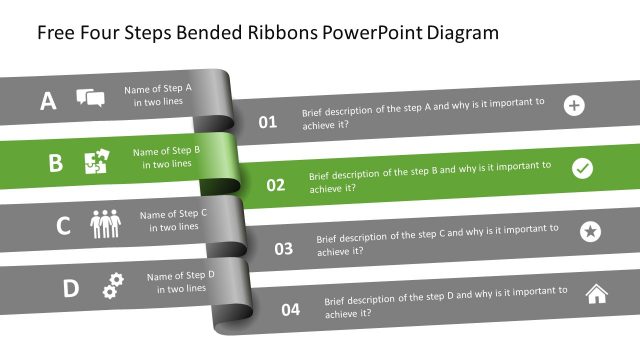
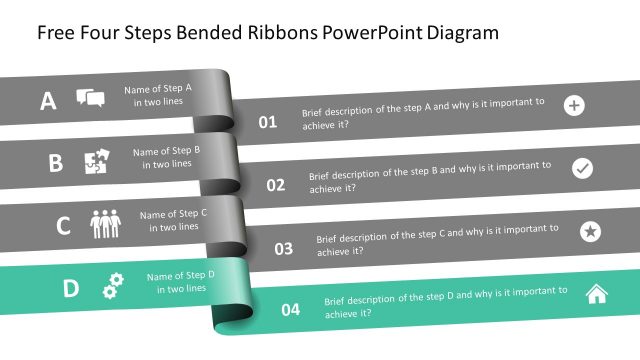
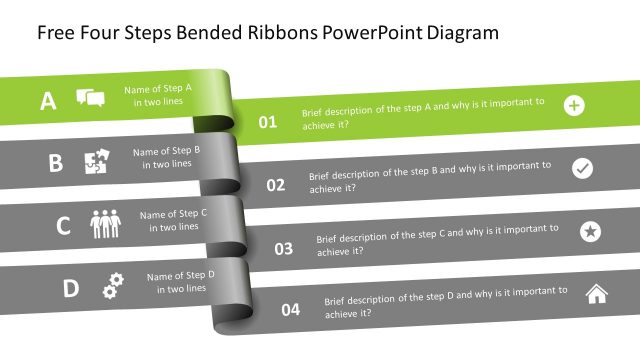
The Four Steps Bended Ribbons Diagram, part of the Free Four Steps Bended Ribbons PowerPoint Diagram template, effectively illustrates sequential processes. This layout is ideal for project management, training programs, and strategic planning, providing a clear visual representation of each step with descriptive text and icons. The structured design enhances understanding of methodologies and workflows, making it a valuable addition to any business presentation.
What’s on This Slide
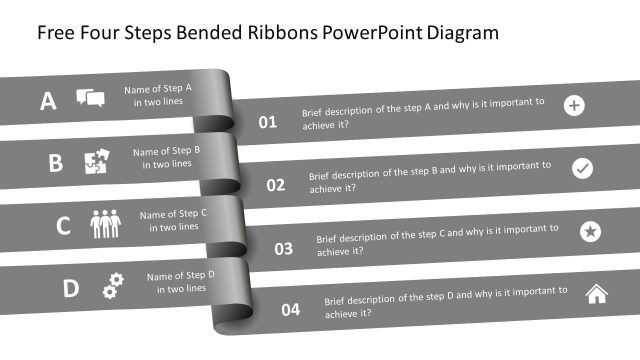
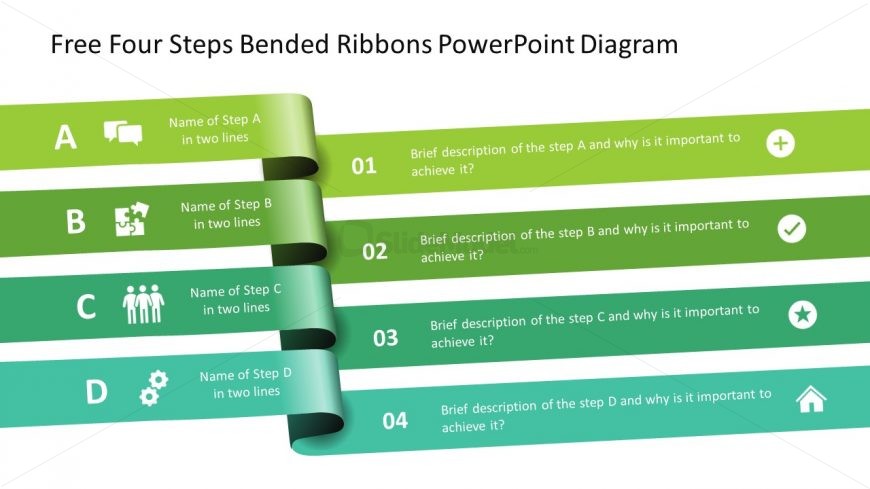
The layout features four horizontal ribbons arranged vertically, each containing a step label, a description, and an icon. The ribbons are colored in a gradient from green to teal, with the first ribbon at the top being the lightest. Each ribbon has a number indicating its sequence, positioned on the left side. Text placeholders for step names and descriptions are aligned centrally within each ribbon. Icons representing various concepts are placed to the left of the step names, contributing to the visual hierarchy. The overall composition is structured and clear.
How to Use It
This layout serves as a sequential process diagram, ideal for illustrating steps in a methodology or workflow. It fits well at the beginning of a presentation to outline key phases. Business scenarios include project management, training programs, or strategic planning where clear step-by-step guidance is necessary. This structure helps audiences understand the progression and importance of each step in achieving overall goals.
Text Placeholders & Capacity
Keep your copy within these limits so it fits without resizing. Node labels can hold about 30 characters each, while descriptions can hold around 60 characters.
| Placeholder | Count | Max characters (approx.) |
|---|---|---|
| Item heading | 4 | 30 |
| Item body | 4 | 60 |
| Chart title | 1 | 50 |
Slide Keywords
Download unlimited PowerPoint templates, charts and graphics for your presentations with our annual plan.
DOWNLOADReturn to Free Four Steps Bended Ribbons PowerPoint Diagram.