Slide 4 of 6 from Free Four Steps Bended Ribbons PowerPoint Diagram
Free PowerPoint Template Four Step Diagram
Four Steps Bended Ribbons PowerPoint Diagram
- Diagram
- Arrow Sequence
- Process Slide
- 16:9
- 100% Editable
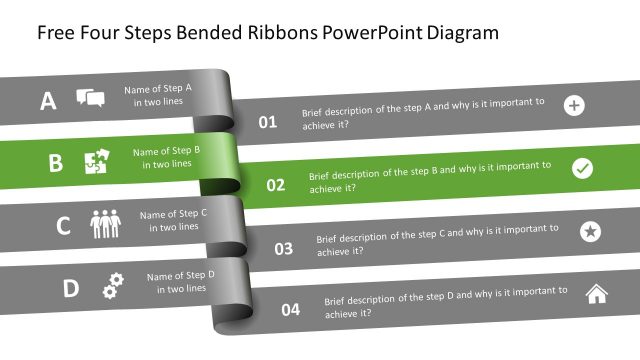
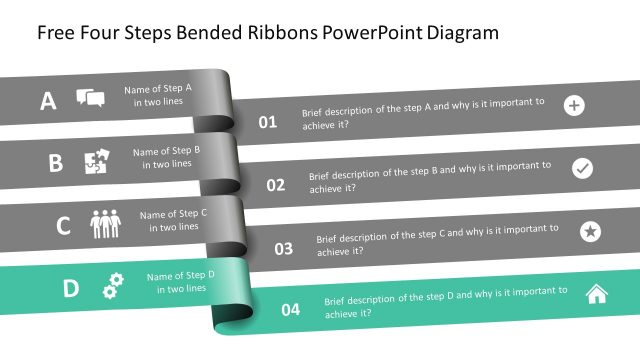
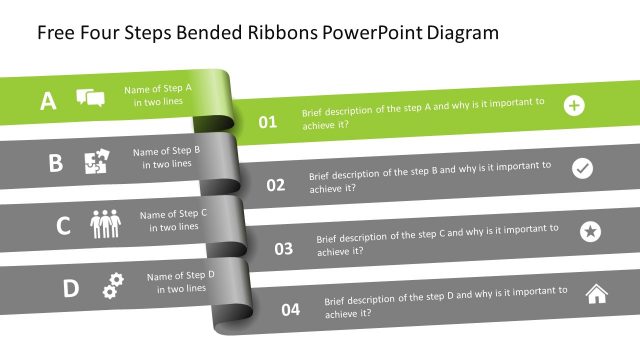
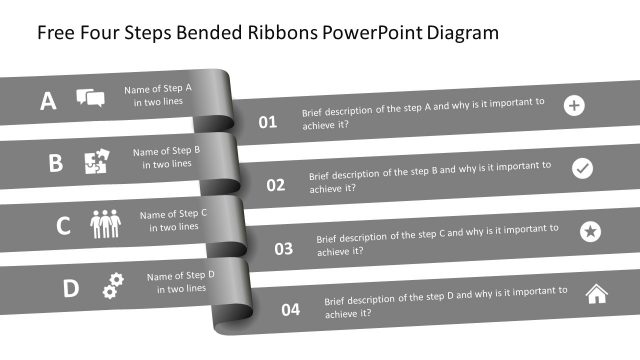
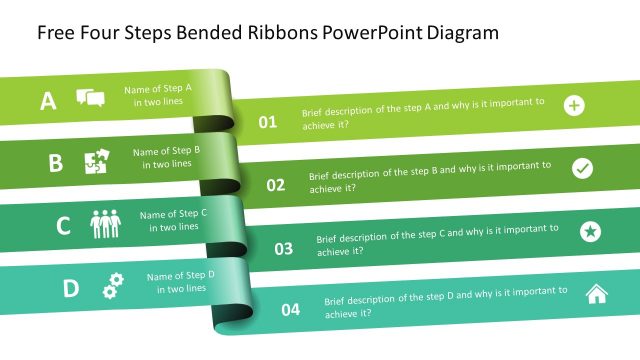
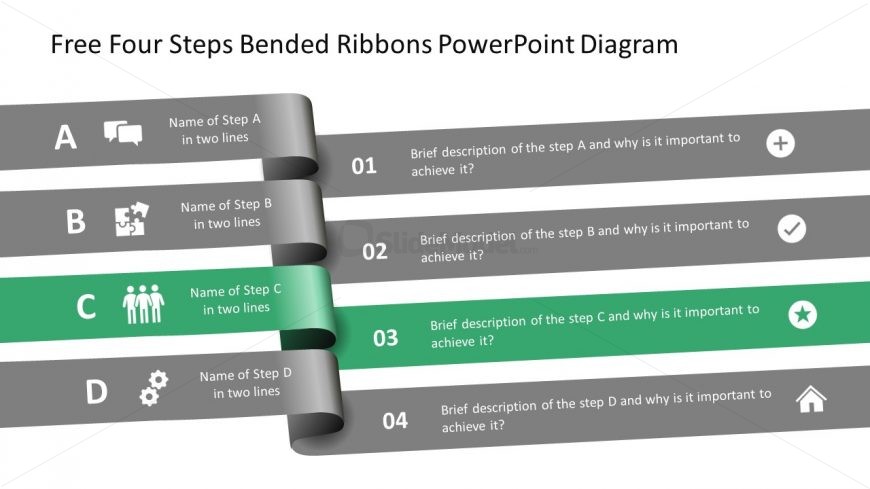
The Four Steps Bended Ribbons Diagram, part of the Free Four Steps Bended Ribbons PowerPoint Diagram template, effectively illustrates a sequential process. This layout is ideal for project management presentations, training session outlines, and strategic planning discussions. With four horizontal ribbons, each step is clearly defined through icons and descriptions, making it a versatile choice for business presentations.
What’s on This Slide
The layout features four horizontal ribbons, each representing a step in a process. The first three ribbons are gray, while the third ribbon is highlighted in green, indicating its significance. Each ribbon contains an icon on the left, a title for the step, and a brief description. The icons vary, including a chat bubble, puzzle piece, people, and gear. The text placeholders are aligned left within each ribbon, with a consistent font size. The overall composition is linear, emphasizing a sequential flow from step A to step D.
How to Use It
This layout serves as a sequential process diagram, ideal for presenting steps in a methodology or project. It fits well in a presentation sequence after introducing a problem or concept, guiding the audience through a structured approach. Suitable scenarios include project management, training sessions, or strategic planning discussions. Each step can be elaborated upon, making it effective for both high-level overviews and detailed explanations.
Text Placeholders & Capacity
Keep your copy within these limits so it fits without resizing. Node labels can hold about 30 characters each, while body text can accommodate around 80 characters.
| Placeholder | Count | Max characters (approx.) |
|---|---|---|
| Item heading | 4 | 30 |
| Item body | 4 | 80 |
| Chart title | 1 | 50 |
Slide Keywords
Download unlimited PowerPoint templates, charts and graphics for your presentations with our annual plan.
DOWNLOADReturn to Free Four Steps Bended Ribbons PowerPoint Diagram.