Slide 7 of 7 from Free Dark Slides Template for PowerPoint
Pricing Comparison Slide for Presentations
The Pricing Comparison Layout from the Free Dark Slides Template for PowerPoint offers a clear structure for presenting multiple pricing options side by side. This slide template is ideal for business presentations, enabling effective product pricing discussions and service tier comparisons. With its distinct colored pricing boxes and a central image, it enhances readability and audience understanding in corporate presentation slide decks.
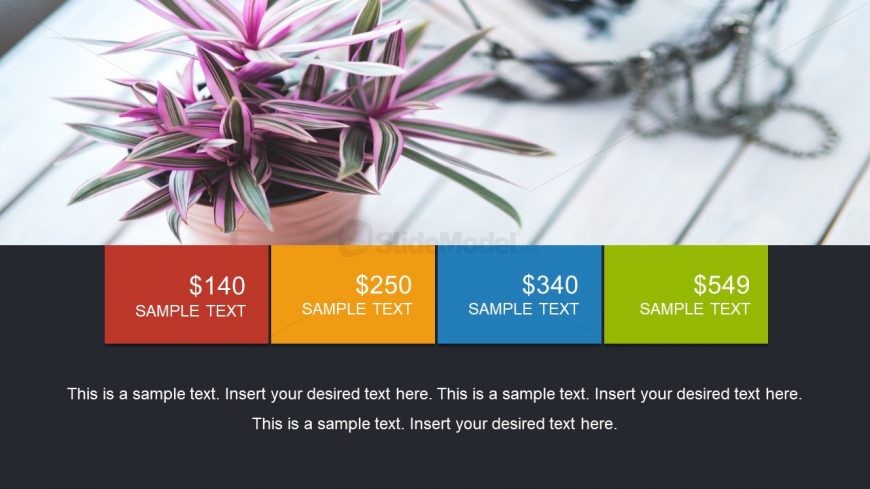
The slide features a central image of a plant, occupying the upper half. Below, four rectangular pricing boxes are arranged horizontally, each with a distinct background color: red, orange, blue, and green. Each box contains a price label and a sample text placeholder, aligned centrally. The bottom section includes a larger text placeholder for additional information, centered and spanning the width of the slide. The overall layout emphasizes the pricing options, with a clear visual hierarchy and contrasting colors to enhance readability.
This layout serves as a pricing comparison tool, effectively displaying multiple pricing options side by side. It fits well in a presentation sequence after introducing a product or service, allowing for clear differentiation of offerings. This structure is suitable for business scenarios such as product pricing discussions, service tier presentations, or cost breakdowns, helping audiences quickly grasp the value of each option.
Keep your copy within these limits so it fits without resizing. Body slots can hold roughly 20-30 words each.
| Placeholder | Count | Max characters (approx.) |
|---|---|---|
| Item heading | 4 | 10 |
| Item body | 4 | 50 |
| Body paragraph | 1 | 200 |
Download unlimited PowerPoint templates, charts and graphics for your presentations with our annual plan.
DOWNLOADReturn to Free Dark Slides Template for PowerPoint.