Slide 10 of 11 from Free Pliant General Purpose PowerPoint Template
Cut Out Slide Designs for PowerPoint
Text Layout with Image for Presentations
- Text Layout
- Single Statement
- Context Slide
- 16:9
- 100% Editable
The Text Layout with Image slide from the Free Pliant General Purpose PowerPoint Template combines a large visual with space for clear text, making it ideal for product overviews or service descriptions in business presentations. This slide layout supports effective communication by balancing imagery and content, suitable for corporate presentations or pitch deck templates that require engaging editable slides.
What’s on This Slide
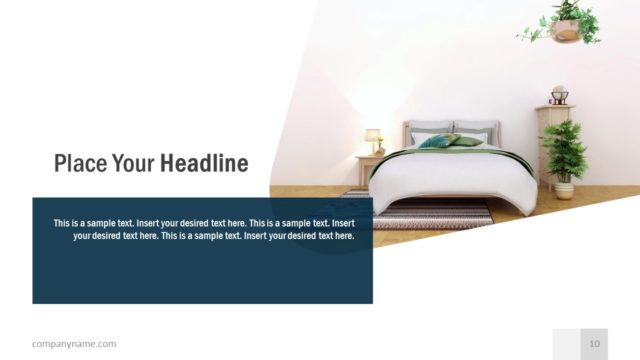
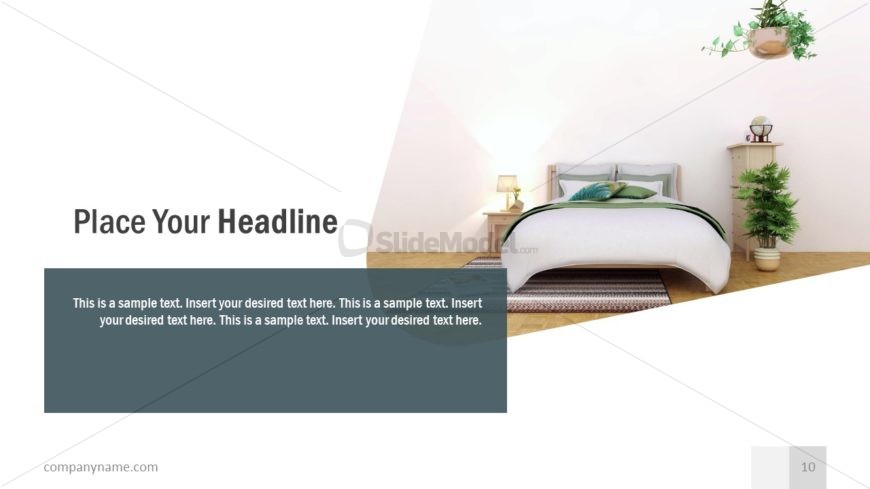
The slide features a large image of a bedroom scene occupying the right side. A triangular white shape extends from the bottom left to the center, creating a visual division. The title placeholder is positioned at the top left, using a bold font. Below it, a rectangular text box in dark gray contains sample text, aligned left. The footer area at the bottom right includes a placeholder for the company name. The overall layout emphasizes the image while providing space for a headline and body text.
How to Use It
This layout serves as a text-focused slide with an image background, suitable for introducing topics or summarizing key points. It fits well in a presentation sequence after an introductory slide and before detailed content. Ideal for scenarios like product overviews, service descriptions, or project highlights, it allows for clear communication alongside visual context. Use it to maintain audience engagement while delivering essential information effectively.
Text Placeholders & Capacity
Keep your copy within these limits so it fits without resizing. Body slots can accommodate roughly 30-40 words each.
| Placeholder | Count | Max characters (approx.) |
|---|---|---|
| Slide title | 1 | 30 |
| Body paragraph | 1 | 200 |
| Footer | 1 | 30 |
Slide Keywords
Download unlimited PowerPoint templates, charts and graphics for your presentations with our annual plan.
DOWNLOAD