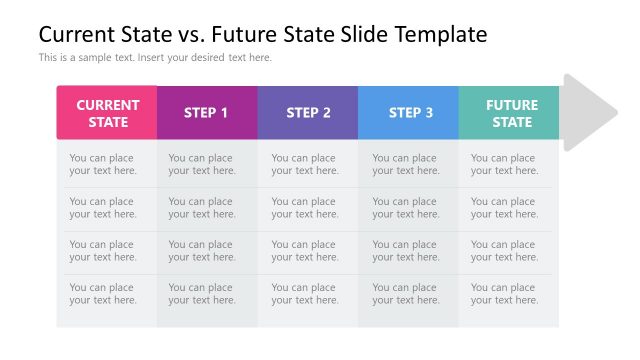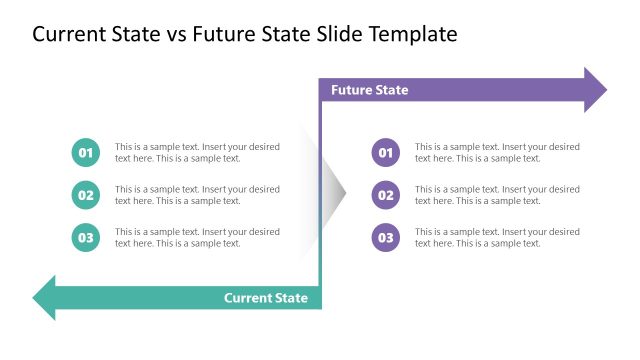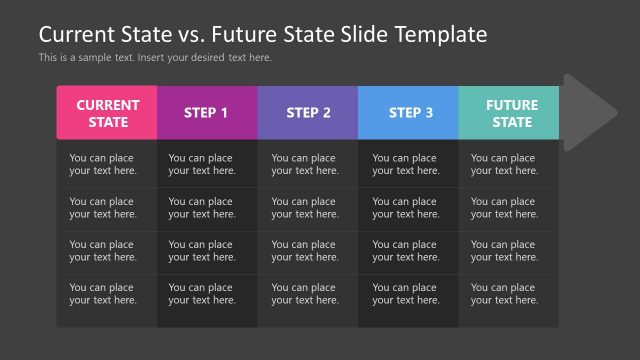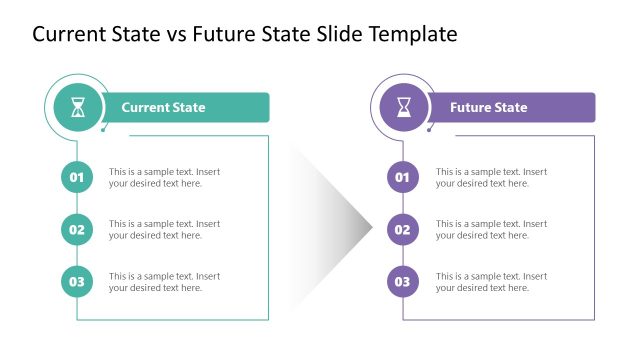
Slide 1 of 4 from Free Current State Vs. Future State Slide Template
Roadmap Slide for Current State Vs. Future State Comparison
Current State vs. Future State Slide Overview
- Diagram
- Process Flow
- Process Slide
- 16:9
- 100% Editable
What’s on This Slide
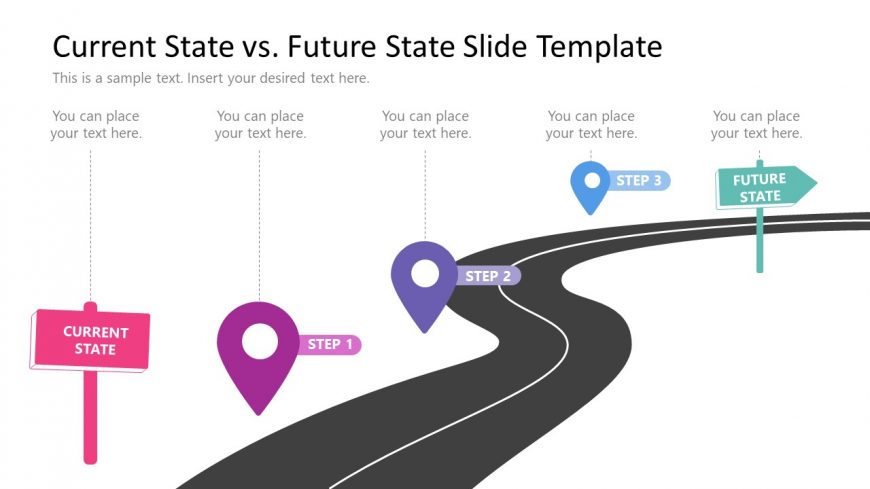
The slide features a winding road as the central visual element, with three location markers positioned along the path. On the left, a pink sign labeled 'CURRENT STATE' is prominently displayed. The markers, colored purple, blue, and pink, are labeled 'STEP 1', 'STEP 2', and 'STEP 3', respectively. To the right, a green sign indicates 'FUTURE STATE'. Text placeholders are present near each marker and sign, aligned for easy reading. The overall composition emphasizes a journey from the current state to the future state, with a clear visual hierarchy and separation of elements.
How to Use It
This layout serves as a process flow diagram, illustrating the transition from a current state to a future state. It is suitable for presentations that require a visual representation of steps in a transformation or improvement process. This structure can be effectively used in business contexts such as strategic planning, project management, or change management discussions. It fits well at the beginning of a presentation to outline the journey or progression that will be detailed further in subsequent slides.
Text Placeholders & Capacity
Keep your copy within these limits so it fits without resizing. Body slots can accommodate roughly 6-8 words each.
| Placeholder | Count | Max characters (approx.) |
|---|---|---|
| Slide title | 1 | 40 |
| Item heading | 3 | 15 |
| Body paragraph | 4 | 40 |
Slide Keywords
Download unlimited PowerPoint templates, charts and graphics for your presentations with our annual plan.
DOWNLOADReturn to Free Current State Vs. Future State Slide Template.