Slide 3 of 4 from Free Current State Vs. Future State Slide Template
Dark Background Current State Vs. Future State Roadmap Slide
Current State vs. Future State Slide Overview
- Diagram
- Roadmap
- Process Slide
- 16:9
- 100% Editable
What’s on This Slide
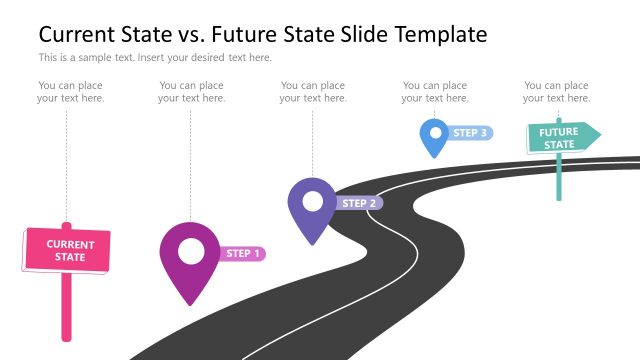
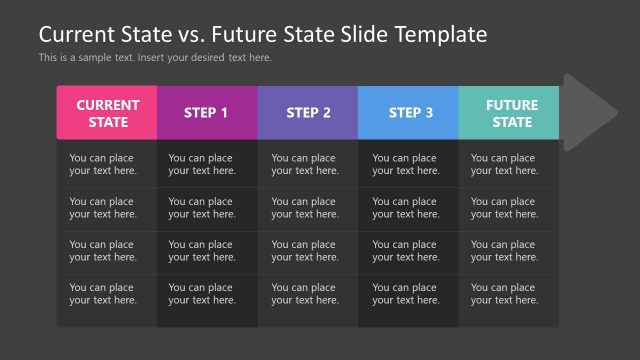
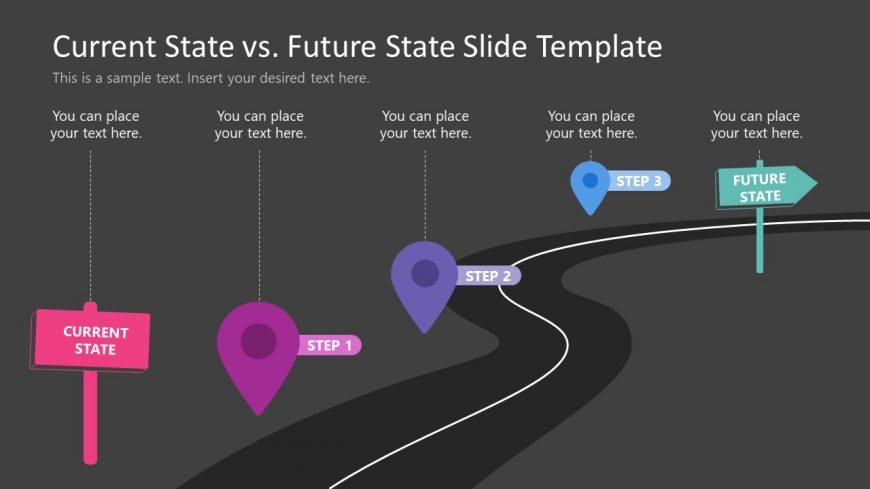
The layout features a winding road graphic extending horizontally across the slide. On the left, a pink sign labeled 'CURRENT STATE' is positioned vertically. Three circular markers in purple and blue indicate steps along the road, labeled 'STEP 1', 'STEP 2', and 'STEP 3'. Each step has a corresponding text placeholder below it for additional information. On the right, a green arrow sign labeled 'FUTURE STATE' points towards the future. The background is dark gray, enhancing the visibility of the colorful elements.
How to Use It
This layout serves to illustrate a progression from a current state to a future state, ideal for presentations on strategic planning or project roadmaps. It fits well in a sequence following a problem statement slide, providing a clear visual transition to proposed solutions. This structure is beneficial in business contexts such as change management, process improvement, or project planning, where a stepwise approach is necessary to convey information effectively.
Text Placeholders & Capacity
Keep your copy within these limits so it fits without resizing. Node labels can accommodate about 20 characters each, while node bodies can hold around 30 characters.
| Placeholder | Count | Max characters (approx.) |
|---|---|---|
| Slide title | 1 | 40 |
| Item heading | 3 | 20 |
| Item body | 3 | 30 |
| Callout | 1 | 40 |
Slide Keywords
Download unlimited PowerPoint templates, charts and graphics for your presentations with our annual plan.
DOWNLOADReturn to Free Current State Vs. Future State Slide Template.