Slide 1 of 8 from Free Business Plan Slides for PowerPoint
Arrow Diagram Business Pla PPT
Process Flow Slide for Business Plans
- Diagram
- Arrow Sequence
- Process Slide
- 16:9
- 100% Editable
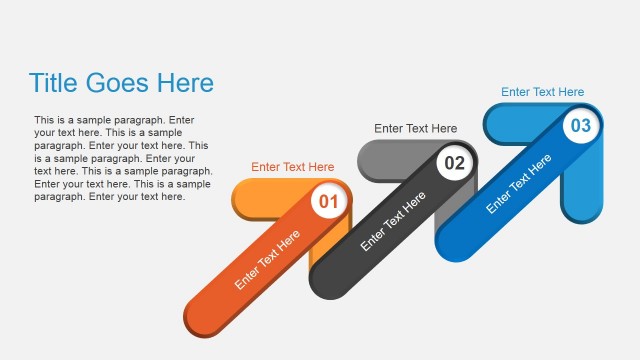
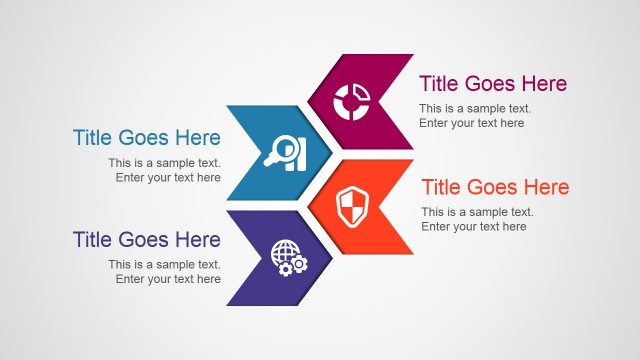
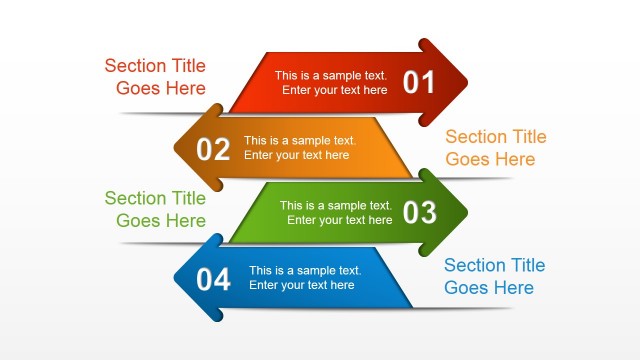
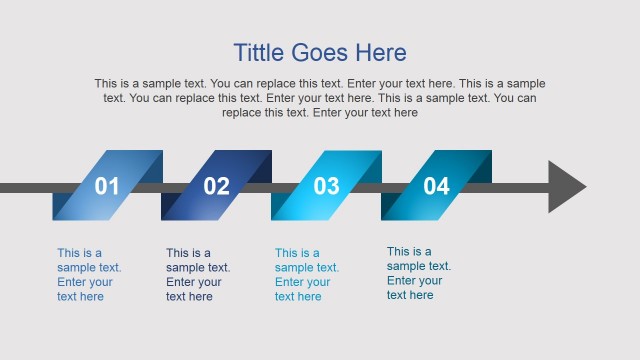
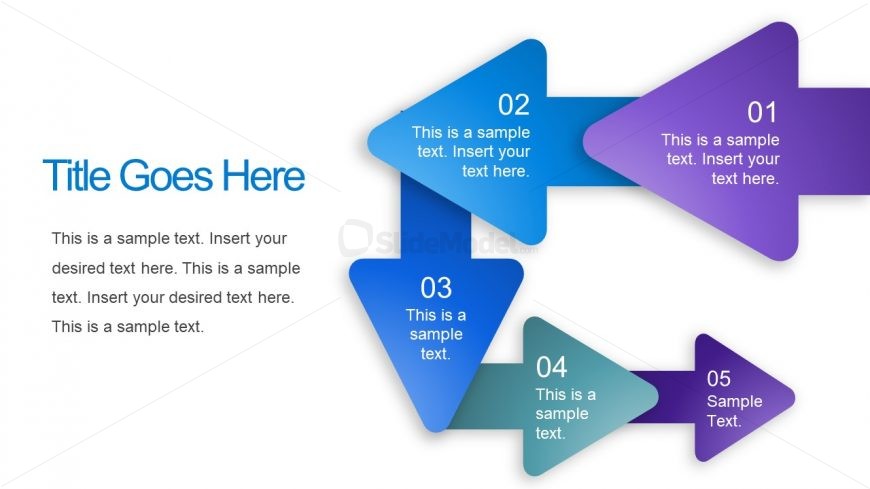
The Process Flow with Arrows slide from the Free Business Plan Slides for PowerPoint template offers a clear visual sequence ideal for project planning and strategic initiatives. This slide layout uses editable shapes and numbered arrows to guide audiences through process steps, making it suitable for business presentations and pitch deck templates that require a structured flow of information.
What’s on This Slide
The layout features a left-aligned title placeholder at the top with a large text area below. A series of five arrows, each pointing right, are arranged in a horizontal flow. The arrows are colored in a gradient from purple to blue, with numbers inside each arrow indicating sequence. Each arrow contains a text placeholder for descriptions. The first arrow is larger than the others, emphasizing its importance. The background is white, providing contrast to the colorful arrows. There are no images or media placeholders present.
How to Use It
This layout serves as a process flow diagram, ideal for illustrating sequential steps in a business plan. It fits well at the beginning of a presentation to outline key processes or initiatives. This structure is useful for project management discussions, strategic planning presentations, or any scenario where a clear sequence of actions is needed. It can also be adapted for training sessions to guide learners through a process.
Text Placeholders & Capacity
Keep your copy within these limits so it fits without resizing. Node body slots can hold about 15-20 words each.
| Placeholder | Count | Max characters (approx.) |
|---|---|---|
| Slide title | 1 | 30 |
| Item heading | 5 | 20 |
| Item body | 5 | 80 |
Slide Keywords
Download unlimited PowerPoint templates, charts and graphics for your presentations with our annual plan.
DOWNLOADReturn to Free Business Plan Slides for PowerPoint.