Slide 5 of 5 from Free Business Plan Diagrams PowerPoint Templates
Free Infographics 4 Step Template
Company History Steps Diagram for Presentations
- Diagram
- Arrow Sequence
- Process Slide
- 16:9
- 100% Editable
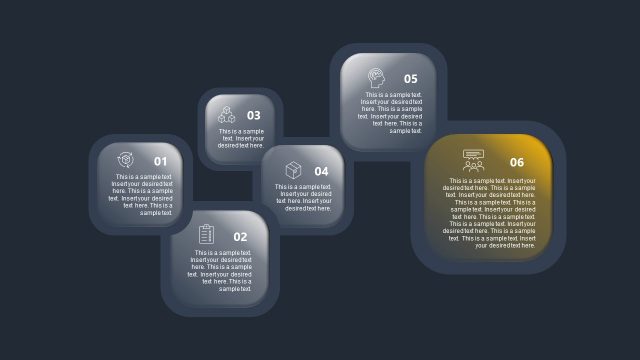
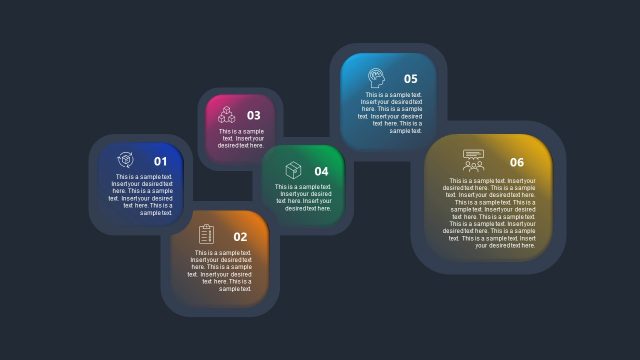
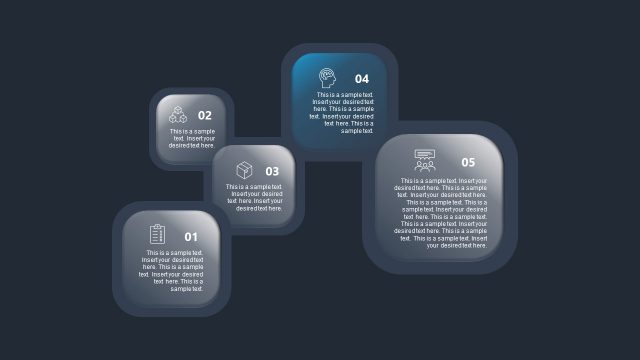
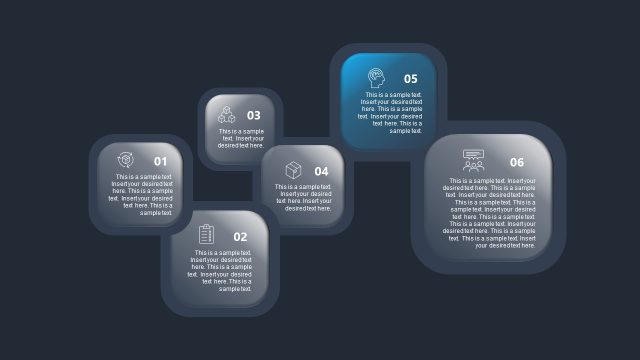
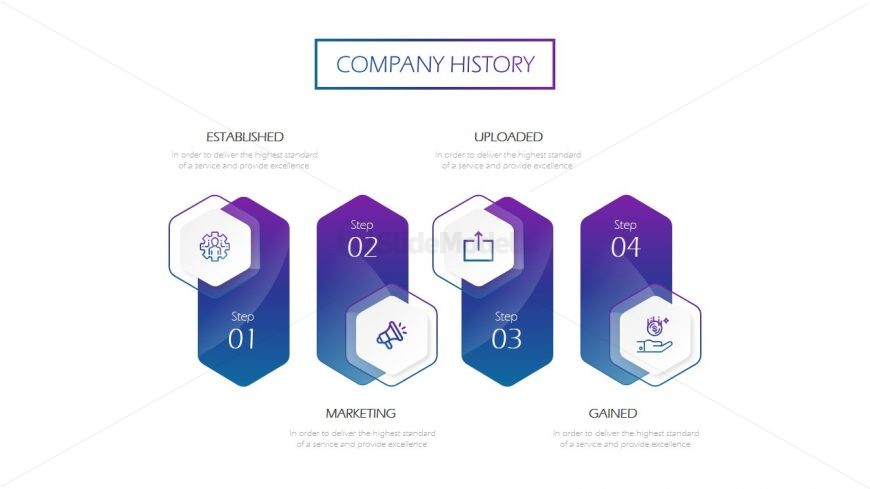
The Company History Steps slide from the Free Business Plan Diagrams PowerPoint Templates offers a clear process flow diagram ideal for illustrating company milestones and strategic initiatives. This slide layout uses editable shapes and vector icons arranged in a horizontal sequence to showcase business growth effectively within a corporate presentation or pitch deck template.
What’s on This Slide
The layout features a central title at the top labeled 'Company History.' Below, there are four hexagonal nodes arranged horizontally. Each node contains an icon and a label indicating a step in the process. The first node is labeled 'Step 01' with an icon representing a group. The second node, 'Step 02,' features a marketing icon. The third node, 'Step 03,' includes an upload icon, and the final node, 'Step 04,' has a financial icon. Text placeholders exist beneath each node, aligned centrally, providing descriptions of each step. The background is a gradient transitioning from light to dark purple.
How to Use It
This layout serves as a process flow diagram, illustrating sequential steps in a company's history. It fits well in a presentation sequence that outlines a business's development or milestones. This structure is useful for business plans, project updates, or case studies where chronological progression is essential. It can effectively communicate the evolution of strategies or initiatives over time, making it suitable for stakeholders or team meetings.
Text Placeholders & Capacity
Keep your copy within these limits so it fits without resizing. Node body slots can hold about 15-20 words each.
| Placeholder | Count | Max characters (approx.) |
|---|---|---|
| Slide title | 1 | 30 |
| Item heading | 4 | 15 |
| Item body | 4 | 100 |
Slide Keywords
Download unlimited PowerPoint templates, charts and graphics for your presentations with our annual plan.
DOWNLOAD