Slide 1 of 3 from Free Bucket Slides for PowerPoint
FF0015-01-bucket-slides-1
Bucket Classification Diagram for Presentations
- Diagram
- Other
- Process Slide
- 16:9
- 100% Editable
The Bucket Classification Diagram slide from the Free Bucket Slides for PowerPoint template offers a clear visual tool for illustrating categorization and prioritization strategies. Designed with editable shapes, this slide template supports business presentations by enabling effective grouping of concepts or data. Its structured layout suits consultants and trainers seeking to explain classification methods within a professional slide deck.
What’s on This Slide
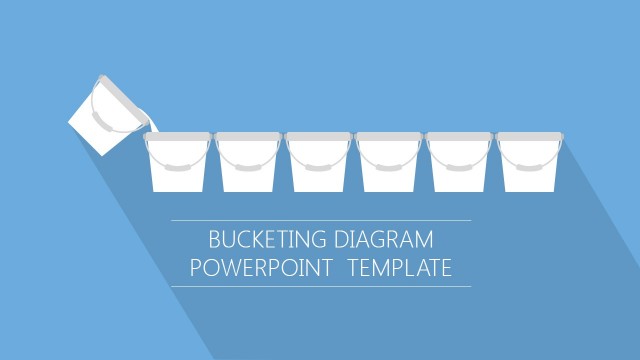
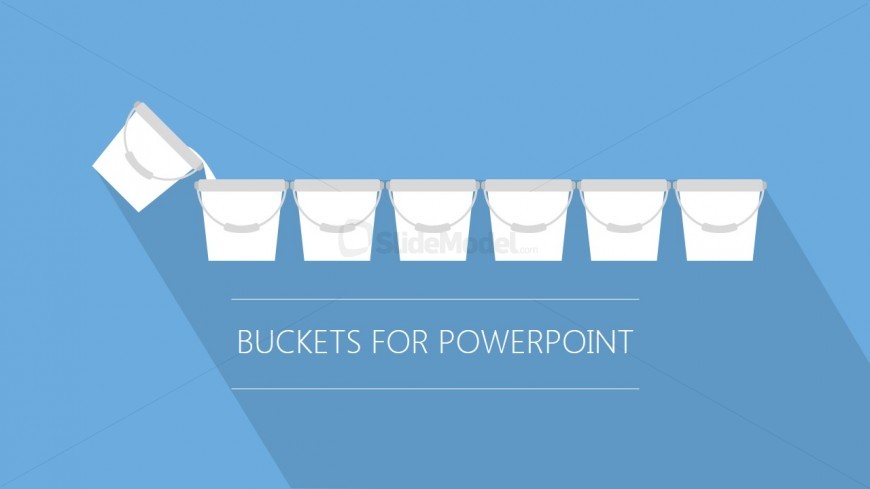
The slide features a light blue background with a series of eight white buckets arranged horizontally. The first bucket is tilted to the left, suggesting an action or movement. The buckets are uniform in size and shape, with handles visible. Below the buckets, there is a centered text placeholder that reads 'BUCKETS FOR POWERPOINT.' This placeholder is large and bold, emphasizing the title. The visual hierarchy is clear, with the buckets being the primary focus and the title providing context.
How to Use It
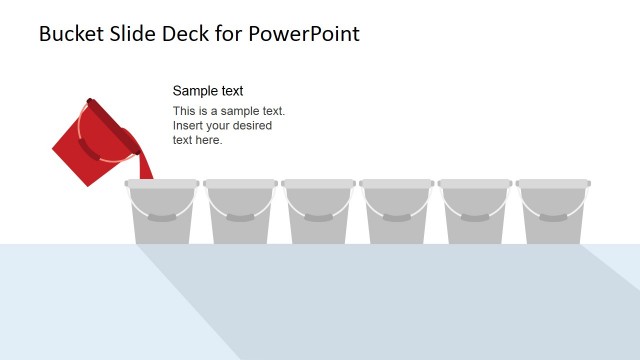
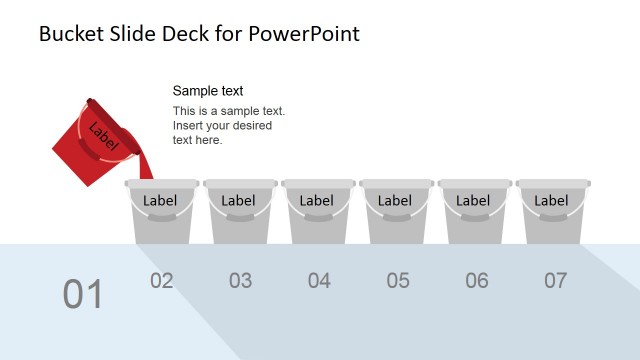
This layout serves as a visual representation for categorizing or grouping items into buckets. It fits well in a presentation sequence after introducing a problem or concept that requires segmentation. This structure is useful for consultants or trainers explaining classification methods, prioritization strategies, or sorting processes. It can be used to illustrate how different elements can be grouped based on specific criteria or characteristics.
Text Placeholders & Capacity
Keep your copy within these limits so it fits without resizing. The title slot can accommodate a brief phrase, roughly 5-6 words.
| Placeholder | Count | Max characters (approx.) |
|---|---|---|
| Slide title | 1 | 30 |
Slide Keywords
Download unlimited PowerPoint templates, charts and graphics for your presentations with our annual plan.
DOWNLOADReturn to Free Bucket Slides for PowerPoint.