Slide 1 of 4 from Free Box Timeline Concept for PowerPoint
3D Box Process PowerPoint Diagram Template
Box Timeline Concept for Presentations
- Diagram
- Timeline Horizontal
- Process Slide
- 16:9
- 100% Editable
The Box Timeline Concept slide from the Free Box Timeline Concept for PowerPoint template offers a clear horizontal timeline layout ideal for illustrating project timelines and process flows. This slide uses editable shapes and vector icons to visually represent sequential steps, making it suitable for business presentations or educational slide decks that require a structured chronological overview.
What’s on This Slide
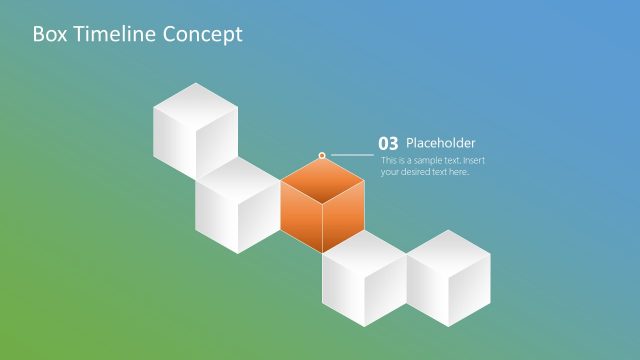
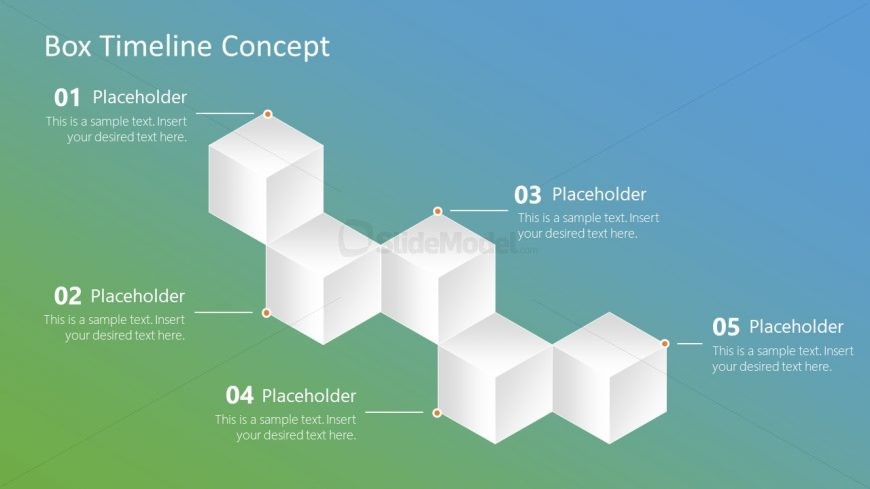
The slide features a horizontal box timeline with five connected cubes. Each cube is positioned sequentially from left to right, with placeholders for text inside each cube. The first cube is at the top left, followed by the second cube below it, and the remaining cubes are aligned horizontally. Connecting lines extend from each cube to the adjacent placeholder text, which is aligned to the right. The background transitions from blue at the top to green at the bottom, creating a gradient effect. The overall layout emphasizes a clear flow of information.
How to Use It
This layout serves as a timeline to illustrate sequential steps or phases in a project or process. It fits well in presentations that require a visual representation of chronological events or milestones. Common scenarios include project timelines, product development stages, or historical overviews. This slide is particularly useful for business meetings, educational settings, or any context where a clear progression of ideas is needed.
Text Placeholders & Capacity
Keep your copy within these limits so it fits without resizing. Node labels can hold up to 30 characters each, while body text can accommodate around 100 characters.
| Placeholder | Count | Max characters (approx.) |
|---|---|---|
| Item heading | 5 | 30 |
| Item body | 5 | 100 |
Slide Keywords
Download unlimited PowerPoint templates, charts and graphics for your presentations with our annual plan.
DOWNLOADReturn to Free Box Timeline Concept for PowerPoint.