Slide 2 of 4 from 3D Boxes PowerPoint Template
3 Steps 3D Boxes Diagram Template
3D Box Sequence Slide for Presentations
- Diagram
- Arrow Sequence
- Process Slide
- 16:9
- 100% Editable
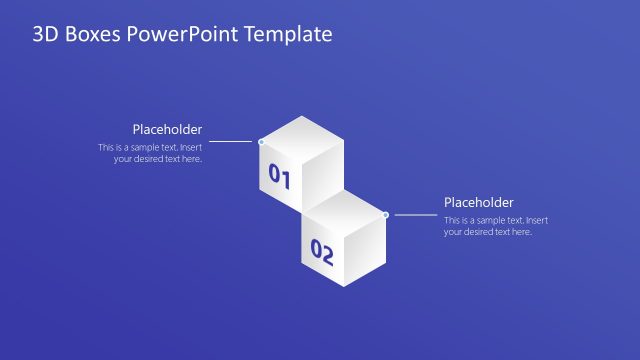
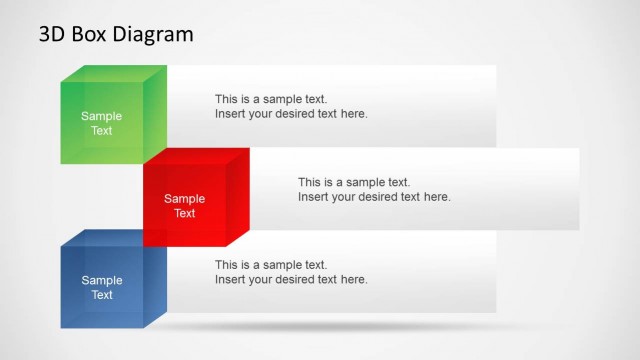
The 3D Box Sequence slide from the 3D Boxes PowerPoint Template offers a structured layout for illustrating process steps or project timelines. Featuring three prominently numbered 3D boxes arranged in a zigzag pattern, this slide template supports clear communication of sequential information. Its clean design and editable shapes make it suitable for business presentations and pitch decks, providing a professional way to showcase product features or development stages within a corporate presentation slide deck.
What’s on This Slide
The layout features three 3D boxes arranged in a zigzag pattern across the center of the slide. Each box is labeled with numbers 01, 02, and 03, indicating a sequential flow. Text placeholders are positioned to the left of each box, aligned horizontally, allowing for additional descriptions. The background is a solid blue color, providing contrast to the white boxes. The visual hierarchy emphasizes the boxes, with the numbers prominently displayed. Overall, the design is clean and structured, facilitating easy comprehension.
How to Use It
This layout serves as a sequential diagram, ideal for illustrating processes or steps in a presentation. It fits well after an introductory slide and before detailed content, offering a clear overview of key points. Suitable for business scenarios such as project timelines, product features, or stages of development, it allows for concise explanations alongside visual elements. Use this structure to guide audiences through a series of related concepts or actions effectively.
Text Placeholders & Capacity
Keep your copy within these limits so it fits without resizing. Node labels can hold up to 2 characters each, callouts can hold about 50 characters.
| Placeholder | Count | Max characters (approx.) |
|---|---|---|
| Item heading | 3 | 2 |
| Callout | 3 | 50 |
Slide Keywords
Download unlimited PowerPoint templates, charts and graphics for your presentations with our annual plan.
DOWNLOADReturn to 3D Boxes PowerPoint Template.