Slide 2 of 4 from Free Box Timeline Concept for PowerPoint
3D Box Cube Timeline Templates
Box Timeline Concept for Presentations
- Diagram
- Timeline Horizontal
- Process Slide
- 16:9
- 100% Editable
The Box Timeline Concept slide from the Free Box Timeline Concept for PowerPoint template offers a clear, horizontal sequence ideal for illustrating project timelines and process stages. This slide layout uses editable shapes and vector icons to highlight milestones, making it suitable for business presentations and pitch deck templates that require a structured depiction of progress over time.
What’s on This Slide
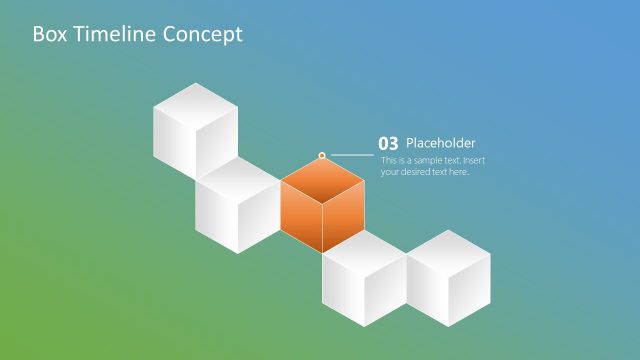
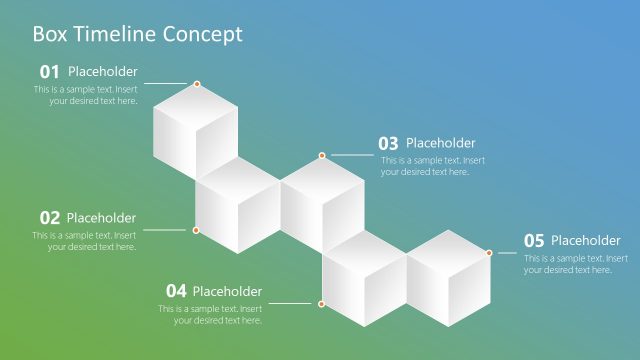
The layout features a series of white boxes arranged in a horizontal sequence, with one orange box positioned centrally. The orange box serves as a focal point, indicating the current stage in the timeline. A label with the number '02' is placed above the orange box, accompanied by a text placeholder below it. The background transitions from a light green to a blue gradient, enhancing visual appeal. The overall composition is clean, with clear separation between the boxes and the text elements, emphasizing the timeline structure.
How to Use It
This layout functions as a timeline, illustrating sequential stages or milestones in a project or process. It is suitable for presentations that require a clear depiction of progress over time. This slide fits well after an introductory slide that outlines the timeline's purpose. It can be used in business contexts, such as project updates, product launches, or strategic planning sessions, where visualizing steps or phases is essential for audience understanding.
Text Placeholders & Capacity
Keep your copy within these limits so it fits without resizing. Text slots can accommodate concise entries, roughly 8-10 words each.
| Placeholder | Count | Max characters (approx.) |
|---|---|---|
| Slide title | 1 | 30 |
| Item heading | 1 | 10 |
| Item body | 1 | 60 |
Slide Keywords
Download unlimited PowerPoint templates, charts and graphics for your presentations with our annual plan.
DOWNLOADReturn to Free Box Timeline Concept for PowerPoint.