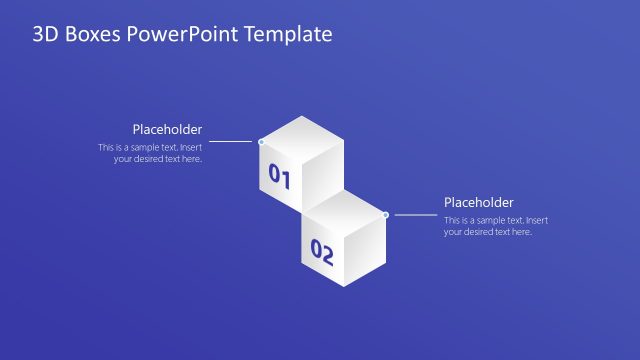
Slide 3 of 4 from 3D Boxes PowerPoint Template
4 Steps 3D Boxes Diagram Template
3D Box Sequence Diagram for Presentations
- Diagram
- Arrow Sequence
- Process Slide
- 16:9
- 100% Editable
What’s on This Slide
The layout features four 3D boxes arranged in a horizontal sequence. Each box is labeled with numbers 01 to 04, positioned from left to right. Connecting lines extend from each box to text placeholders, which are aligned to the left of the boxes. The background is a solid blue color, creating a cohesive visual theme. The boxes are white with subtle shading, enhancing their 3D effect. Text placeholders are evenly spaced and provide room for additional information. The overall composition is structured and clear.
How to Use It
This layout serves as a sequential diagram, ideal for illustrating processes or steps in a presentation. It fits well after introductory slides, providing a clear visual representation of a progression or timeline. Suitable for business contexts, it can be used to outline project phases, product features, or strategic initiatives. The design allows for easy customization, making it adaptable for various topics and audiences.
Text Placeholders & Capacity
Keep your copy within these limits so it fits without resizing. Node body slots can hold roughly 10-12 words each.
| Placeholder | Count | Max characters (approx.) |
|---|---|---|
| Item heading | 4 | 2 |
| Item body | 4 | 50 |
Slide Keywords
Download unlimited PowerPoint templates, charts and graphics for your presentations with our annual plan.
DOWNLOADReturn to 3D Boxes PowerPoint Template.