Slide 1 of 3 from Free Before & After Presentation Slides Template for PowerPoint
Free Before & After Presentation Slide in Two Tones
Before and After Presentation Slide
- Media Layout
- Other
- Comparison Slide
- 16:9
- 100% Editable
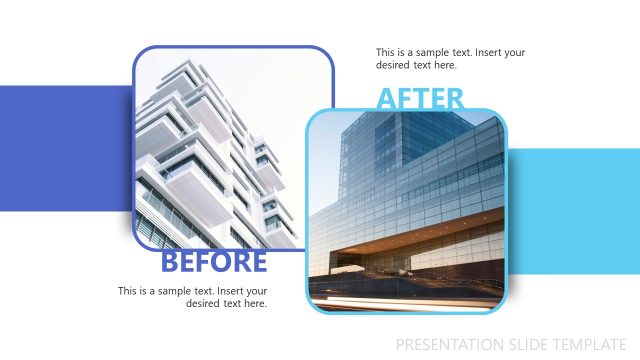
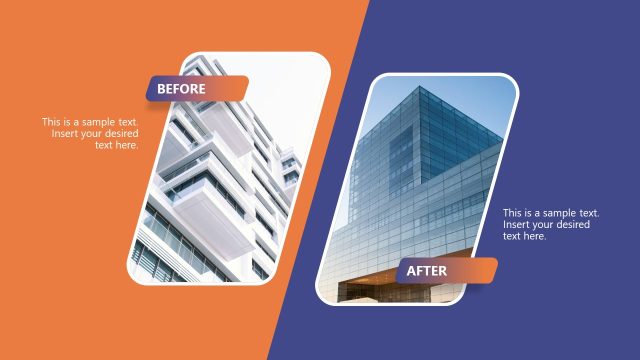
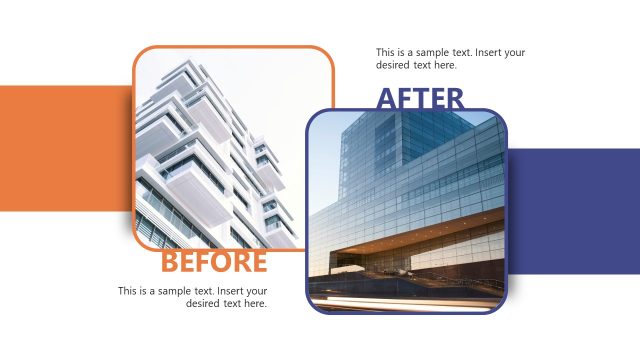
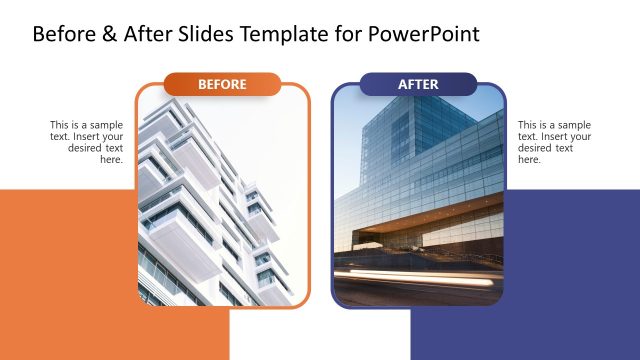
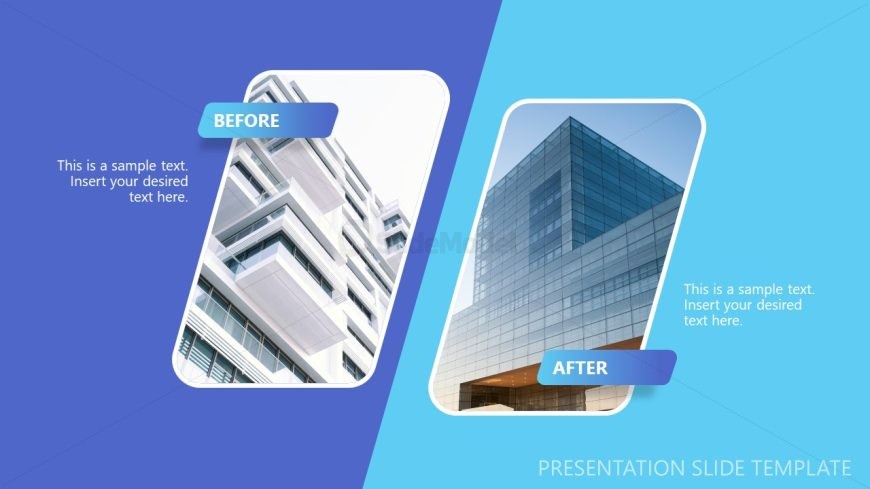
The Before and After Comparison slide layout from the Free Before & After Presentation Slides Template for PowerPoint is designed for effective visual storytelling. This slide features a split layout that highlights project results, demonstrating design changes or product improvements. With its clear contrast between the 'Before' and 'After' images, it serves as an excellent tool for business presentations and educational contexts alike.
What’s on This Slide
The slide features a split layout with two distinct sections labeled 'Before' and 'After.' The left section displays an image of a building before renovation, while the right section shows the same building after renovation. Each section has a rounded rectangular shape with a light blue background on the right and a darker blue background on the left. Text placeholders are positioned within each section, aligned to the left, allowing for descriptive content. The overall composition emphasizes the contrast between the two images, enhancing visual clarity.
How to Use It
This layout serves as a visual comparison tool, ideal for showcasing transformations or improvements. It fits well in presentations that discuss project outcomes, design changes, or product enhancements. The slide can be used in marketing, architecture, or any field where before-and-after scenarios are relevant. It effectively communicates the impact of changes visually, making it suitable for both professional and educational contexts.
Text Placeholders & Capacity
Keep your copy within these limits so it fits without resizing. Text slots can hold about 8-10 words each.
| Placeholder | Count | Max characters (approx.) |
|---|---|---|
| Slide title | 1 | 30 |
| Item body | 2 | 50 |
Slide Keywords
Download unlimited PowerPoint templates, charts and graphics for your presentations with our annual plan.
DOWNLOADReturn to Free Before & After Presentation Slides Template for PowerPoint.