Slide 3 of 3 from Free Before & After Presentation Slides Template for PowerPoint
Two-Picture Layout Before and After Free PPT Template
Before and After Comparison Slide
- Media Layout
- Other
- Comparison Slide
- 16:9
- 100% Editable
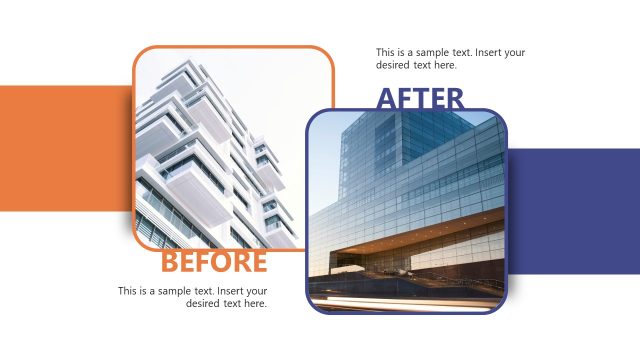
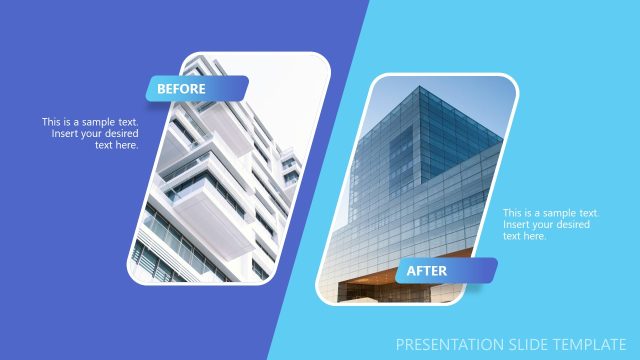
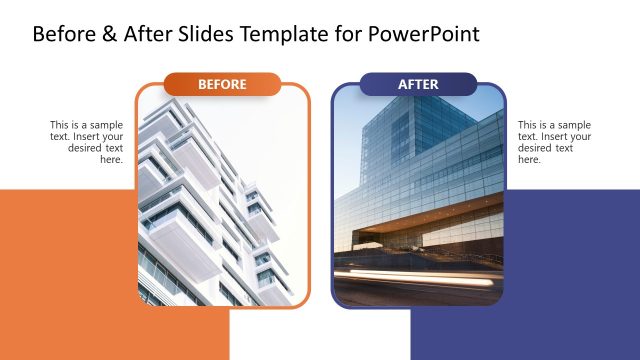
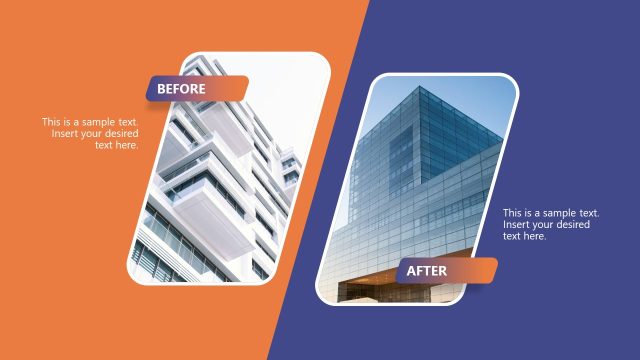
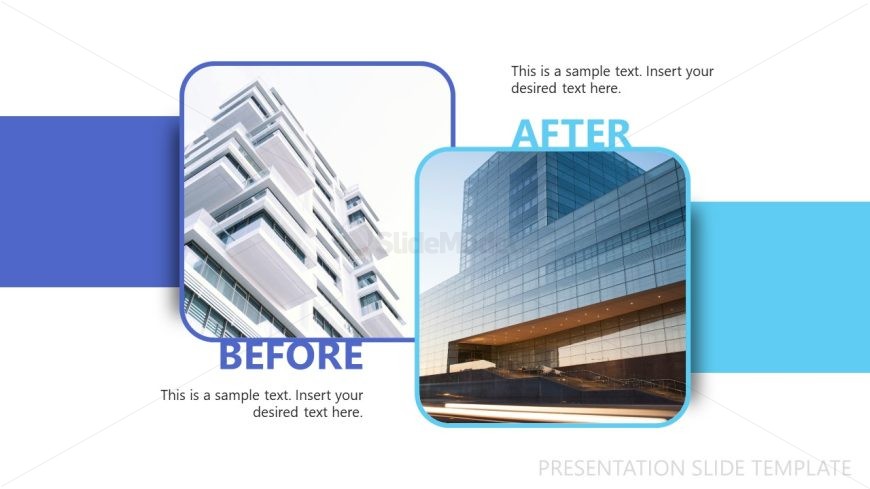
The Before and After Comparison slide from the Free Before & After Presentation Slides Template for PowerPoint effectively showcases design changes and project outcomes. This layout features two images, labeled 'BEFORE' and 'AFTER,' allowing for a clear visual contrast that highlights improvements. Ideal for business presentations, this slide template is designed to illustrate product upgrades and transformations in a clean and organized manner.
What’s on This Slide
The layout features two images positioned on the left and right sides, labeled 'BEFORE' and 'AFTER.' The left section contains a rounded rectangle with a building image, while the right section has a similar shape with a different building image. A horizontal blue band runs across the center, separating the two images. Text placeholders are located beneath each image, aligned centrally. The overall color scheme includes shades of blue and white, creating a clean and organized visual hierarchy.
How to Use It
This layout serves as a before-and-after comparison tool, ideal for showcasing changes or improvements in various contexts. It fits well in presentations discussing project outcomes, design transformations, or product upgrades. This structure can be used in marketing, architecture, or any field where visual contrast is essential to convey progress or results effectively.
Text Placeholders & Capacity
Keep your copy within these limits so it fits without resizing. Text slots can accommodate short phrases, roughly 10-15 words each.
| Placeholder | Count | Max characters (approx.) |
|---|---|---|
| Slide title | 1 | 40 |
| Item heading | 2 | 20 |
| Item body | 2 | 60 |
Slide Keywords
Download unlimited PowerPoint templates, charts and graphics for your presentations with our annual plan.
DOWNLOADReturn to Free Before & After Presentation Slides Template for PowerPoint.