Slide 2 of 3 from Free Before & After Presentation Slides Template for PowerPoint
Comparison List Before After Template for PowerPoint Free
Before and After Comparison Slide
- Text Layout
- Other
- Comparison Slide
- 16:9
- 100% Editable
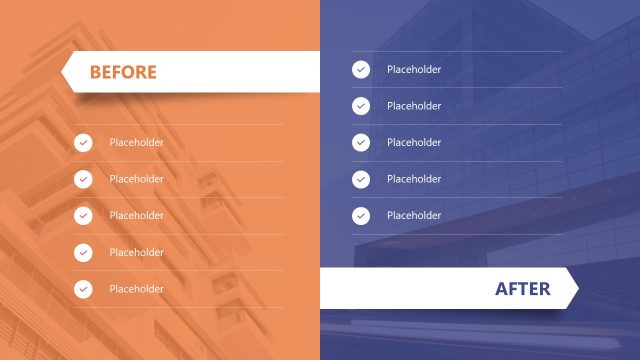
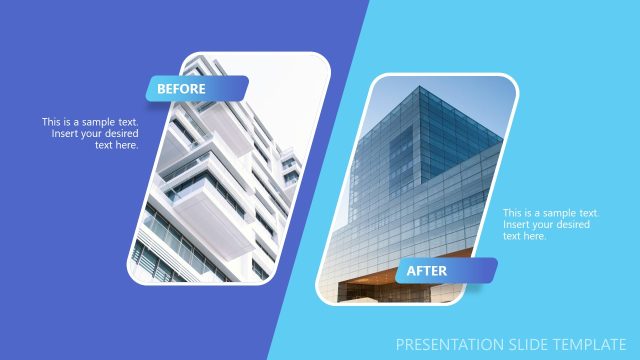
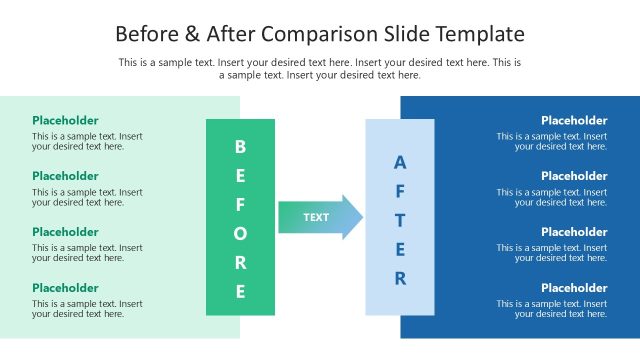
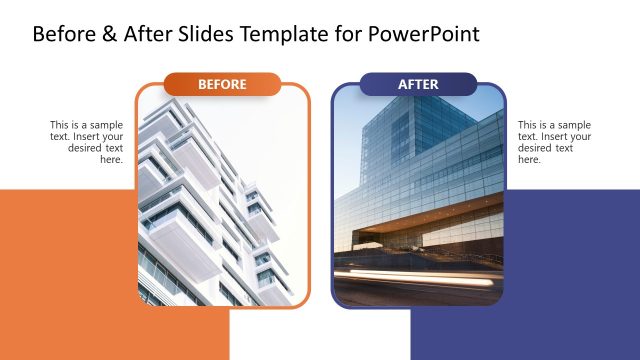
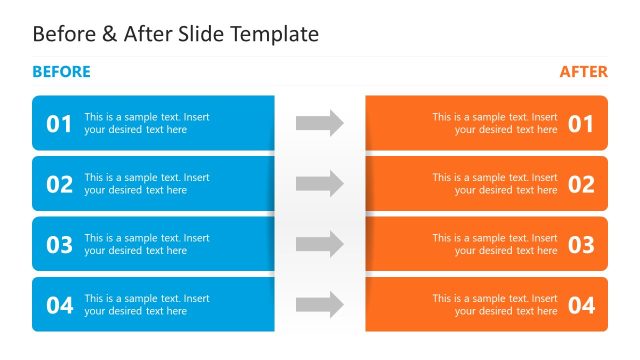
The Before and After Comparison slide layout from the Free Before & After Presentation Slides Template for PowerPoint is designed to effectively showcase project improvements and product changes. With its symmetrical design featuring distinct sections for 'Before' and 'After,' this slide is ideal for visualizing performance results in a business presentation or pitch deck template.
What’s on This Slide
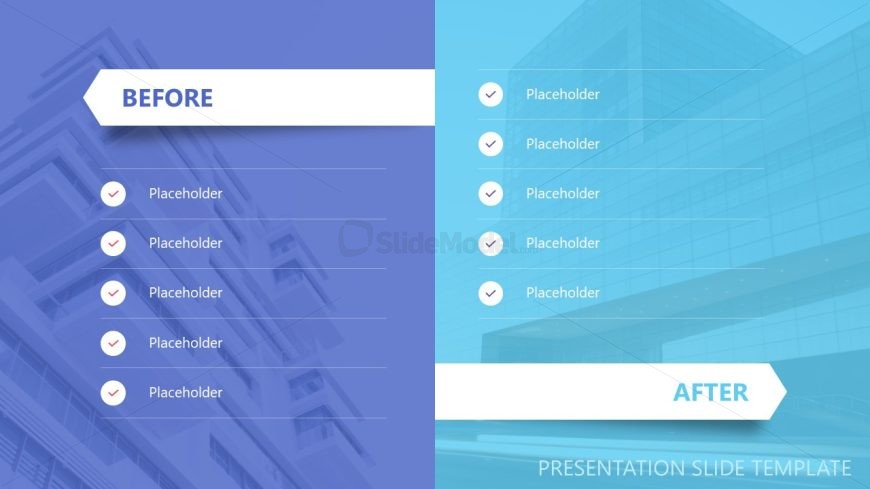
The layout features two vertical sections, one labeled 'Before' and the other 'After.' The left section has a blue background with a large hexagonal shape at the top containing the word 'BEFORE.' Below, there are six circular placeholders aligned vertically, each with a checkmark icon. The right section has a light blue background with the word 'AFTER' in a similar hexagonal shape at the bottom. This section also contains six circular placeholders aligned vertically, each with a checkmark icon. The overall composition is symmetrical, with a clear visual distinction between the two sections.
How to Use It
This layout serves as a before-and-after comparison tool, ideal for showcasing changes or improvements. It fits well in a presentation sequence that discusses transformations, such as project outcomes or product enhancements. Real-world scenarios include marketing presentations, case studies, or performance reviews where visual contrasts are essential. The layout effectively highlights differences and can be used to emphasize progress or results in various business contexts.
Text Placeholders & Capacity
Keep your copy within these limits so it fits without resizing. Node labels can accommodate roughly 3-5 words each.
| Placeholder | Count | Max characters (approx.) |
|---|---|---|
| Slide title | 1 | 20 |
| Item heading | 12 | 15 |
| Footer | 1 | 30 |
Slide Keywords
Download unlimited PowerPoint templates, charts and graphics for your presentations with our annual plan.
DOWNLOADReturn to Free Before & After Presentation Slides Template for PowerPoint.