Slide 7 of 15 from Free Aquarelle PowerPoint Background
Work Process Sample Slide – Aquarelle Template Background
Work Process Sample Slide for Presentations
- Diagram
- Arrow Sequence
- Process Slide
- 16:9
- 100% Editable
The Work Process Sample slide from the Free Aquarelle PowerPoint Background template effectively illustrates sequential stages in project management. Featuring four circular icons, this diagram layout enhances workflow presentations with visually appealing watercolor gradients. Ideal for team processes, it provides editable slides that facilitate clear communication of complex ideas.
What’s on This Slide
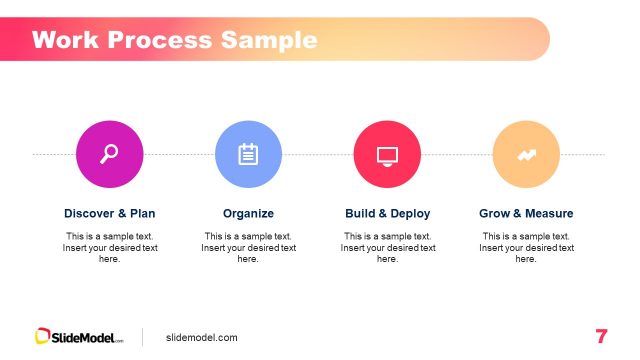
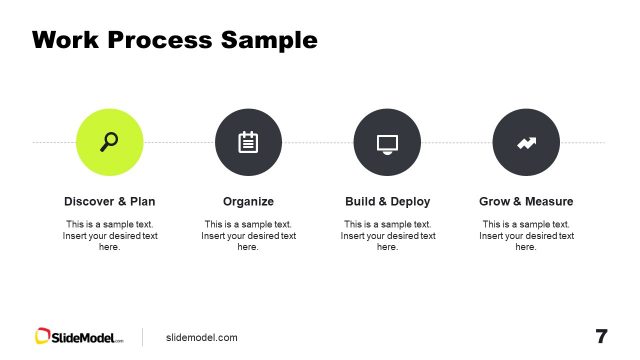
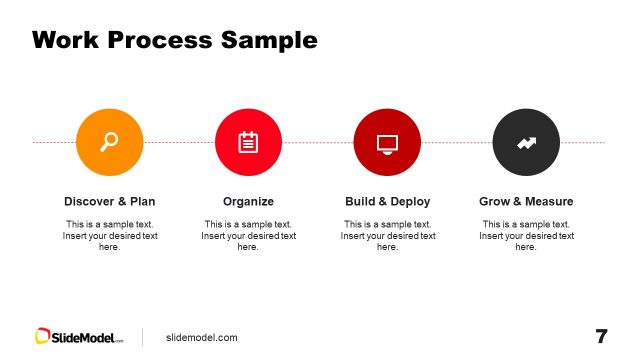
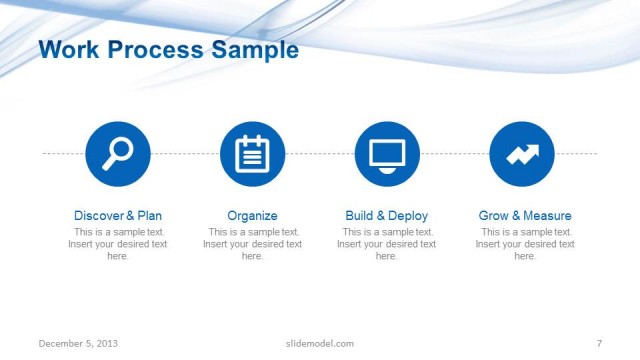
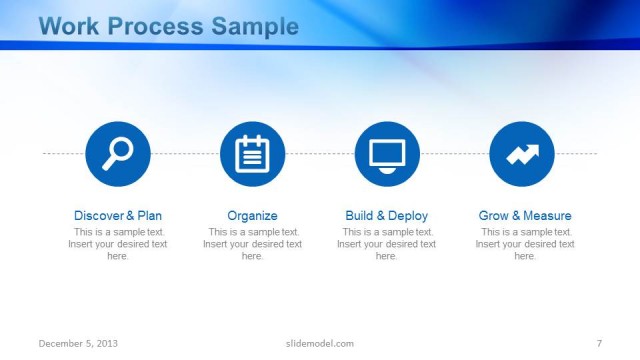
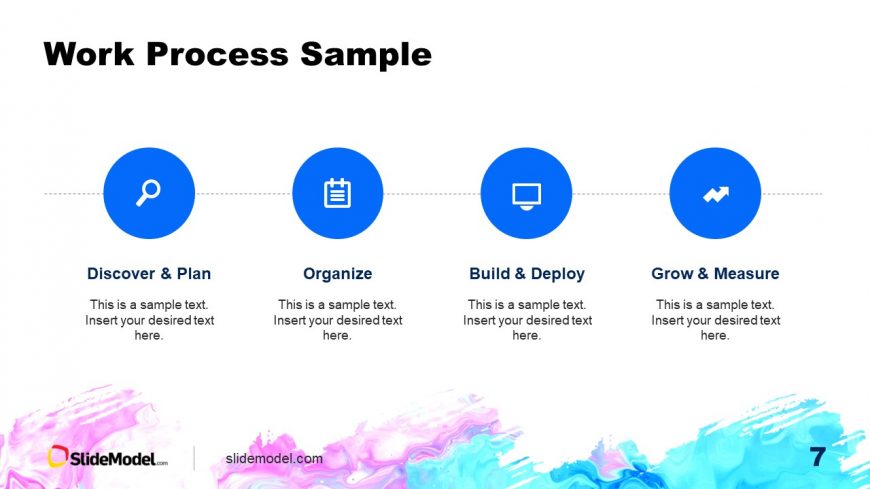
The layout features four circular icons aligned horizontally at the center, each representing a stage in a process. The icons are filled with a blue color and include a magnifying glass, clipboard, computer screen, and an upward arrow. Below each icon, there are text placeholders for titles and descriptions, aligned centrally. The background includes a colorful watercolor gradient at the bottom, enhancing the visual appeal. The overall composition is balanced, with the title 'Work Process Sample' positioned at the top center, providing a clear hierarchy.
How to Use It
This layout serves as a sequential representation of a work process, ideal for illustrating steps in project management or workflow. It fits well in a presentation sequence after introducing a problem or context, leading into detailed discussions. Suitable scenarios include project planning, team workflows, or product development stages. The clear visual separation of each step aids in audience comprehension and retention.
Text Placeholders & Capacity
Keep your copy within these limits so it fits without resizing. Node body slots can hold about 10-12 words each.
| Placeholder | Count | Max characters (approx.) |
|---|---|---|
| Slide title | 1 | 30 |
| Item heading | 4 | 25 |
| Item body | 4 | 50 |
Slide Keywords
Download unlimited PowerPoint templates, charts and graphics for your presentations with our annual plan.
DOWNLOADReturn to Free Aquarelle PowerPoint Background.