Slide 7 of 15 from Free Gradient PowerPoint Background
Work Process Slide with Infographic Icons
Work Process Sample Slide for Presentations
- Diagram
- Arrow Sequence
- Process Slide
- 16:9
- 100% Editable
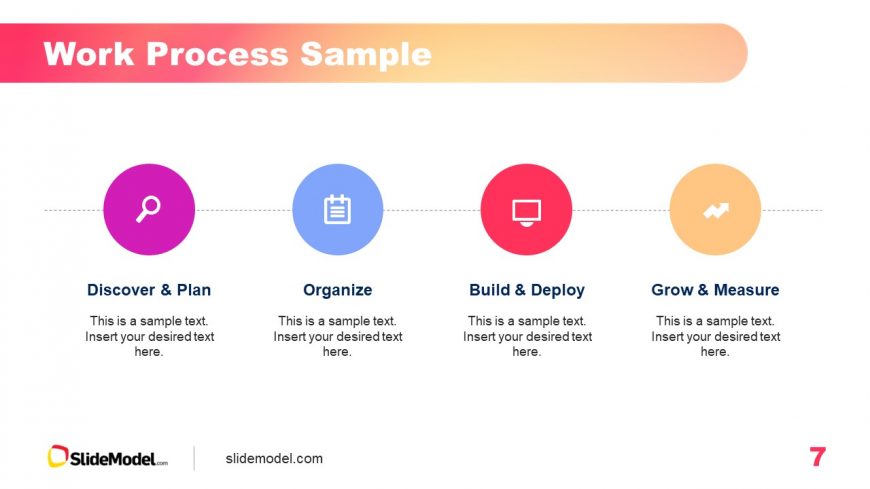
The Work Process Sample slide from the Free Gradient PowerPoint Background template provides a clear visual representation of sequential steps in project management or product development. Featuring four editable circular nodes with icons and descriptions, this diagram is ideal for enhancing business presentations and team process overviews.
What’s on This Slide
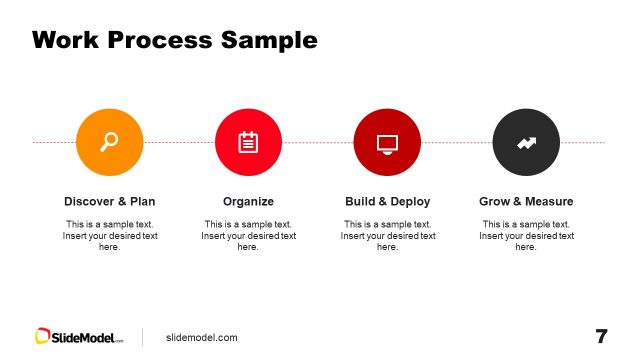
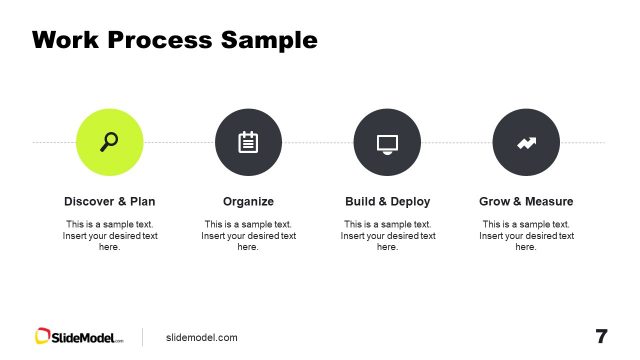
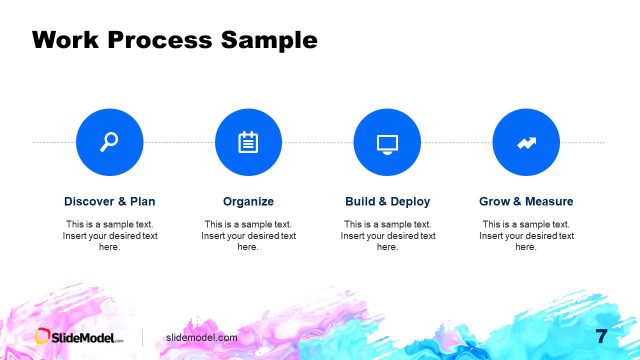
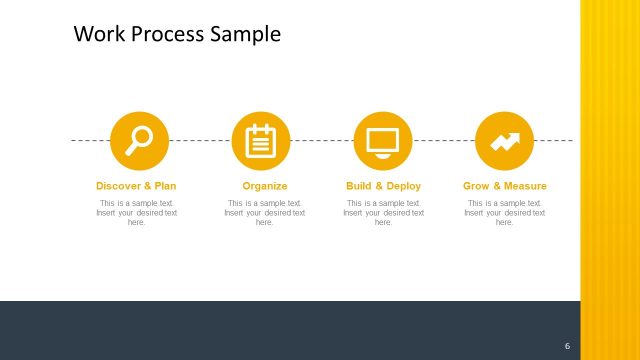
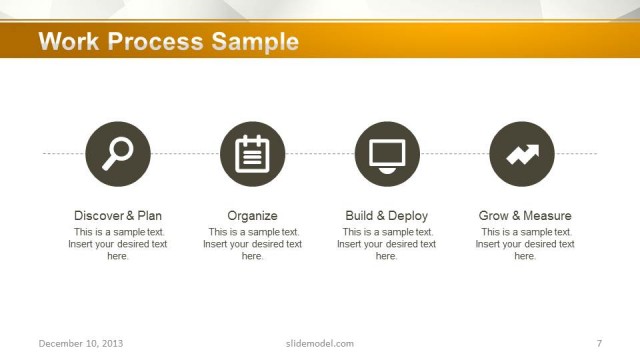
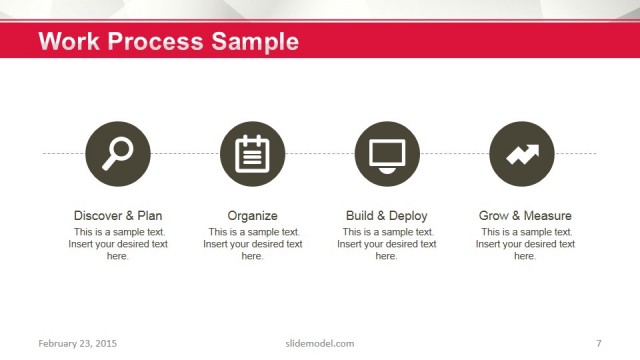
The layout features four circular nodes aligned horizontally across the center. Each node contains an icon and a title, with a text placeholder below for descriptions. The first node is purple with a magnifying glass icon, the second is blue with a clipboard, the third is red with a deployment icon, and the fourth is orange with a growth icon. The background displays a gradient transitioning from pink to orange at the top. Text placeholders are centrally aligned within each node, maintaining a consistent visual hierarchy.
How to Use It
This layout serves as a process flow diagram, suitable for illustrating sequential steps in a project or workflow. It fits well in a presentation sequence following an introduction or problem statement. Scenarios include project management presentations, product development processes, or team workflows, where clarity in steps is essential for audience understanding.
Text Placeholders & Capacity
Keep your copy within these limits so it fits without resizing. Node body slots can accommodate roughly 10-12 words each.
| Placeholder | Count | Max characters (approx.) |
|---|---|---|
| Slide title | 1 | 30 |
| Item heading | 4 | 25 |
| Item body | 4 | 50 |
Slide Keywords
Download unlimited PowerPoint templates, charts and graphics for your presentations with our annual plan.
DOWNLOADReturn to Free Gradient PowerPoint Background.