Slide 4 of 4 from Free Abstract Hexagon Infographic for PowerPoint
Flat Hexagon Diagram Abstract PowerPoint
Abstract Hexagonal Infographics for Presentations
- Diagram
- Comparison Split
- Process Slide
- 16:9
- 100% Editable
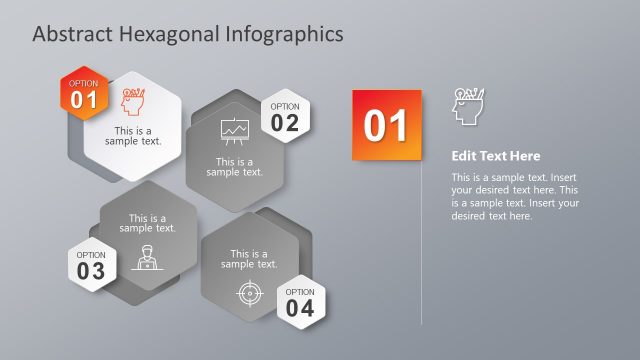
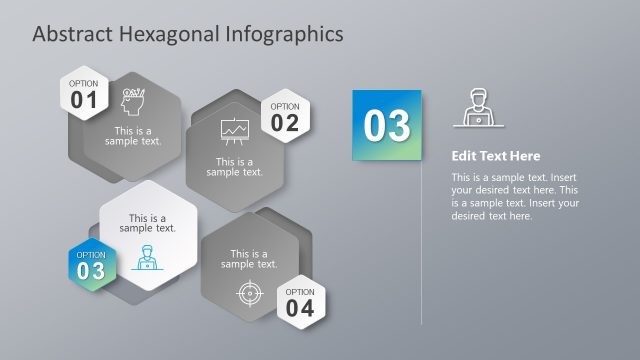
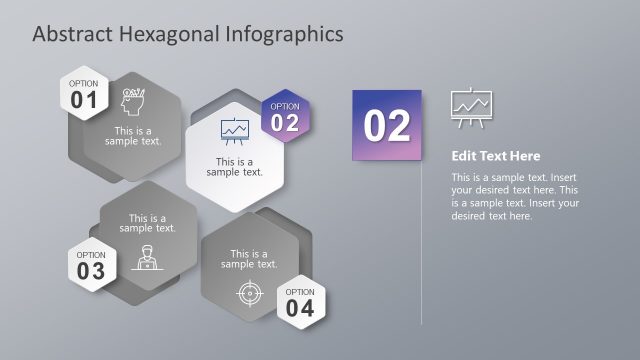
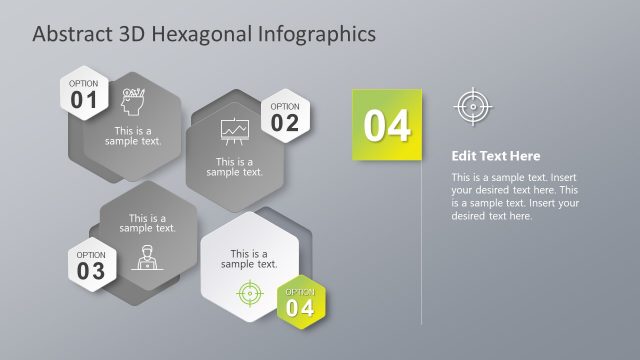
The Abstract Hexagonal Infographics slide from the Free Abstract Hexagon Infographic for PowerPoint template offers a clear layout for option comparison and process presentation. Featuring editable shapes arranged in a balanced cluster, this slide supports business presentations and pitch deck templates by visually organizing steps or features with vector icons and concise text placeholders.
What’s on This Slide
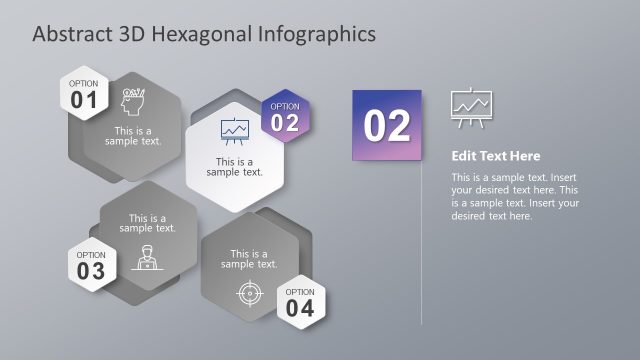
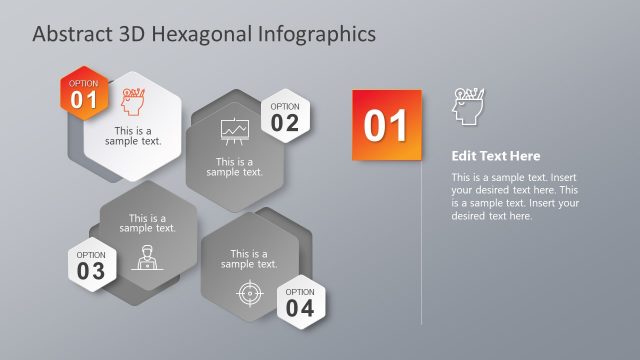
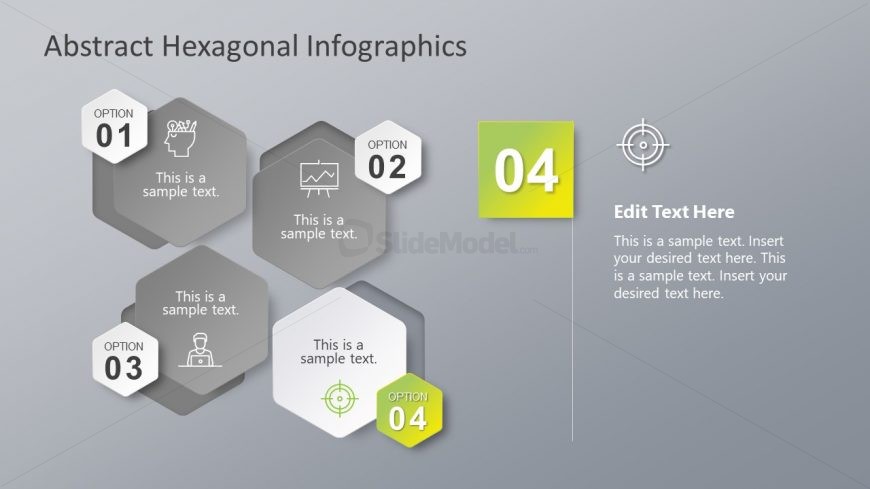
The layout features four hexagonal shapes arranged in a cluster on the left side, each labeled with an option number and containing sample text. The first three hexagons are gray with icons, while the fourth is highlighted in green. To the right, a large text placeholder is present, labeled 'Edit Text Here,' with additional sample text below. The background is a light gray gradient, enhancing the visual hierarchy. The hexagons are evenly spaced, creating a balanced composition, with clear separation between text and graphic elements.
How to Use It
This layout serves as a visual representation of options or steps in a process, suitable for presentations that require comparison or selection. It fits well in a sequence following an introduction or problem statement, effectively summarizing key points. This structure is useful in business scenarios such as project proposals, product features, or decision-making processes, where multiple options need to be presented clearly and concisely.
Text Placeholders & Capacity
Keep your copy within these limits so it fits without resizing. Node body slots can hold about 10-12 words each.
| Placeholder | Count | Max characters (approx.) |
|---|---|---|
| Slide title | 1 | 30 |
| Item heading | 4 | 15 |
| Item body | 4 | 50 |
| Body paragraph | 1 | 150 |
Slide Keywords
Download unlimited PowerPoint templates, charts and graphics for your presentations with our annual plan.
DOWNLOAD