Slide 2 of 4 from Free Abstract Hexagon Infographic for PowerPoint
4 Stages in Abstract Design Hexagon Diagram
Abstract Hexagonal Infographics Slide
- Diagram
- Comparison Split
- Comparison Slide
- 16:9
- 100% Editable
The Abstract Hexagonal Infographics slide from the Free Abstract Hexagon Infographic for PowerPoint template offers a structured layout ideal for feature comparison and option presentation. This slide uses editable shapes arranged in a hexagonal grid to clearly communicate multiple ideas, making it suitable for business presentations or corporate slide decks that require a concise overview of services or project phases.
What’s on This Slide
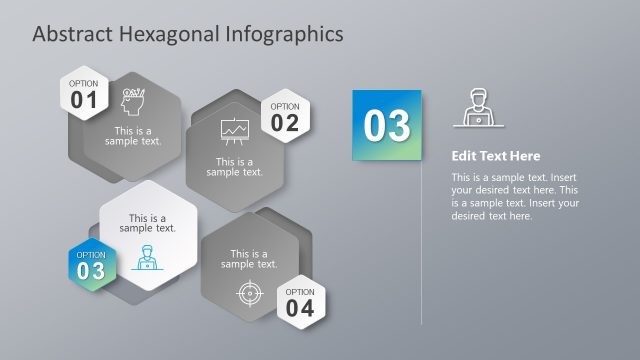
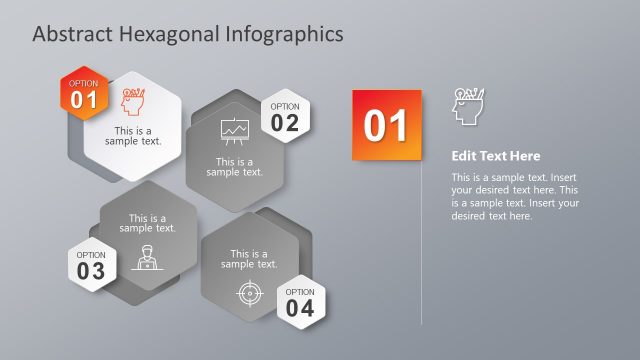
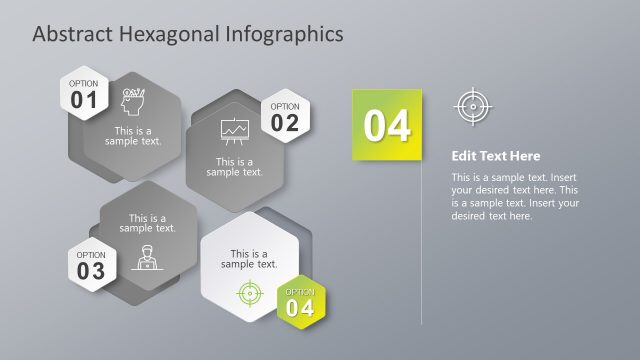
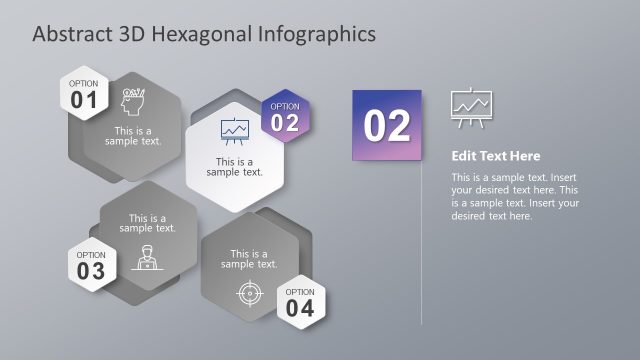
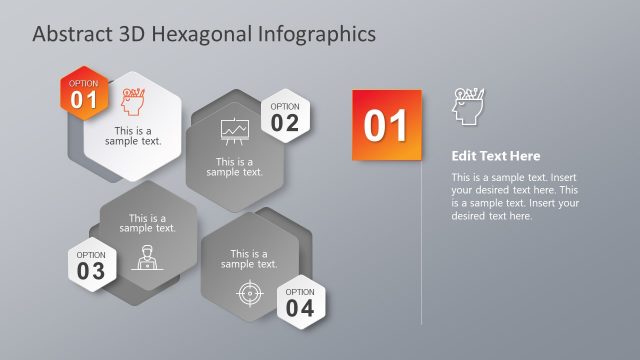
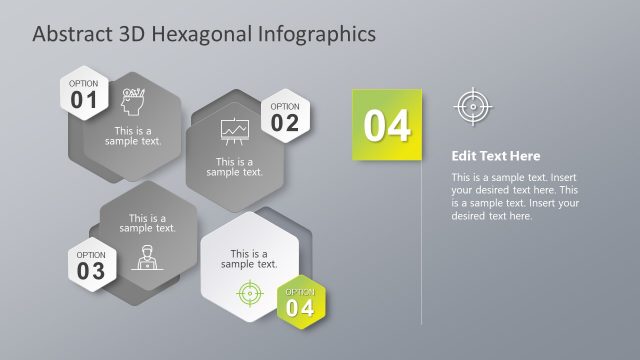
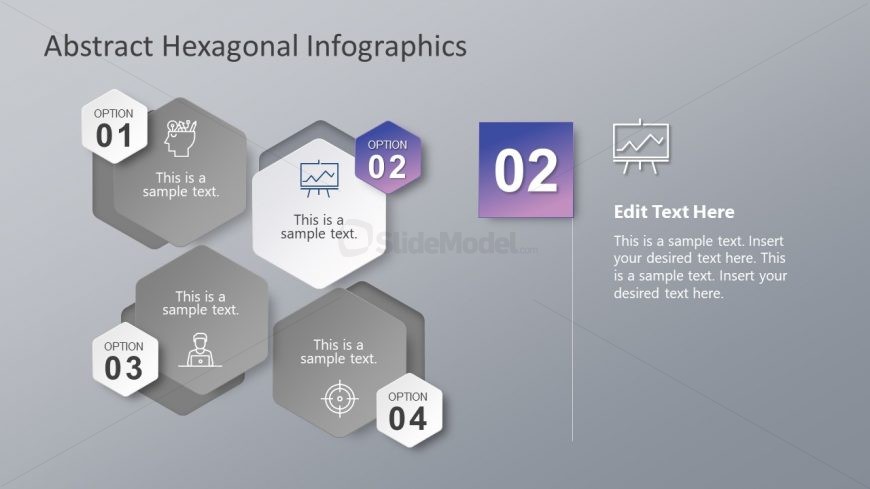
The slide features a light gray background with hexagonal shapes arranged in a grid. There are four hexagons labeled 'OPTION 01', 'OPTION 02', 'OPTION 03', and 'OPTION 04', each containing sample text. The second hexagon is highlighted in purple and contains an icon of a graph. To the right, there is a large text placeholder labeled 'Edit Text Here', accompanied by another icon. The visual hierarchy emphasizes the highlighted hexagon and the text placeholder, while the other hexagons are slightly smaller and less prominent.
How to Use It
This layout serves as a multi-option infographic, presenting various choices or features in a structured manner. It fits well in a presentation sequence after introducing a topic or problem, providing options for solutions or features. Real-world applications include product feature comparisons, service options, or project phases, allowing for clear communication of multiple ideas in a concise format.
Text Placeholders & Capacity
Keep your copy within these limits so it fits without resizing. Node labels can hold about 4-5 words each, while body paragraphs can accommodate longer text.
| Placeholder | Count | Max characters (approx.) |
|---|---|---|
| Slide title | 1 | 30 |
| Item heading | 4 | 20 |
| Item body | 4 | 50 |
| Callout | 1 | 40 |
| Body paragraph | 1 | 150 |
Slide Keywords
Download unlimited PowerPoint templates, charts and graphics for your presentations with our annual plan.
DOWNLOAD