Slide 2 of 5 from Abstract 3D Hexagonal Infographics
Modern 3D Hexagonal PowerPoint Graphics
Hexagonal Infographic Slide for Presentations
- Diagram
- Comparison Split
- Process Slide
- 16:9
- 100% Editable
What’s on This Slide
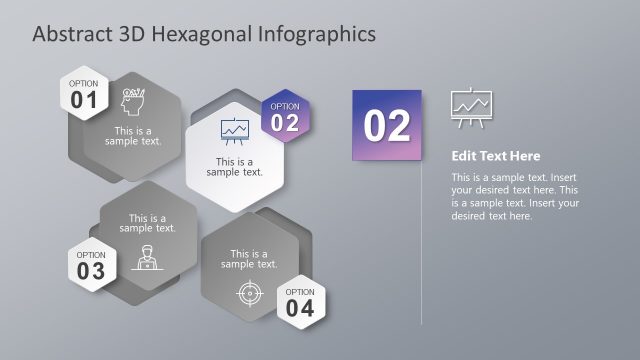
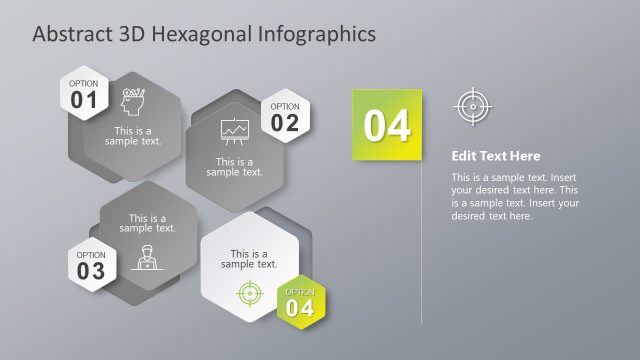
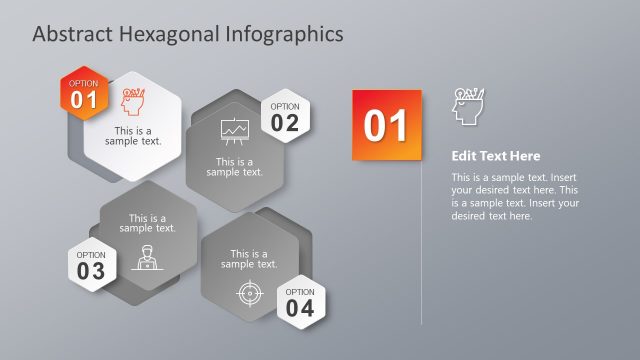
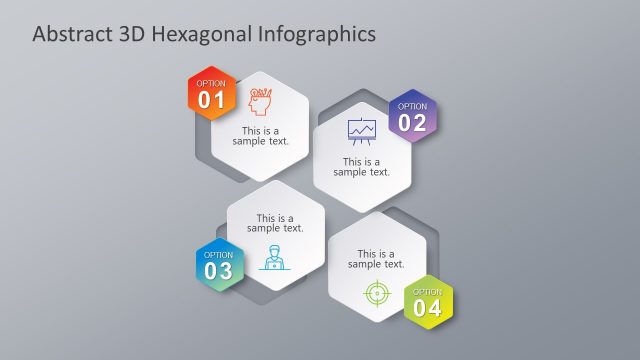
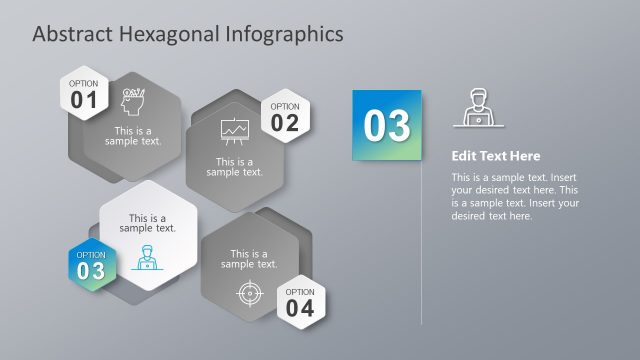
The layout features four hexagonal shapes arranged in a vertical column on the left side, each labeled with 'OPTION 01' through 'OPTION 04.' Each hexagon contains a placeholder for text, with the first hexagon also displaying an icon. To the right, a larger rectangular area contains a title placeholder and a body text placeholder. The background is a gradient gray, enhancing the visual hierarchy. The hexagons are evenly spaced, and the overall composition is balanced, with clear boundaries separating each element.
How to Use It
This layout serves as a process diagram or option comparison, ideal for presenting multiple choices or steps in a business context. It fits well after an introduction slide and before detailed content, allowing for a clear overview of options. Suitable scenarios include marketing strategies, project phases, or product features. The design encourages audience engagement by visually segmenting information, making it easy to follow.
Text Placeholders & Capacity
Keep your copy within these limits so it fits without resizing. Body slots can hold about 20-25 words each.
| Placeholder | Count | Max characters (approx.) |
|---|---|---|
| Item heading | 4 | 20 |
| Item body | 4 | 100 |
| Slide title | 1 | 40 |
| Body paragraph | 1 | 200 |
Slide Keywords
Download unlimited PowerPoint templates, charts and graphics for your presentations with our annual plan.
DOWNLOADReturn to Abstract 3D Hexagonal Infographics.