Slide 1 of 4 from Free Abstract Hexagon Infographic for PowerPoint
4 Steps Abstract Hexagon PowerPoint Diagram
Abstract Hexagonal Infographics Slide
- Diagram
- Comparison Split
- Comparison Slide
- 16:9
- 100% Editable
The Abstract Hexagonal Infographics slide from the Free Abstract Hexagon Infographic for PowerPoint template offers a structured layout ideal for business presentations that require clear comparison of multiple options. This slide uses editable shapes arranged in a staggered hexagonal pattern to visually distinguish features or strategic choices, supported by a dedicated text area for detailed explanations. It suits corporate presentation needs where organized and visually engaging slide templates enhance communication effectiveness.
What’s on This Slide
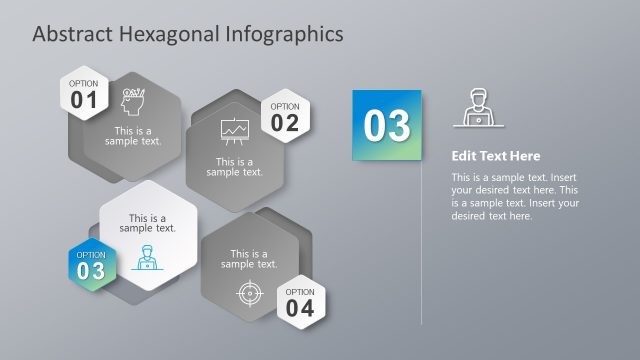
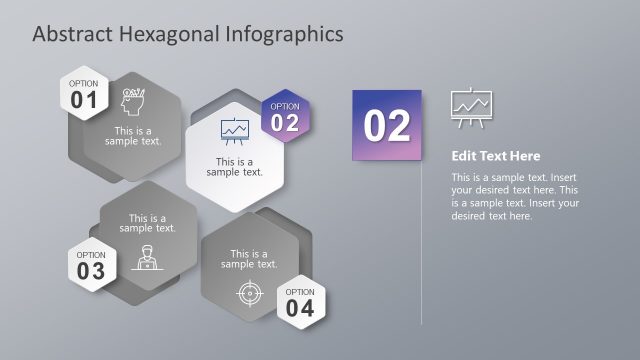
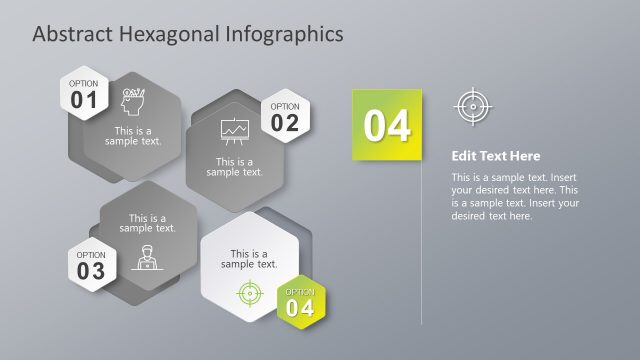
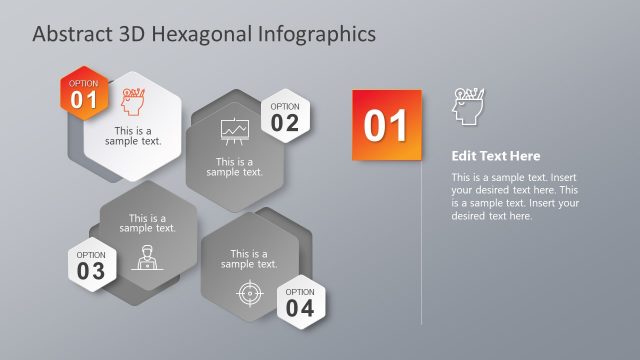
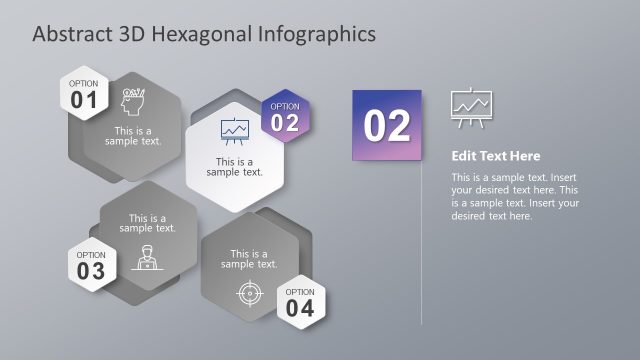
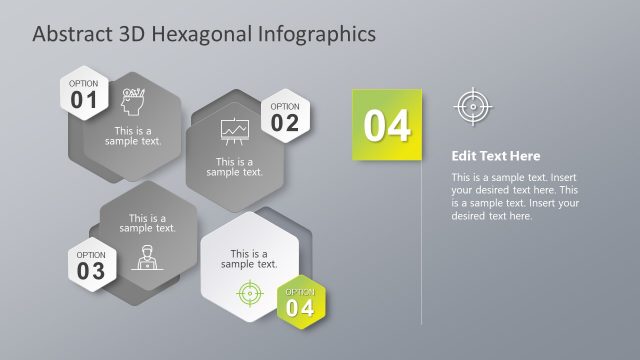
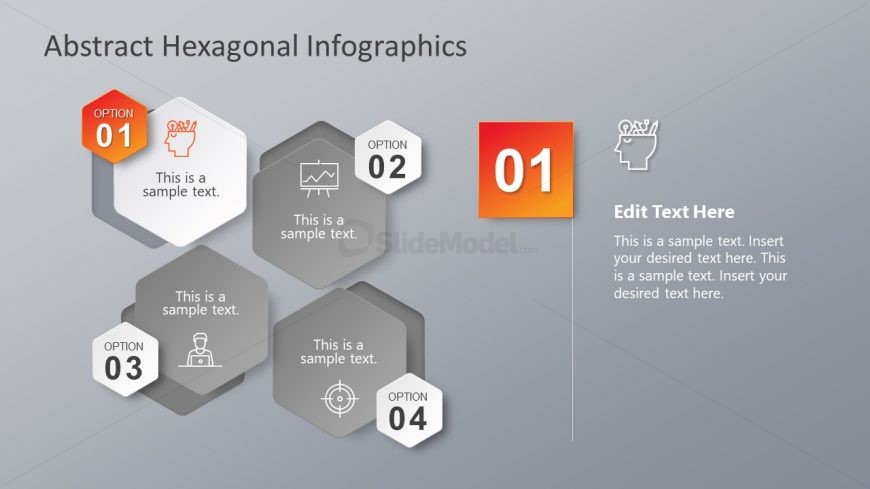
The layout features a gray background with a title at the top center. Below, four hexagonal shapes are arranged in a staggered pattern, each labeled as 'OPTION 01' through 'OPTION 04.' Each hexagon contains a sample text placeholder, aligned centrally within the shape. To the right, a larger rectangular area is designated for editing text, containing a sample text placeholder aligned to the top left. The visual hierarchy emphasizes the title and the editing area, with icons representing different options within the hexagons. The overall composition is balanced and structured.
How to Use It
This layout serves as an infographic to present multiple options or features in a visually engaging manner. It fits well in presentations that require a summary of choices, such as product features or strategic options. The slide can be used in business contexts where clarity and organization of information are essential, allowing for easy comparison of different elements. It is particularly effective for introductory slides or sections that outline various paths or solutions.
Text Placeholders & Capacity
Keep your copy within these limits so it fits without resizing. Node body slots are tight, roughly 10-15 words each.
| Placeholder | Count | Max characters (approx.) |
|---|---|---|
| Slide title | 1 | 30 |
| Item heading | 4 | 20 |
| Item body | 4 | 50 |
| Body paragraph | 1 | 150 |
Slide Keywords
Download unlimited PowerPoint templates, charts and graphics for your presentations with our annual plan.
DOWNLOAD