Home PowerPoint Templates Free Free 8 Step Zig Zag PowerPoint Diagram Target Dartboard for Objectives Presentation

Template of Zig Zag with Target Clipart

Slide 9 of 9 from Free 8 Step Zig Zag PowerPoint Diagram

Target Dartboard for Objectives Presentation

8 Step Zig Zag Diagram for PowerPoint

  • Diagram
  • Zigzag Sequence
  • Process Slide
  • 16:9
  • 100% Editable

The 8 Step Zig Zag Diagram slide from the Free 8 Step Zig Zag PowerPoint Diagram template offers a clear visual process layout ideal for business presentations. This editable slide features a flowing zigzag sequence with numbered nodes to illustrate project management steps or workflow stages effectively. Designed for use in corporate presentations and pitch decks, it supports concise communication of complex processes through professional slide templates with editable shapes and vector icons.

What’s on This Slide

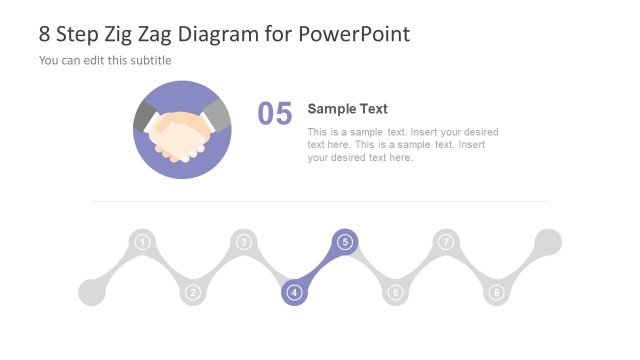
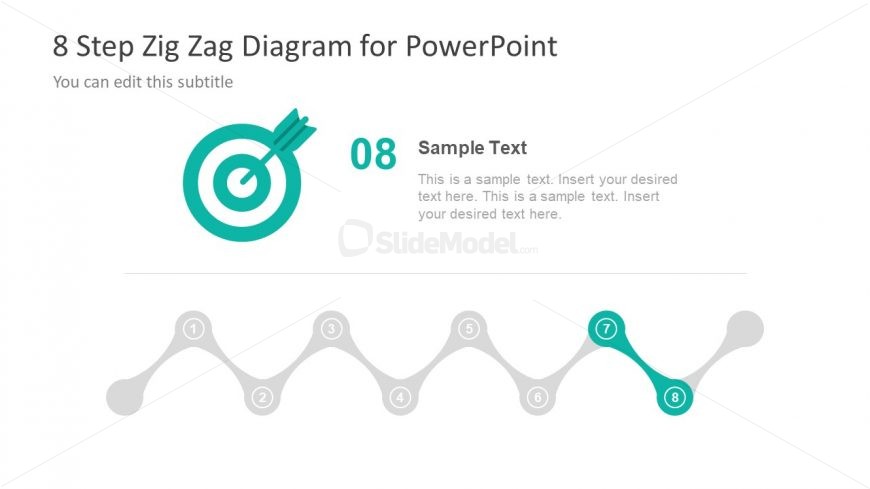
The layout features a zig-zag diagram at the bottom, consisting of eight circular nodes numbered 1 to 8. Each node is connected by a smooth line, creating a flowing visual path. The top section includes a title area with the main title and a subtitle placeholder. The main title is prominently displayed in a larger font, while the subtitle is smaller and positioned directly below. There is a text placeholder for additional content, aligned to the right of the title area. The overall color scheme includes teal and gray elements.

How to Use It

This layout serves as a step-by-step process diagram, ideal for illustrating sequential actions or stages in a project. It fits well in presentations discussing project management, business processes, or workflows. This structure can be used to present a series of tasks, milestones, or phases in a clear and organized manner. It is particularly useful for summarizing complex processes into digestible steps, making it suitable for both team meetings and client presentations.

Text Placeholders & Capacity

Keep your copy within these limits so it fits without resizing. Node labels can hold about 10 characters each, while the body text can accommodate roughly 150 characters.

PlaceholderCountMax characters (approx.)
Slide title1 40
Subtitle1 30
Item heading8 10
Item body1 150

Slide Keywords

Zig Zag Diagram Process Flow Project Management Business Process
Activate your subscription

Download unlimited PowerPoint templates, charts and graphics for your presentations with our annual plan.
DOWNLOAD
Supported Versions:
PowerPoint 2007PowerPoint 2010PowerPoint 2013PowerPoint 2011 MacKeynotePowerPoint 2016PowerPoint 2016 MacOffice 365Google Slides

Return to Free 8 Step Zig Zag PowerPoint Diagram.

Download Unlimited Content

Our Unlimited Plan lets you download unlimited content from SlideModel. Save hours of manual work and enhance your next presentation with professionally designed slides.

Subscribe Now