Slide 7 of 9 from Free 8 Step Zig Zag PowerPoint Diagram
8 Steps Zigzag Diagram PowerPoint
8 Step Zig Zag Diagram for PowerPoint
- Diagram
- Zigzag Sequence
- Process Slide
- 16:9
- 100% Editable
The 8 Step Zig Zag Diagram slide from the Free 8 Step Zig Zag PowerPoint Diagram template offers a clear process flow visualization ideal for project management and progress updates. This slide layout uses editable shapes and vector icons arranged in a horizontal zigzag sequence to illustrate each step distinctly. Its design supports business presentations and training sessions by highlighting the current phase within a multi-step process, making it a practical addition to any corporate slide deck or pitch deck template.
What’s on This Slide
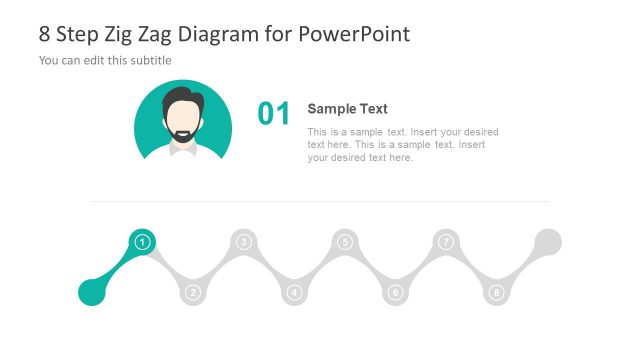
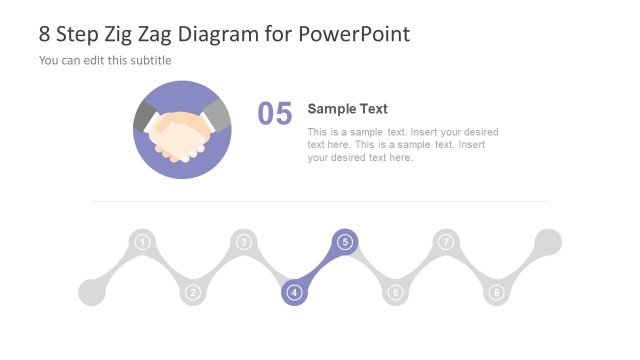
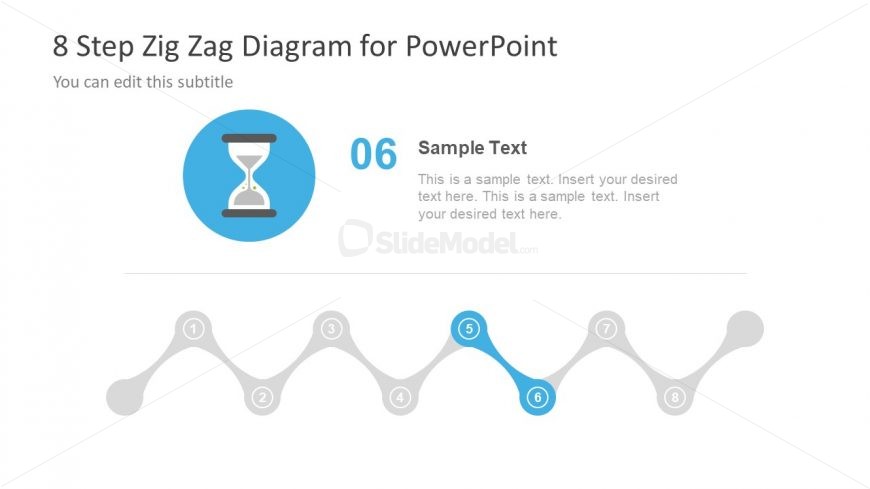
The layout features a zig-zag diagram with eight nodes, arranged horizontally. The first node is a circular icon of an hourglass, colored blue, positioned at the top left. Below this, a text placeholder for the title is centered. The sixth node is highlighted in blue, indicating its current focus, with corresponding text placeholders for the node number and description positioned to the right. The remaining nodes are gray, creating a visual hierarchy. The background is light, enhancing the diagram's clarity and separation from the text.
How to Use It
This layout serves as a process flow diagram, ideal for illustrating a sequence of steps in a business process. It fits well in presentations discussing project management or operational workflows. The highlighted node indicates the current step, making it suitable for progress updates or training sessions. This structure can be used to communicate processes in various business contexts, such as product development or service delivery.
Text Placeholders & Capacity
Keep your copy within these limits so it fits without resizing. Node body slots can accommodate roughly 15-20 words each.
| Placeholder | Count | Max characters (approx.) |
|---|---|---|
| Slide title | 1 | 40 |
| Subtitle | 1 | 40 |
| Item heading | 8 | 2 |
| Item body | 8 | 100 |
Slide Keywords
Download unlimited PowerPoint templates, charts and graphics for your presentations with our annual plan.
DOWNLOADReturn to Free 8 Step Zig Zag PowerPoint Diagram.