Slide 2 of 9 from Free 8 Step Zig Zag PowerPoint Diagram
User Zig Zag Infographic PPT
8 Step Zig Zag Diagram for PowerPoint
- Diagram
- Zigzag Sequence
- Process Slide
- 16:9
- 100% Editable
The 8 Step Zig Zag Diagram slide from the Free 8 Step Zig Zag PowerPoint Diagram template offers a clear visual process flow ideal for project management and workflow presentations. This slide layout uses editable shapes to highlight sequential steps in a zigzag pattern, supporting effective communication in business presentations and pitch decks.
What’s on This Slide
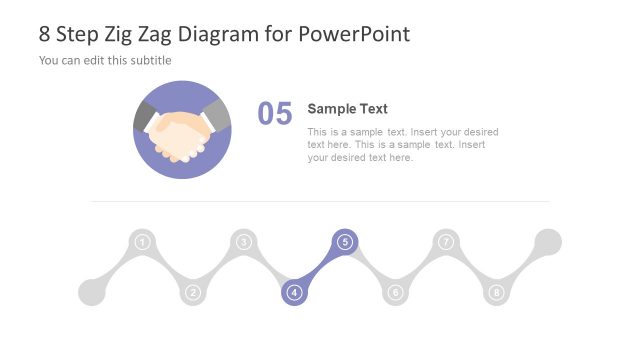
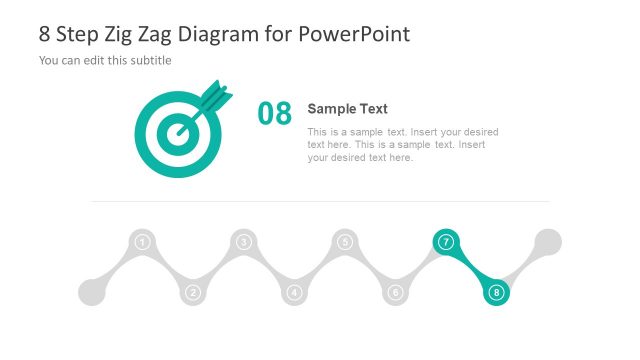
The layout features a zigzag diagram with eight circular nodes, each representing a step. The first node is highlighted in teal, while the others are gray. Above the diagram, there is a title area with a subtitle placeholder. An illustration of a person is positioned to the left of the title. The text placeholders for the title and subtitle are centered. Below the diagram, there is a text area for detailed descriptions. The overall composition is clean, with a white background and a focus on the zigzag flow.
How to Use It
This layout serves as a process flow diagram, ideal for illustrating sequential steps in a business process. It fits well in presentations that require a visual representation of workflows or project management stages. Use it to outline project phases, product development steps, or strategic initiatives. The structure allows for clear communication of complex processes in a simplified manner, making it suitable for team meetings or stakeholder updates.
Text Placeholders & Capacity
Keep your copy within these limits so it fits without resizing. Node body slots are spacious, roughly 30 words each.
| Placeholder | Count | Max characters (approx.) |
|---|---|---|
| Slide title | 1 | 30 |
| Subtitle | 1 | 50 |
| Item heading | 8 | 10 |
| Item body | 8 | 150 |
Slide Keywords
Download unlimited PowerPoint templates, charts and graphics for your presentations with our annual plan.
DOWNLOADReturn to Free 8 Step Zig Zag PowerPoint Diagram.