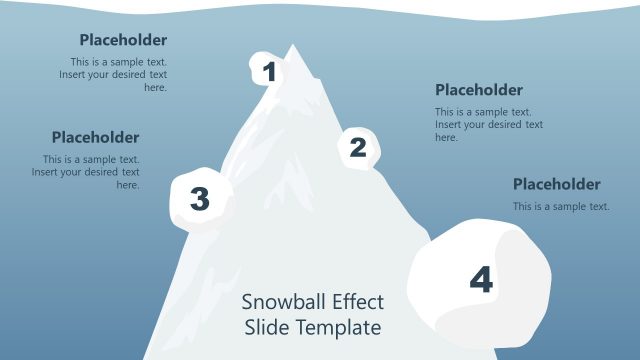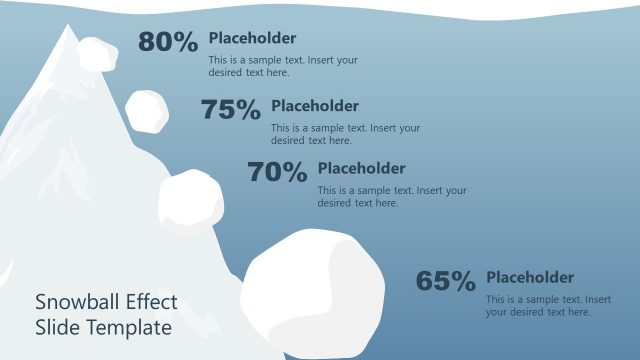
Slide 2 of 2 from Free 4-Step Snowball Diagram PowerPoint Template
PowerPoint Snowball Effect Diagram
4-Step Snowball Effect Diagram Template
- Diagram
- Process Flow
- Process Slide
- 16:9
- 100% Editable
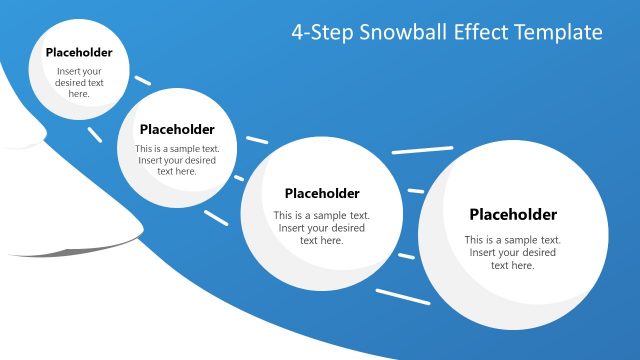
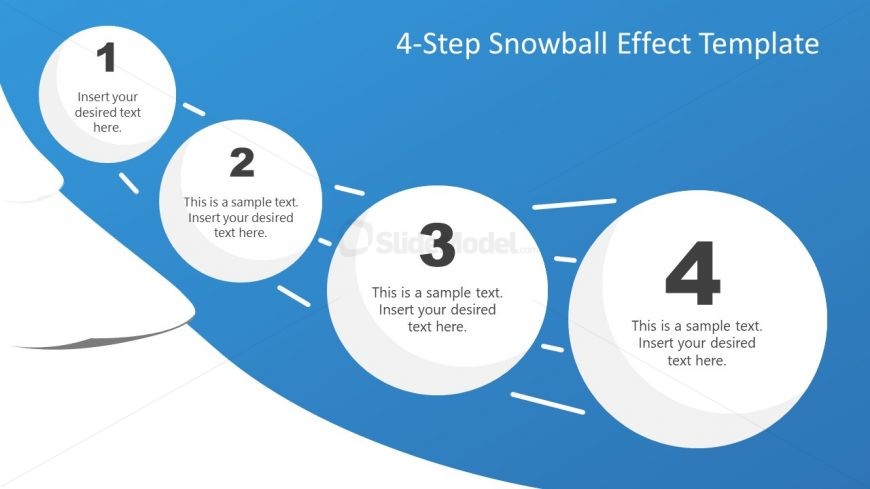
The 4-Step Snowball Effect Diagram slide from the Free 4-Step Snowball Diagram PowerPoint Template offers a clear visual process flow ideal for project management and training sessions. This editable slide features a horizontal sequence of four circular nodes connected by arrows, making it suitable for business presentations that require a structured depiction of sequential steps. Its design supports effective communication in corporate presentations and pitch decks using professional slide templates.
What’s on This Slide
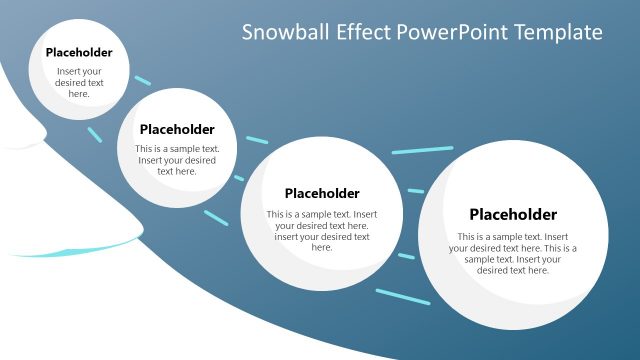
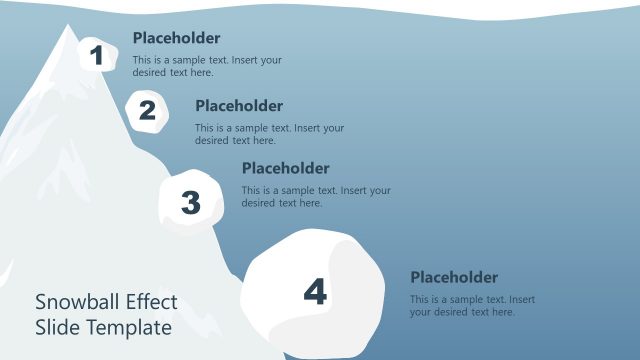
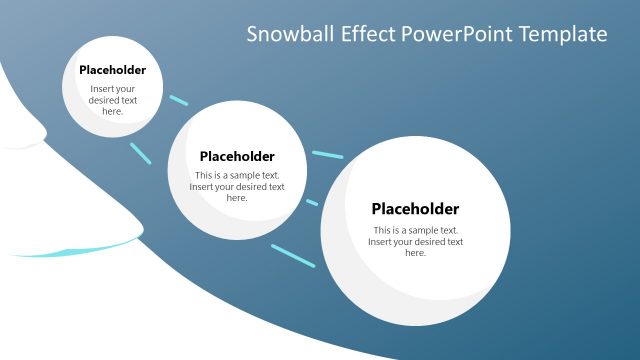
The slide features a horizontal layout with four circular nodes aligned along a curved path. Each node contains a number and a text placeholder, with the first node positioned at the leftmost side and the last node at the rightmost side. The nodes are evenly spaced, with connecting arrows indicating flow direction. The background is a gradient blue, enhancing visual appeal. Text placeholders are centered within each node, with a larger title at the top. The overall composition emphasizes a sequential process.
How to Use It
This layout serves as a process flow diagram, ideal for illustrating sequential steps or stages. It fits well in presentations that require a clear depiction of a multi-step process, such as project management or product development. This structure is useful for business scenarios like training sessions, strategy planning, or operational workflows, providing a visual guide for audiences to follow along easily.
Text Placeholders & Capacity
Keep your copy within these limits so it fits without resizing. Node body slots are moderate, roughly 10 words each.
| Placeholder | Count | Max characters (approx.) |
|---|---|---|
| Item heading | 4 | 30 |
| Item body | 4 | 50 |
| Slide title | 1 | 50 |
Slide Keywords
Download unlimited PowerPoint templates, charts and graphics for your presentations with our annual plan.
DOWNLOAD