Slide 4 of 5 from Free 4 Step Magnify PowerPoint Diagram
Free Template Slide of 4 Step Diagram
4 Step Magnify Diagram for PowerPoint
- Diagram
- Process Flow
- Process Slide
- 16:9
- 100% Editable
The 4 Step Magnify Diagram slide from the Free 4 Step Magnify PowerPoint Diagram template offers a clear visual process flow ideal for project management and strategic planning presentations. This slide layout features editable shapes and vector icons within a magnifying glass design, enhancing focus on each segment of a four-step process. It integrates seamlessly into business presentation slide decks, providing a professional way to explain sequential concepts with clarity and visual engagement.
What’s on This Slide
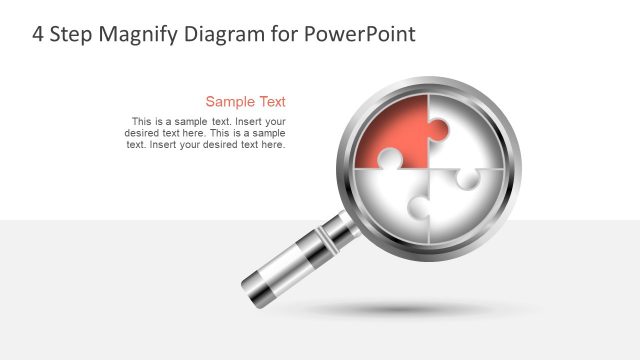
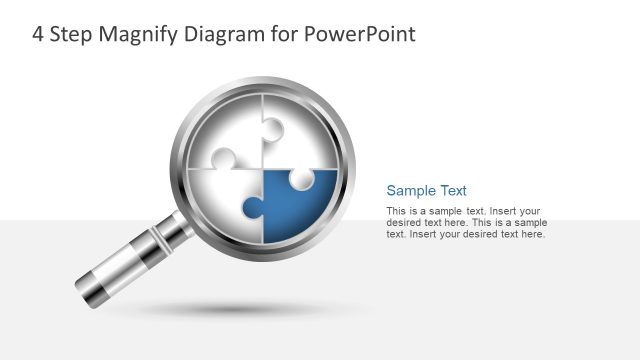
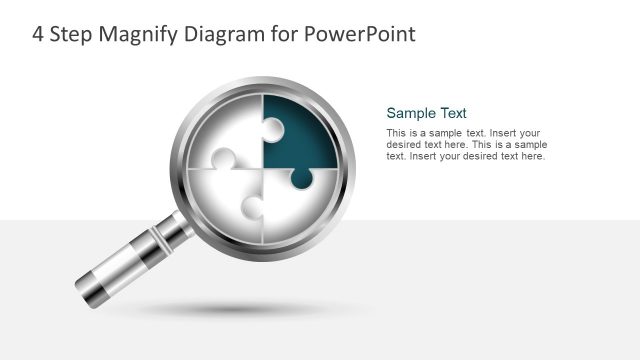
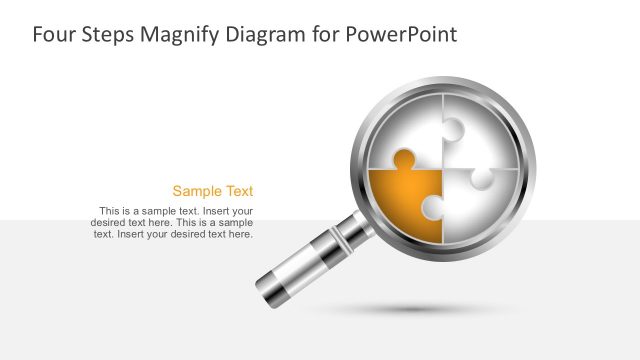
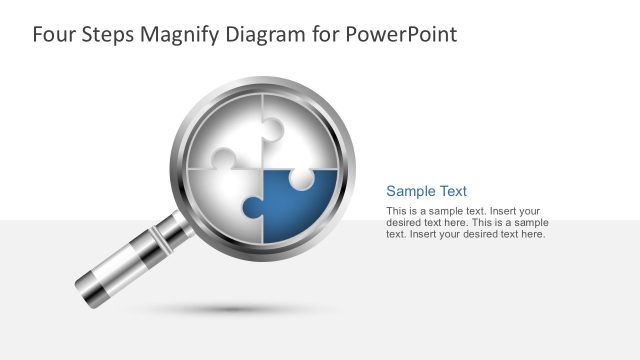
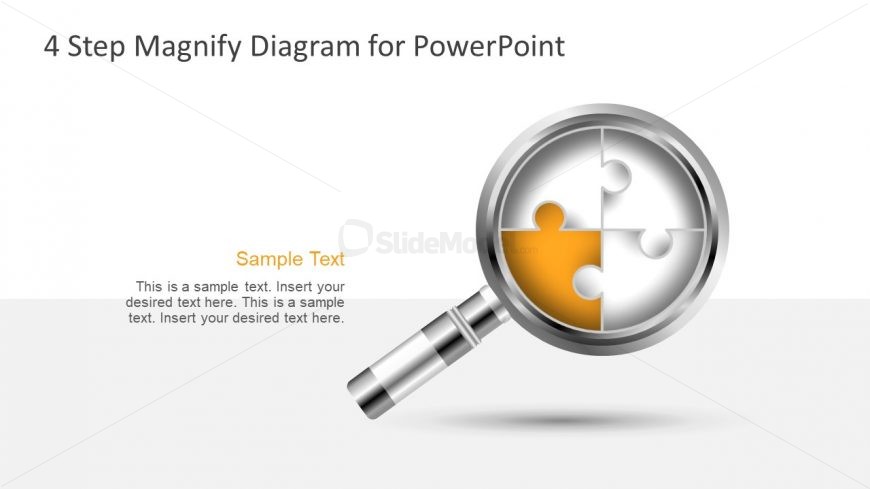
The layout features a large magnifying glass positioned centrally, highlighting a circular diagram divided into four segments. One segment is colored orange, while the others remain white, creating a clear visual distinction. The title is placed at the top, aligned left, while a sample text placeholder is located below the magnifying glass, centered. The overall composition uses a light background with subtle gradients, enhancing the focus on the magnifying glass and its contents. The text placeholders are designed to accommodate multiple lines of text.
How to Use It
This layout serves as a four-step process diagram, ideal for illustrating sequential concepts or stages. It fits well in presentations that require clarity in process explanation, such as project management or strategic planning. The visual structure allows for easy insertion of text to describe each step, making it suitable for business scenarios where detailed explanations are necessary. It is particularly effective in contexts where visual engagement is essential to convey complex information simply.
Text Placeholders & Capacity
Keep your copy within these limits so it fits without resizing. Node body slots can hold about 10 words each.
| Placeholder | Count | Max characters (approx.) |
|---|---|---|
| Slide title | 1 | 30 |
| Item body | 4 | 50 |
| Callout | 1 | 20 |
Slide Keywords
Download unlimited PowerPoint templates, charts and graphics for your presentations with our annual plan.
DOWNLOADReturn to Free 4 Step Magnify PowerPoint Diagram.