Slide 5 of 5 from Free 4 Step Magnify PowerPoint Diagram
Editable Presentation of Free Magnify Diagram
4 Step Magnify Diagram for PowerPoint
- Diagram
- Matrix Quadrant
- Process Slide
- 16:9
- 100% Editable
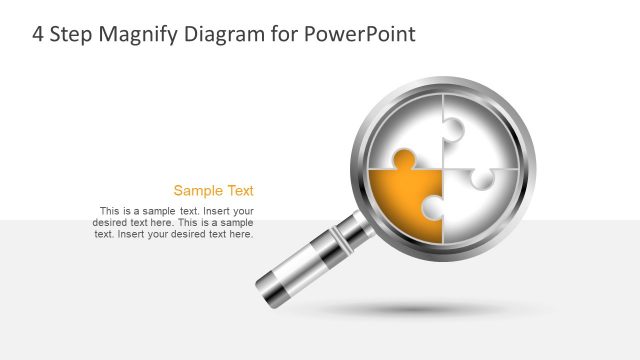
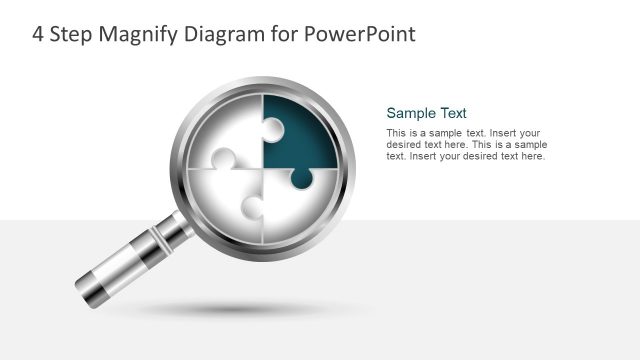
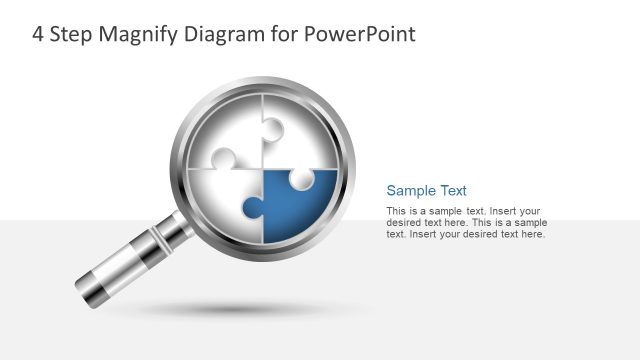
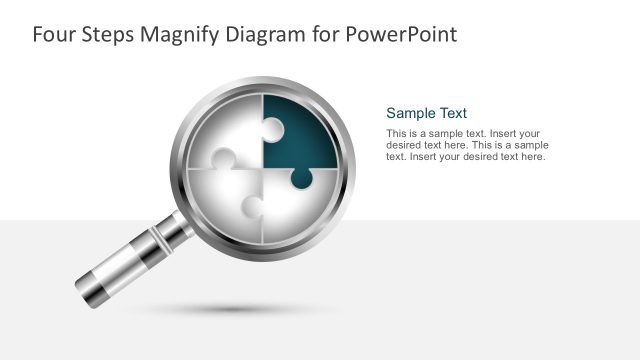
The 4 Step Magnify Diagram slide from the Free 4 Step Magnify PowerPoint Diagram template offers a clear visual tool for illustrating processes and project phases. This editable slide features a segmented circular diagram emphasized by a magnifying glass, ideal for corporate presentations and business presentation slide decks that require detailed process breakdowns. It supports the effective communication of methodologies through well-organized editable shapes and text placeholders.
What’s on This Slide
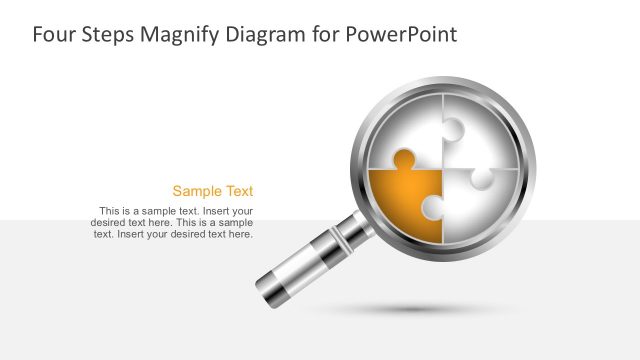
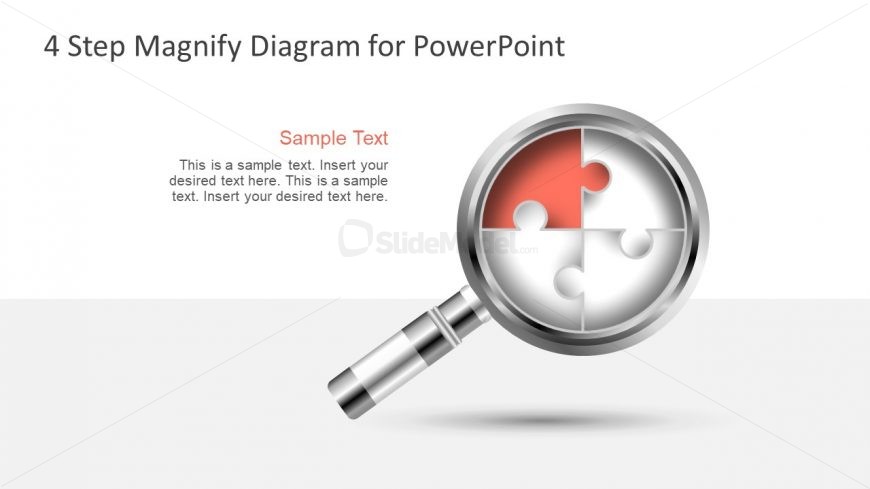
The layout features a magnifying glass focusing on a segmented circular diagram resembling a puzzle. The diagram contains four sections, with one highlighted in red. The magnifying glass is positioned at the bottom left, while the circular diagram is centered. Above the diagram, there is a title placeholder aligned to the left, and below it, a subtitle placeholder in a contrasting color. Additional text placeholders are present, allowing for detailed descriptions. The background is a light gradient, enhancing the visual appeal.
How to Use It
This layout serves as a visual representation of a four-step process or concept, ideal for illustrating sequential ideas or stages. It fits well in presentations discussing methodologies, project phases, or strategic plans. This structure can be used in business contexts such as training sessions, project updates, or strategic planning meetings, where clarity of each step is essential. It is particularly effective in summarizing complex information in a digestible format.
Text Placeholders & Capacity
Keep your copy within these limits so it fits without resizing. Node body slots can hold about 15-20 words each.
| Placeholder | Count | Max characters (approx.) |
|---|---|---|
| Slide title | 1 | 30 |
| Subtitle | 1 | 40 |
| Item body | 4 | 80 |
Slide Keywords
Download unlimited PowerPoint templates, charts and graphics for your presentations with our annual plan.
DOWNLOADReturn to Free 4 Step Magnify PowerPoint Diagram.