Slide 3 of 5 from Free 4 Step Magnify PowerPoint Diagram
Connecting Puzzle Pieces in PowerPoint
4 Step Magnify Diagram for PowerPoint
- Diagram
- Matrix Quadrant
- Process Slide
- 16:9
- 100% Editable
The 4 Step Magnify Diagram slide from the Free 4 Step Magnify PowerPoint Diagram template offers a clear process visualization ideal for business presentations. This editable slide features a central magnifying glass with a segmented puzzle design, perfect for illustrating project stages or step-by-step guides. Its layout supports detailed explanations alongside visual emphasis, making it a practical choice for corporate presentation slide decks and pitch deck templates that require concise process breakdowns.
What’s on This Slide
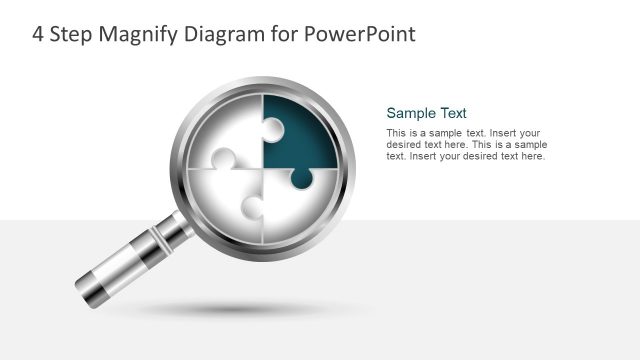
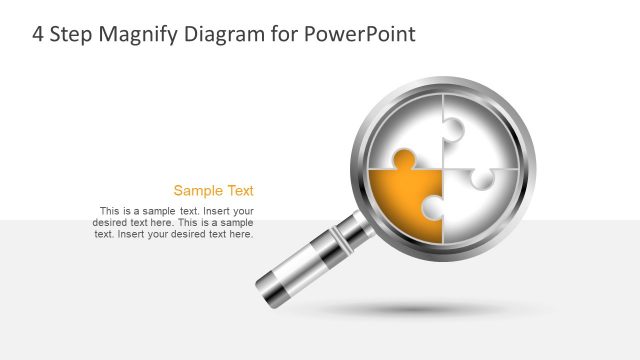
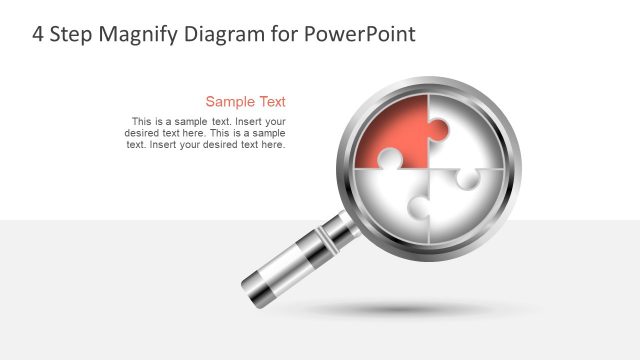
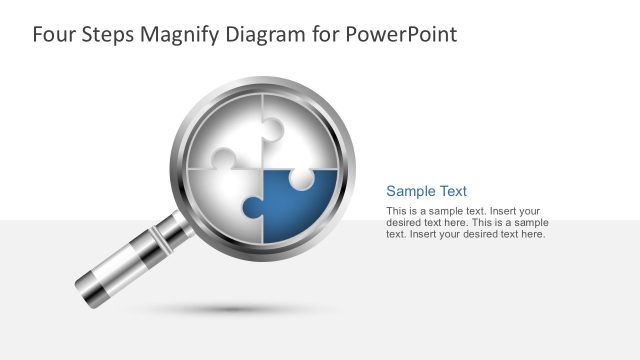
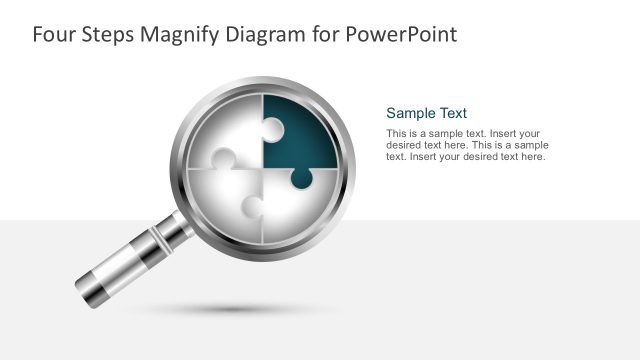
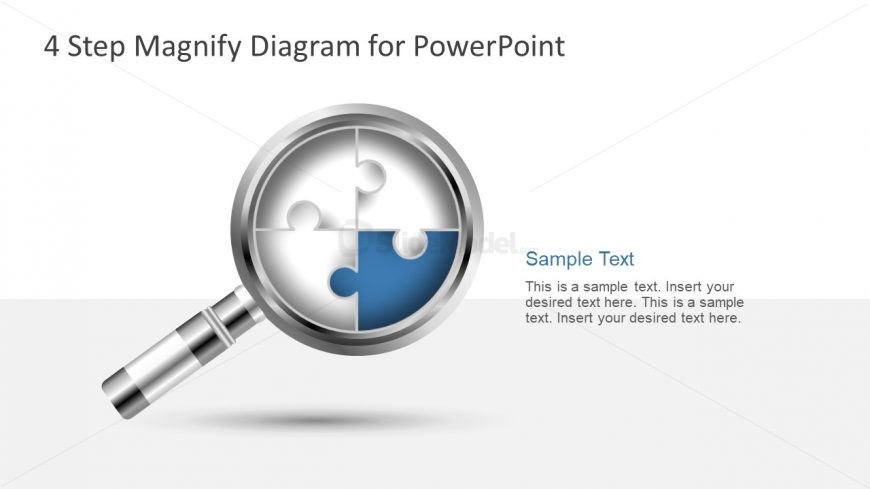
The layout features a large magnifying glass icon positioned centrally, with a circular puzzle piece design inside. The puzzle is divided into four segments, with one segment highlighted in blue. Above the icon, there is a title placeholder aligned to the left, while a text placeholder is located to the right of the magnifying glass. This text area is designed for body text and is visually distinct from the icon. The background is a light gradient, transitioning from white to gray, enhancing the overall visual hierarchy.
How to Use It
This layout serves as a four-step process diagram, ideal for illustrating sequential stages or components in a presentation. It fits well in a sequence after a problem statement or introduction, providing clarity on the steps involved. This structure is useful in business contexts such as project planning, process improvement, or educational presentations, where a clear breakdown of steps is necessary for audience understanding.
Text Placeholders & Capacity
Keep your copy within these limits so it fits without resizing. Body slots can accommodate roughly 20-25 words each.
| Placeholder | Count | Max characters (approx.) |
|---|---|---|
| Slide title | 1 | 30 |
| Body paragraph | 1 | 150 |
Slide Keywords
Download unlimited PowerPoint templates, charts and graphics for your presentations with our annual plan.
DOWNLOADReturn to Free 4 Step Magnify PowerPoint Diagram.