Slide 1 of 5 from Free 4 Step Horizontal Diagram for PowerPoint
4 Step Diagram Template Design
4 Step Horizontal Diagram for Presentations
- Diagram
- Arrow Sequence
- Process Slide
- 16:9
- 100% Editable
The 4 Step Horizontal Diagram slide from the Free 4 Step Horizontal Diagram for PowerPoint template provides a clear, editable slide layout ideal for illustrating sequential processes in business presentations. This slide template features vector icons and editable shapes arranged in a horizontal flow, making it suitable for project planning, option comparison, and team presentations within a professional slide deck.
What’s on This Slide
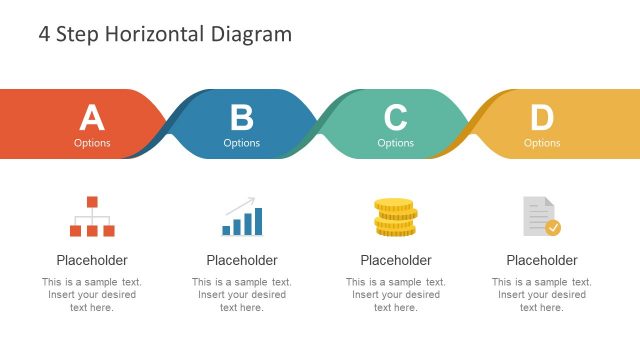
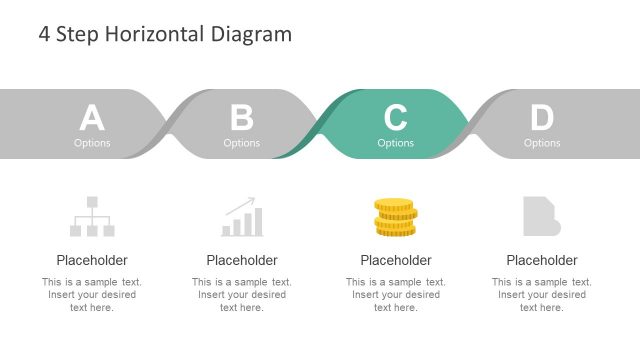
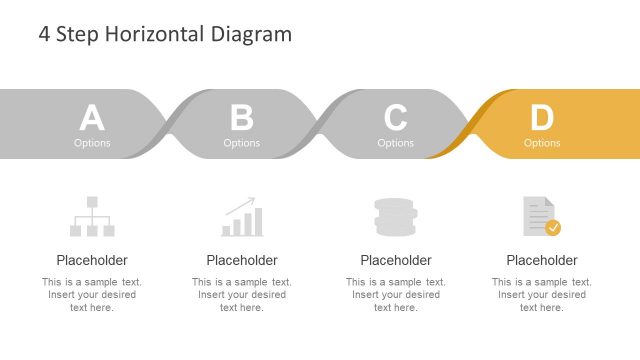
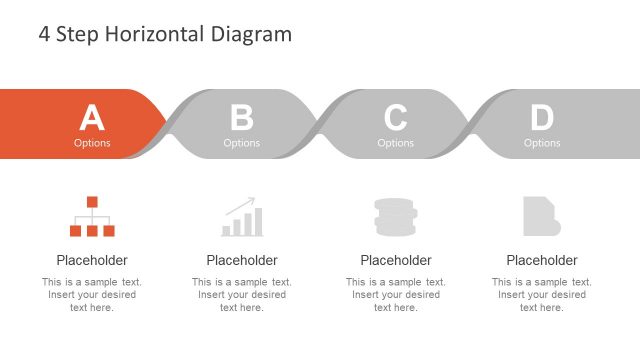
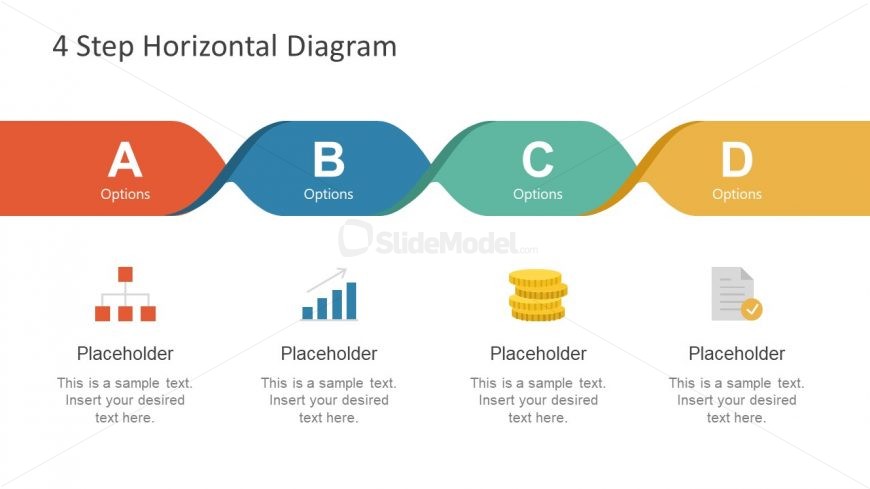
The layout features a horizontal diagram with four distinct sections labeled A, B, C, and D, each represented by colored shapes. The shapes are connected by smooth curves, creating a flow from left to right. Below each section, there are placeholders for text, with icons representing different concepts. The icons include a hierarchical structure, a bar graph, a stack of coins, and a document with a checkmark. The overall composition is clean, with a light background and a clear visual hierarchy emphasizing the labeled sections.
How to Use It
This layout serves as a sequential representation of a process or stages in a project. It is suitable for business presentations where a step-by-step approach is needed, such as outlining a project plan or product development phases. It fits well after an introductory slide and can be used to summarize key options or actions. This structure is effective for conveying information clearly and engagingly, making it ideal for team meetings or client presentations.
Text Placeholders & Capacity
Keep your copy within these limits so it fits without resizing. Node body slots can hold about 10 words each.
| Placeholder | Count | Max characters (approx.) |
|---|---|---|
| Item heading | 4 | 20 |
| Item body | 4 | 50 |
Slide Keywords
Download unlimited PowerPoint templates, charts and graphics for your presentations with our annual plan.
DOWNLOAD