Slide 2 of 5 from Free 4 Step Circular Diagram for PowerPoint
First Stage of Circular Diagram
4 Step Circular Diagram for Presentations
- Diagram
- Circular Cycle
- Process Slide
- 16:9
- 100% Editable
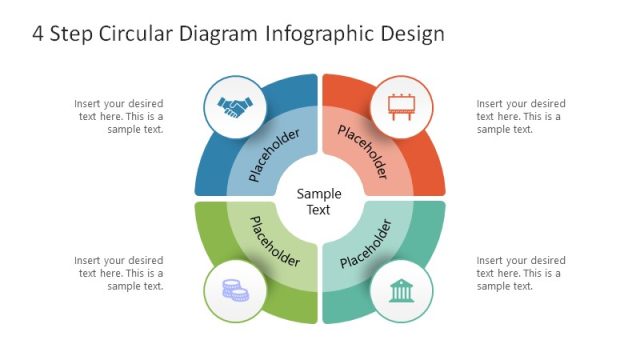
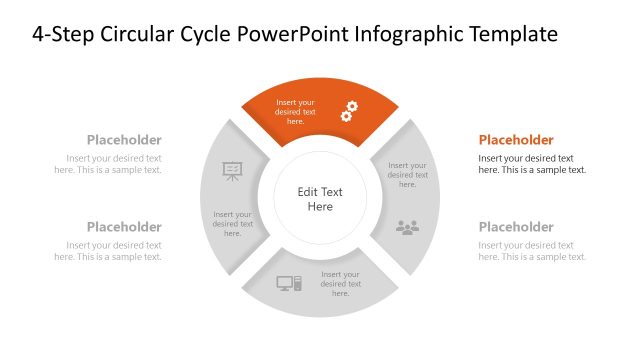
The 4 Step Circular Diagram slide from the Free 4 Step Circular Diagram for PowerPoint template offers a clear process visualization ideal for business presentations. This slide layout features editable shapes and vector icons arranged in a balanced circular cycle, making it suitable for illustrating project phases or management workflows. The design supports detailed explanations alongside the diagram, enhancing clarity in corporate presentations and pitch deck templates.
What’s on This Slide
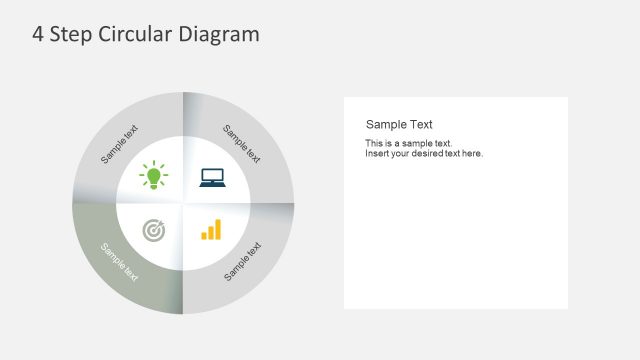
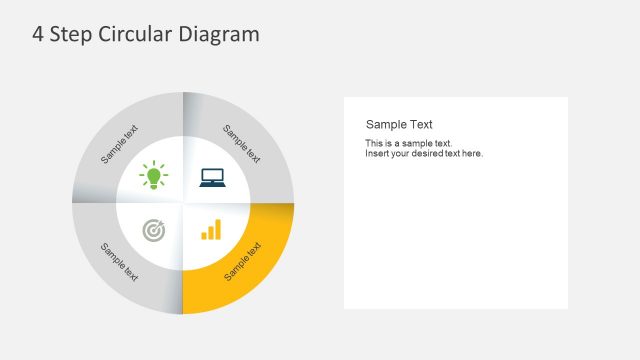
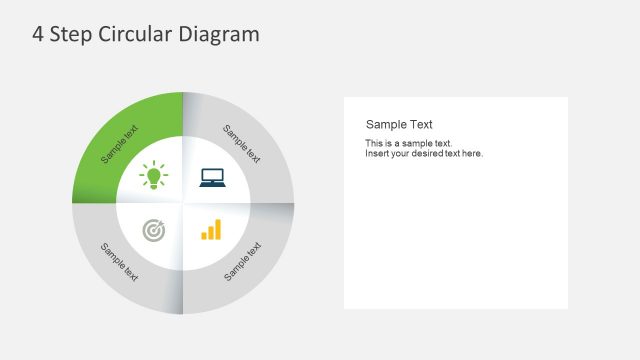
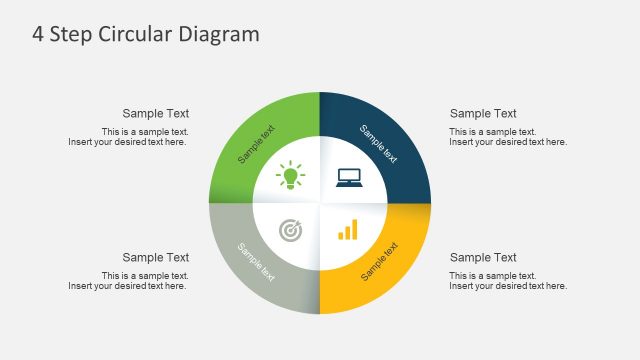
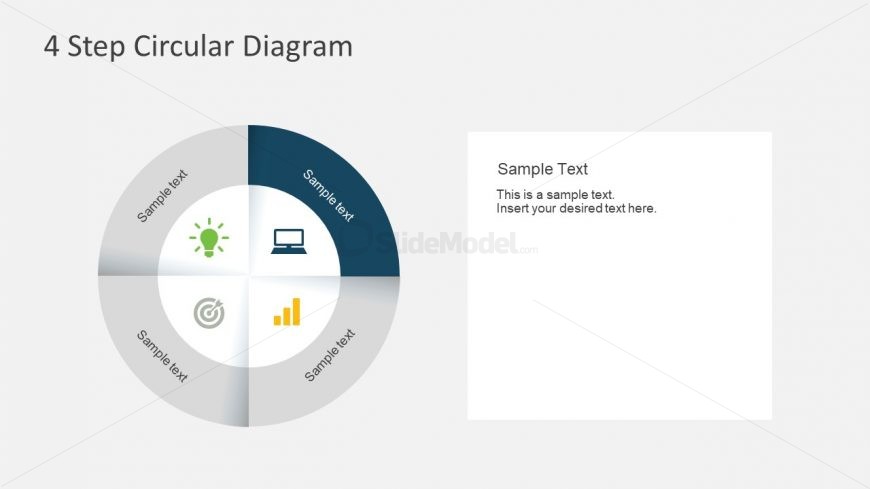
The layout features a circular diagram divided into four equal sections, each containing an icon and a text placeholder. The icons are positioned in the center of each segment, while the text placeholders are located along the outer edge. The diagram is set against a light gray background, enhancing visibility. To the right, a rectangular text box allows for additional content, with a header and a body paragraph area. The visual hierarchy emphasizes the circular diagram, while the text box serves as a secondary element. The overall composition is balanced and organized.
How to Use It
This layout serves as a process representation, ideal for illustrating cyclical or continuous processes. It fits well in presentations discussing management strategies, project phases, or workflow steps. The circular format allows for easy understanding of interconnected concepts. In business scenarios, it can be used to present stages in a project lifecycle or key components of a strategic plan. The accompanying text box can provide detailed explanations or context for each step, enhancing audience comprehension.
Text Placeholders & Capacity
Keep your copy within these limits so it fits without resizing. Node labels can hold about 20 characters each, and the body paragraph can accommodate roughly 150 characters.
| Placeholder | Count | Max characters (approx.) |
|---|---|---|
| Item heading | 4 | 20 |
| Body paragraph | 1 | 150 |
| Slide title | 1 | 30 |
Slide Keywords
Download unlimited PowerPoint templates, charts and graphics for your presentations with our annual plan.
DOWNLOADReturn to Free 4 Step Circular Diagram for PowerPoint.