Slide 5 of 5 from Free 4 Step Circular Diagram for PowerPoint
Continuous Improvement Cyclic PowerPoint
4 Step Circular Diagram for Presentations
- Diagram
- Circular Cycle
- Process Slide
- 16:9
- 100% Editable
The 4 Step Circular Diagram slide from the Free 4 Step Circular Diagram for PowerPoint template offers a clear visual method to present business processes and project phases. This slide layout uses editable shapes and vector icons arranged in a balanced circular format, making it suitable for corporate presentations and pitch deck templates that require concise communication of management strategies.
What’s on This Slide
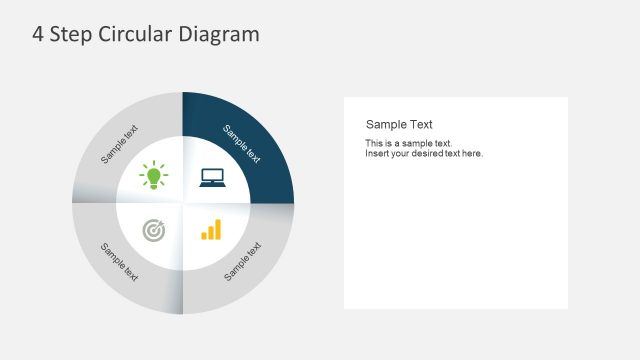
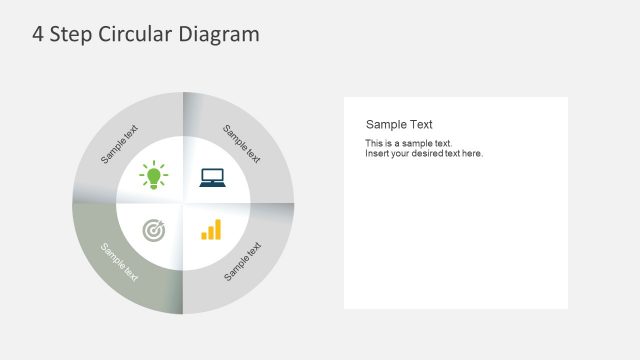
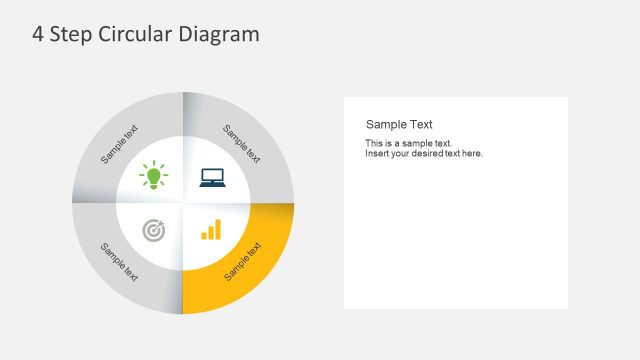
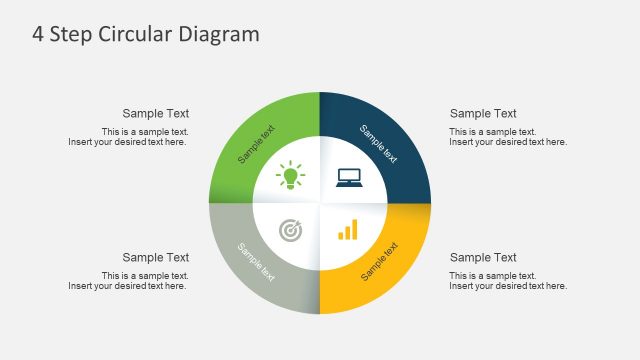
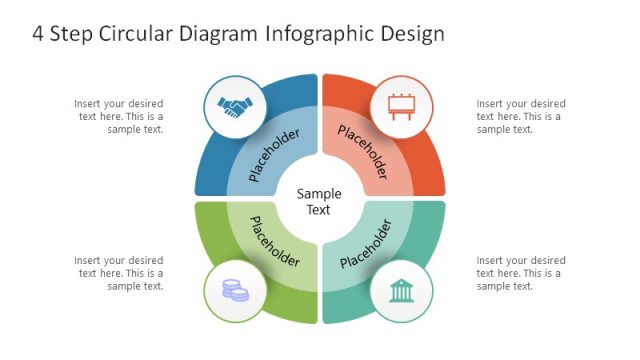
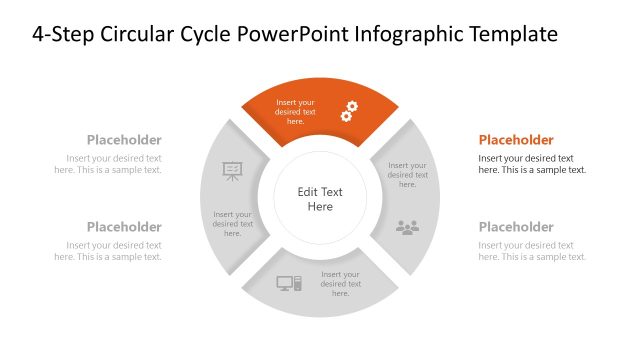
The layout features a circular diagram divided into four equal segments, each containing a sample text placeholder. The segments are arranged in a clockwise direction, with icons representing different concepts in the center. To the right, there is a rectangular text placeholder for additional information, aligned vertically. The circular diagram is predominantly green and gray, with contrasting colors for the icons. The overall composition is balanced, with the diagram on the left and the text placeholder on the right, creating a clear visual hierarchy.
How to Use It
This layout serves as a process cycle diagram, ideal for illustrating four key steps or components in a business process. It fits well in presentations discussing management strategies, project phases, or continuous improvement processes. This structure can be used to visually summarize complex information, making it easier for the audience to grasp the main points. It is particularly useful in business settings where clarity and organization are essential for effective communication.
Text Placeholders & Capacity
Keep your copy within these limits so it fits without resizing. Body slots can hold approximately 20-30 words each.
| Placeholder | Count | Max characters (approx.) |
|---|---|---|
| Slide title | 1 | 30 |
| Item heading | 4 | 20 |
| Body paragraph | 1 | 150 |
Slide Keywords
Download unlimited PowerPoint templates, charts and graphics for your presentations with our annual plan.
DOWNLOADReturn to Free 4 Step Circular Diagram for PowerPoint.