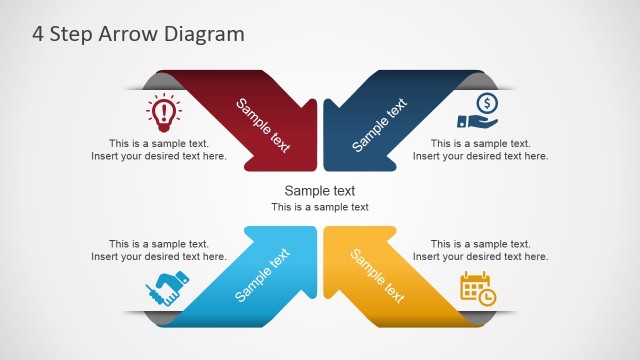
Slide 4 of 4 from Free 4 Arrows Diagram Slides for PowerPoint
04-free-arrows-diagram-3d-powerpoint
4 Arrows Diagram Concept for Presentations
- Diagram
- Arrow Sequence
- Concept Explanation Slide
- 16:9
- 100% Editable
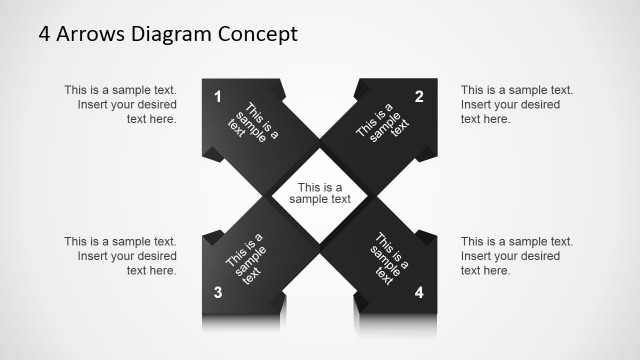
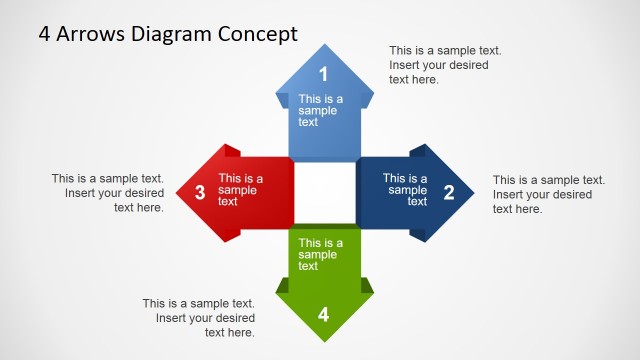
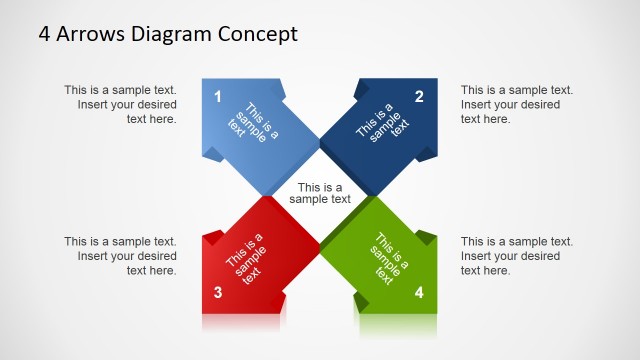
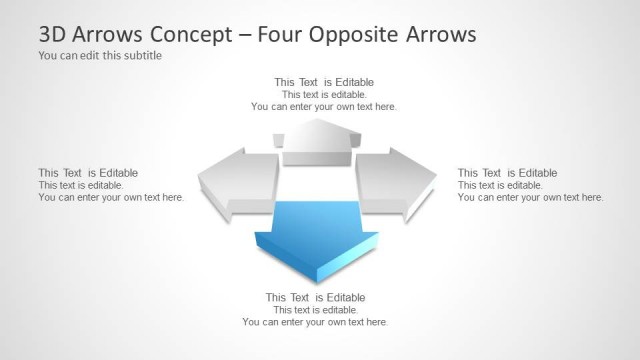
The 4 Arrows Diagram Concept slide from the Free 4 Arrows Diagram Slides for PowerPoint template offers a clear visual tool for illustrating four-part relationships in business presentations. This slide layout uses editable shapes and text placeholders arranged symmetrically around a central square, making it suitable for strategy discussions, project planning, and concept explanations. It integrates well within slide decks requiring a structured approach to presenting interconnected ideas using professional slide templates.
What’s on This Slide
The layout features a central square with four arrows extending outward in each direction. Each arrow points to a text placeholder, positioned at the end of each arrow, labeled 1 to 4. The central square is empty, providing a focal point. The arrows are colored, contrasting against a light background. Text placeholders are aligned within each arrow, allowing for clear insertion of content. The overall composition is symmetrical, emphasizing the four-part relationship represented by the arrows. The visual hierarchy is established through the use of bold shapes and clear labeling.
How to Use It
This layout serves as a four-part relationship diagram, ideal for illustrating concepts or processes that have multiple components or directions. It fits well in presentations that require a clear visual representation of interconnected ideas. This structure is useful in business contexts such as strategy discussions, project planning, or comparative analysis. It can effectively summarize key points or steps in a process, making it suitable for both educational and corporate presentations.
Text Placeholders & Capacity
Keep your copy within these limits so it fits without resizing. Node body slots can hold about 10 words each.
| Placeholder | Count | Max characters (approx.) |
|---|---|---|
| Item heading | 4 | 20 |
| Item body | 4 | 50 |
| Slide title | 1 | 40 |
Slide Keywords
Download unlimited PowerPoint templates, charts and graphics for your presentations with our annual plan.
DOWNLOADReturn to Free 4 Arrows Diagram Slides for PowerPoint.