Slide 1 of 4 from Free 4 Arrows Diagram Slides for PowerPoint
01-free-four-arrows-slide-powerpoint
4 Arrows Diagram Concept for Presentations
- Diagram
- Matrix Quadrant
- Concept Explanation Slide
- 16:9
- 100% Editable
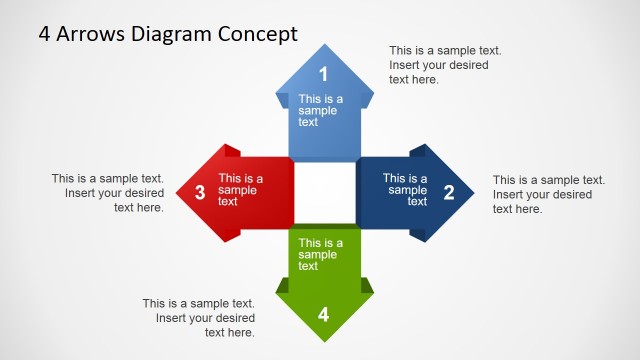
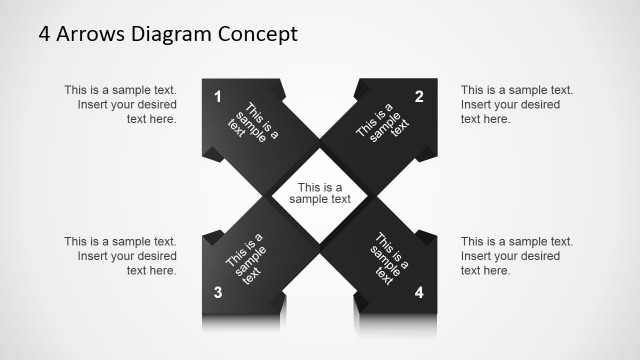
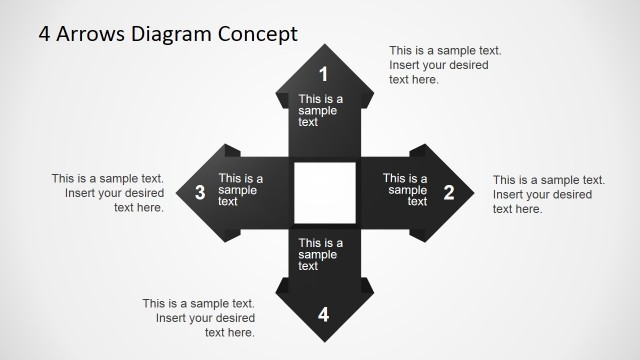
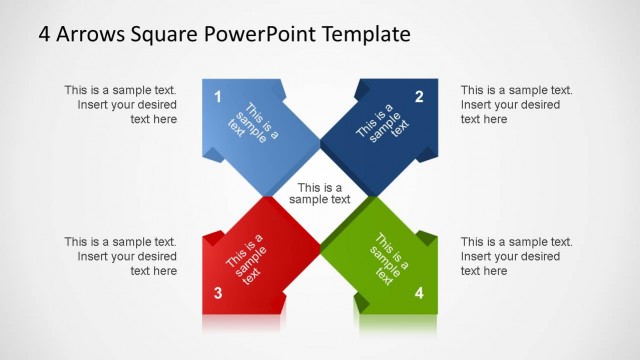
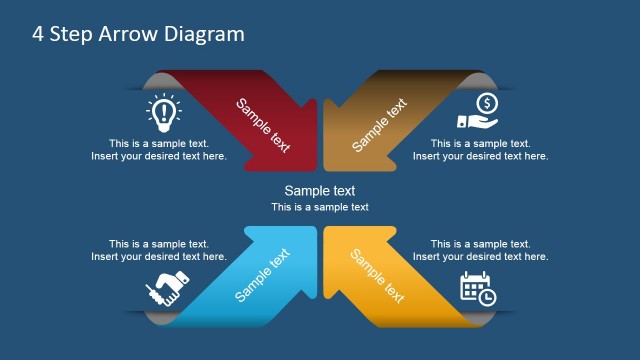
The 4 Arrows Diagram Concept slide from the Free 4 Arrows Diagram Slides for PowerPoint template offers a structured layout ideal for project planning and strategic analysis. This slide features editable shapes forming a cross with four distinct arrows, enabling clear visualization of relationships or comparisons. It integrates well into business presentations and pitch decks, providing a balanced design that supports concise explanation of multi-element concepts using professional slide templates.
What’s on This Slide
The layout features a central diagram with four arrows pointing in different directions. Each arrow is a distinct color: blue, red, green, and dark blue. The arrows are positioned at the top, bottom, left, and right, forming a cross shape. Each arrow contains a numbered text placeholder, aligned centrally within the arrow shape. Additional text placeholders are located above and below the diagram, providing space for supplementary information. The background is a light gradient, enhancing the visibility of the arrows and text. The overall composition is balanced, with clear visual separation between elements.
How to Use It
This layout serves as a four-part relationship diagram, ideal for illustrating concepts or processes that involve multiple elements. It fits well in a presentation sequence following an introduction or problem statement, providing clarity on relationships or comparisons. Suitable scenarios include project planning, strategic analysis, or product feature comparisons. The design allows for easy customization of content while maintaining a structured visual flow, making it effective for business presentations or educational contexts.
Text Placeholders & Capacity
Keep your copy within these limits so it fits without resizing. Node labels can accommodate roughly 5-6 words each.
| Placeholder | Count | Max characters (approx.) |
|---|---|---|
| Slide title | 1 | 30 |
| Item heading | 4 | 25 |
| Body paragraph | 4 | 50 |
Slide Keywords
Download unlimited PowerPoint templates, charts and graphics for your presentations with our annual plan.
DOWNLOADReturn to Free 4 Arrows Diagram Slides for PowerPoint.