Slide 2 of 4 from Free 4 Arrows Diagram Slides for PowerPoint
02-free-four-arrows-ppt-diagram
4 Arrows Diagram Concept for Presentations
- Diagram
- Matrix Quadrant
- Process Slide
- 16:9
- 100% Editable
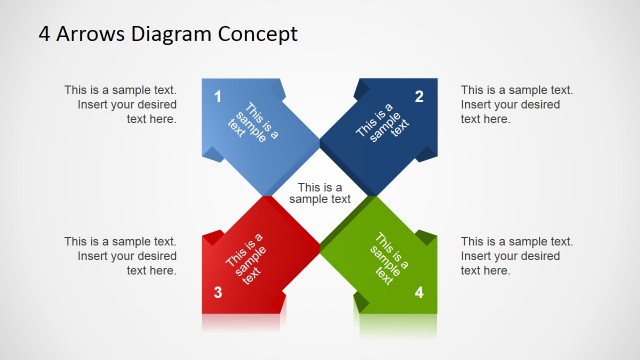
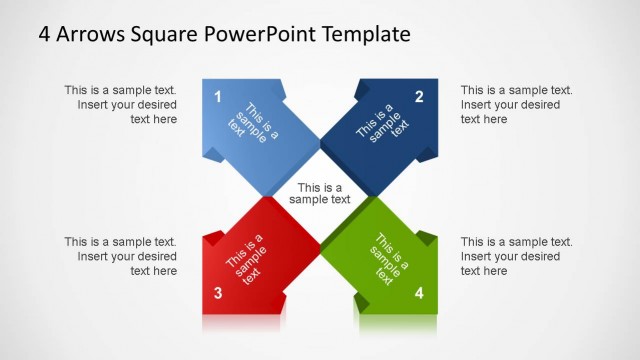
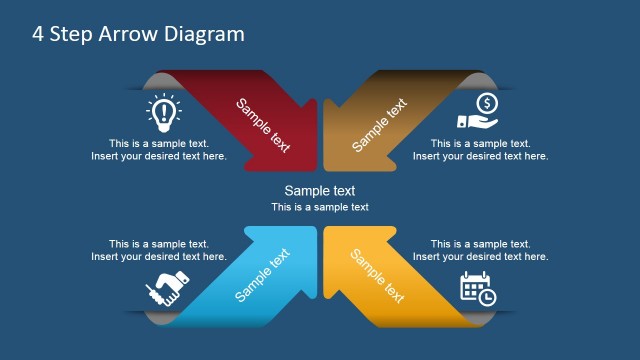
The 4 Arrows Diagram Concept slide from the Free 4 Arrows Diagram Slides for PowerPoint template provides a structured visual for process mapping and strategic analysis. Featuring a balanced cross formation with colorful arrows and editable shapes, this slide supports clear communication of interconnected steps in business presentations or project planning. It integrates well into slide decks that require organized, easy-to-follow diagrams within PowerPoint templates or Google Slides templates.
What’s on This Slide
The slide features a four-part diagram with arrows pointing in different directions. Each arrow is a distinct color: blue, red, green, and gray. The arrows are arranged in a cross formation, with a central area for additional text. Each arrow contains a numbered label and a text placeholder positioned below it. The background is light gray, providing contrast to the colorful arrows. The visual hierarchy emphasizes the arrows and their labels, while the central text area is designed for supplementary information. The overall layout is symmetrical and balanced.
How to Use It
This layout serves to illustrate relationships or processes involving four distinct elements. It is suitable for presentations that require a clear visual representation of interconnected concepts or steps. This slide fits well after an introductory problem slide, leading into a detailed analysis or roadmap. It can be effectively used in business contexts such as strategy discussions, project planning, or process mapping, where clarity and organization are essential for audience understanding.
Text Placeholders & Capacity
Keep your copy within these limits so it fits without resizing. Node body slots can hold approximately 10-12 words each.
| Placeholder | Count | Max characters (approx.) |
|---|---|---|
| Slide title | 1 | 30 |
| Item heading | 4 | 20 |
| Item body | 4 | 50 |
Slide Keywords
Download unlimited PowerPoint templates, charts and graphics for your presentations with our annual plan.
DOWNLOADReturn to Free 4 Arrows Diagram Slides for PowerPoint.