Slide 3 of 4 from Free 4 Arrows Diagram Slides for PowerPoint
03-free-4-arrows-powerpoint
4 Arrows Diagram Concept for Presentations
- Diagram
- Arrow Sequence
- Process Slide
- 16:9
- 100% Editable
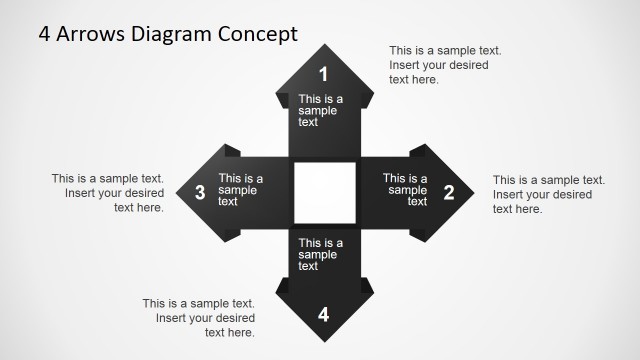
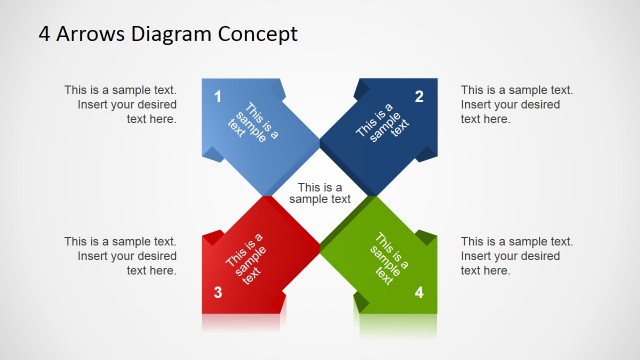
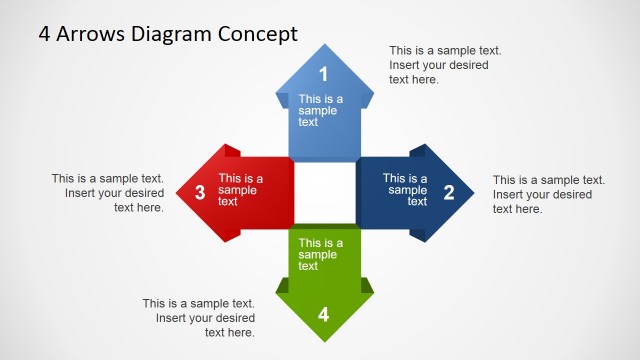
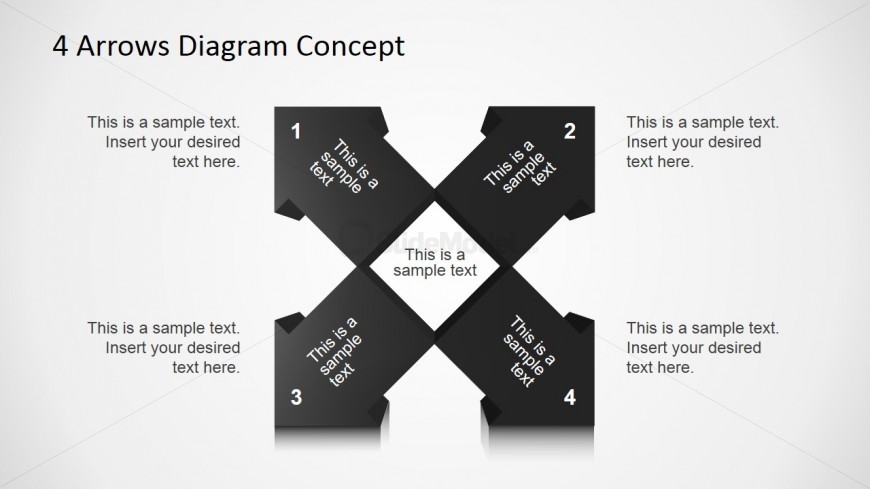
The 4 Arrows Diagram Concept slide from the Free 4 Arrows Diagram Slides for PowerPoint template offers a clear visual process layout ideal for business presentations. This slide features editable shapes arranged in a cross pattern to illustrate multi-component strategies or project planning steps effectively. It supports detailed concept comparison and process explanation within professional slide decks, enhancing clarity and flow in corporate presentations using PowerPoint templates or Google Slides templates.
What’s on This Slide
The layout features a central diamond shape surrounded by four arrow segments pointing outward. Each arrow segment contains a text placeholder aligned centrally, with a numbered label in the upper corner. The segments are arranged in a cross pattern, creating a visual flow from the center to each arrow. The background is a light gradient, enhancing the contrast with the dark arrow shapes. There are placeholders for additional text at the top and bottom, contributing to the overall visual hierarchy and balance of the design.
How to Use It
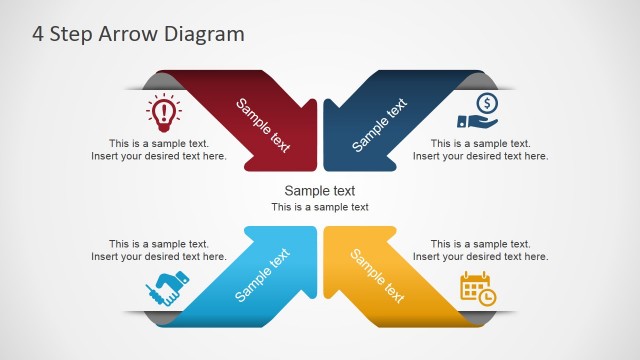
This layout serves as a four-part relationship diagram, ideal for illustrating concepts or processes that involve multiple components. It fits well in a presentation sequence after introducing a problem or concept, providing clarity on how different elements interact. This structure is useful in business scenarios such as strategy discussions, project planning, or comparative analyses, where clear delineation of ideas is necessary.
Text Placeholders & Capacity
Keep your copy within these limits so it fits without resizing. Node body slots can accommodate roughly 15-20 words each.
| Placeholder | Count | Max characters (approx.) |
|---|---|---|
| Item heading | 4 | 30 |
| Item body | 4 | 100 |
| Slide title | 1 | 50 |
| Footer | 1 | 50 |
Slide Keywords
Download unlimited PowerPoint templates, charts and graphics for your presentations with our annual plan.
DOWNLOADReturn to Free 4 Arrows Diagram Slides for PowerPoint.