Grab our interactive Year Long Timeline PowerPoint Template to present your action plans in specific timeframes. Timelines can be vertical or horizontal and depict the order of the events and sequence of the tasks. We have crafted this unique template with editable PPT features for operational managers, product developers, project managers, and much more. Professionals can download this template to present the details of the monthly activities of the year to achieve a business objective. Students can also make their career timelines for the upcoming year using this engaging layout and present it in the academic sessions. They can also display their study or action plans using this year-long timeline template. Furthermore, project managers can show the project activities related to each milestone of the year-long project. Users can repurpose and customize the layout to showcase their preferred timelines, like quarterly timelines, five-year growth roadmaps, etc.
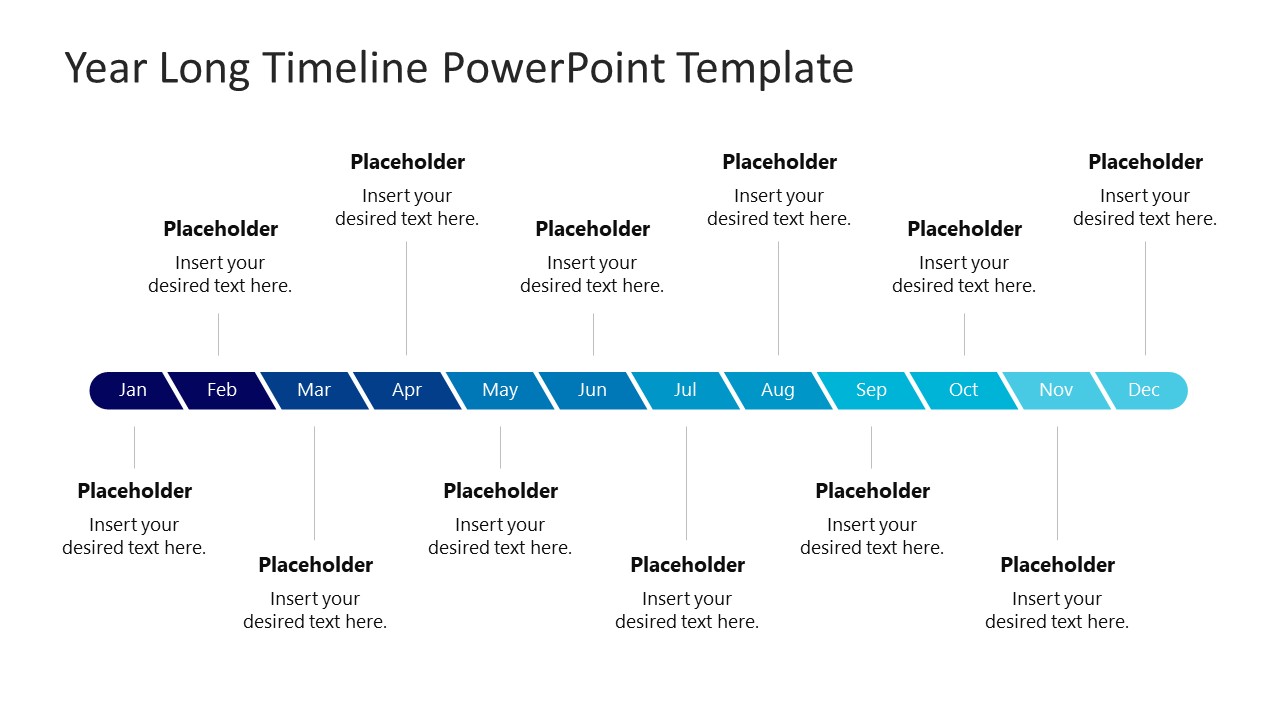
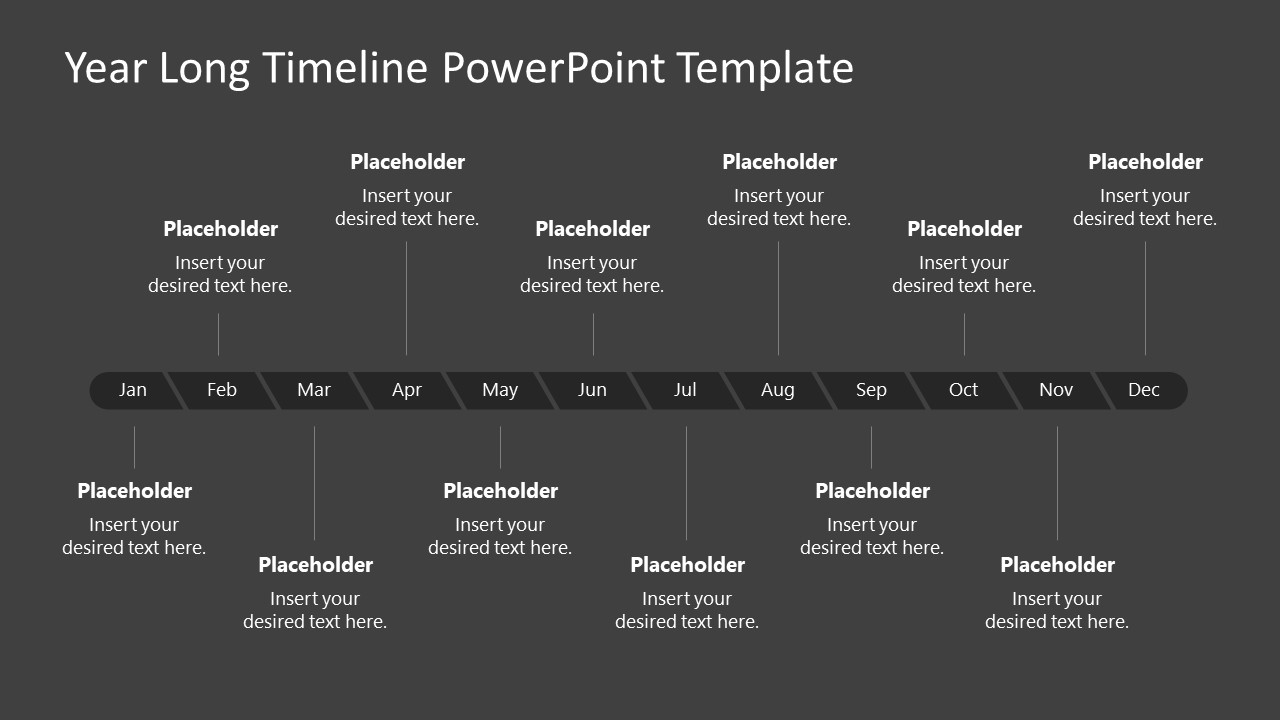
The Year Long Timeline PowerPoint Template has two slides with a similar diagram but a different color scheme. The first slide has a blue-white color pallet with a white background, while the second slide has a dark background. The diagram shows a long horizontal bar with twelve segments. The lines dividing the bar are diagonal and inclined. Each section is specific for the respective month of the year. Moreover, we have provided placeholder text for each section where users can write the corresponding details. Project managers can craft Gantt Charts with this timeline slide diagram. In the executive presentations, users can edit the slide layout to showcase the event plans, company history and milestones archived, and marketing strategies. Our template is also customizable with PowerPoint, Google Slides, and Keynote. Professionals can change the template features to fit their needs accurately. Download this yearlong timeline PPT template and edit it now! Also, check our article about how to make a timeline in PowerPoint and our collection of timeline templates.
What’s inside this template
Example presentation scenarios
- A project manager can present an annual project plan to executives by placing major deliverables in the alternating callouts around the 12-month horizontal timeline.
- A product manager can explain a release roadmap to stakeholders by assigning feature work, launch windows, or review points to the January through December segments.
- A marketing planner can align campaign owners around seasonal activity by mapping promotions, events, and reporting checkpoints across the monthly timeline.
- A student or career coach can present a one-year development plan by adding study goals, certification dates, and career milestones to the editable text placeholders.
Features
- 100% editable presentation template
- Compatible with Microsoft PowerPoint and Google Slides
- 16:9 aspect ratio slides
- Scalable vector shapes, icons and illustrations
- AI-Ready for Microsoft Copilot and Claude
- Instant access and download
Frequently asked questions
Q: How should a presenter keep a full-year timeline from becoming too crowded?
A: Treat the timeline as an executive overview, not a task list. Place only the main milestone or action theme in each callout, and reserve supporting detail for speaker notes or follow-up slides. The alternating labels above and below the bar help separate adjacent months, so short phrases will read better than full sentences.
Q: Who is this timeline best suited for in a planning meeting?
A: This layout fits presenters who need shared alignment on timing, such as project managers, product leads, operations planners, marketing managers, or academic advisors. It works best when the audience needs to see the whole year in one glance and understand when key activities, reviews, launches, or checkpoints occur.
Q: Why use a single segmented year bar instead of a table of months?
A: The segmented bar makes time the dominant visual structure, so the audience reads the plan from left to right as a sequence. Diagonal dividers give each month a clear boundary without heavy grid lines, while the callouts keep explanations close to the relevant time period instead of burying them in a table.


Year Long Timeline PowerPoint Template
2-slide presentation template for year-long timeline planning with monthly milestones and action notes
The Year Long Timeline PowerPoint Template is a 2-slide planning diagram for Microsoft PowerPoint and Google Slides. It shows a 12-month horizontal timeline with diagonal month segments, alternating text callouts, and light and dark background variants for project managers, product teams, operations leaders, and students.
- Category
- Timelines & Planning
- Rating

 Loading...
- Aspect ratio
- 16:9
- Item ID
- 22630-01
- Colors
 Microsoft PowerPoint
 Microsoft Copilot
 Claude for PowerPoint
Other formats supported
Subscribe today and get immediate
access to download our PowerPoint templates.