Slide 4 of 4 from Weighted Graph Template for PowerPoint
6176-01-weighted-graph-4
Simple Graph Representation for Presentations
- Diagram
- Other
- Concept Explanation Slide
- 16:9
- 100% Editable
The Simple Graph Representation slide from the Weighted Graph Template for PowerPoint offers a clear visual layout for illustrating network analysis and graph theory concepts. This slide uses editable shapes and vector icons to depict nodes and connections, making it suitable for educational presentations and business presentation slide decks that require precise explanation of relationships within data structures.
What’s on This Slide
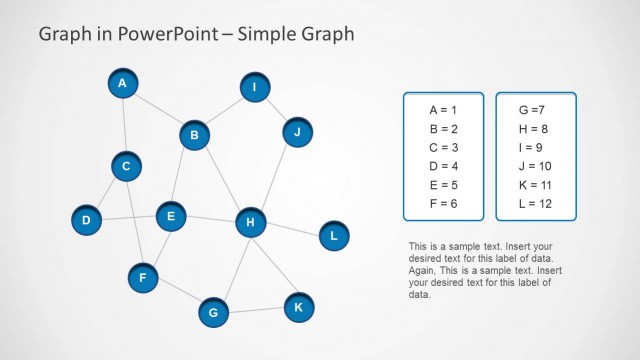
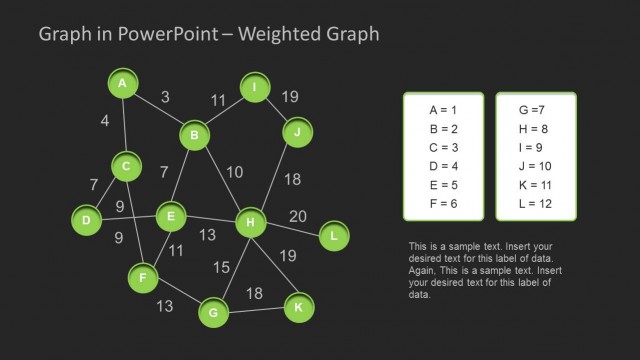
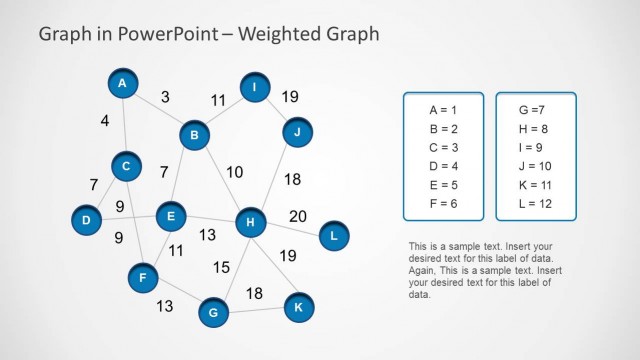
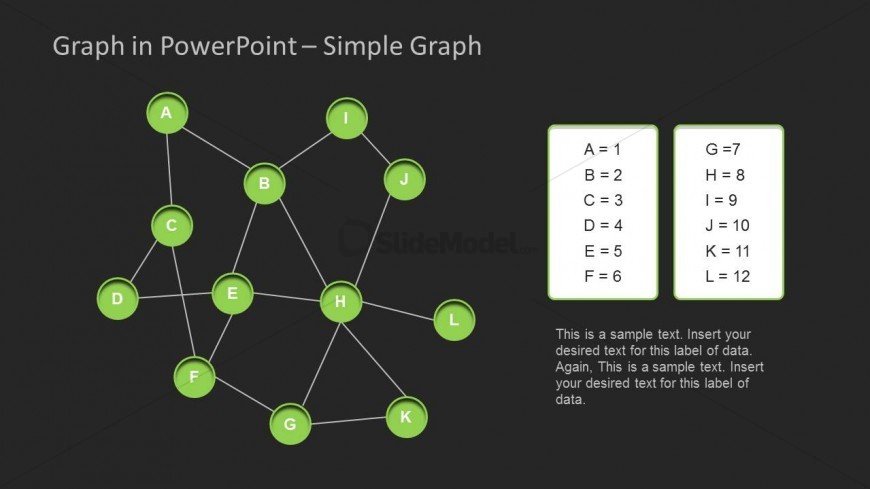
The slide features a simple graph with nodes labeled A through L, arranged in a network structure. Nodes are circular and green, connected by lines indicating relationships. On the right, there are two text boxes containing labels and corresponding values for each node. The title is positioned at the top center, while the graph occupies the central area. The background is dark, enhancing the visibility of the graph and text elements. Text placeholders exist for additional data below the labels, maintaining a clear visual hierarchy.
How to Use It
This layout serves as a visual representation of a simple graph, ideal for explaining concepts in graph theory or network analysis. It fits well in a presentation sequence following a discussion on weighted graphs or decision trees. Use it in educational settings or analytical reports to illustrate relationships between nodes. The layout is suitable for scenarios that require clear visual communication of complex connections, such as project management or data modeling.
Text Placeholders & Capacity
Keep your copy within these limits so it fits without resizing. Node labels can accommodate short text, roughly 5 characters each.
| Placeholder | Count | Max characters (approx.) |
|---|---|---|
| Slide title | 1 | 30 |
| Item heading | 12 | 5 |
| Item body | 12 | 10 |
| Body paragraph | 2 | 100 |
Slide Keywords
Download unlimited PowerPoint templates, charts and graphics for your presentations with our annual plan.
DOWNLOADReturn to Weighted Graph Template for PowerPoint.